Motion
How motion brings clarity and character to Rovo's AI experiences.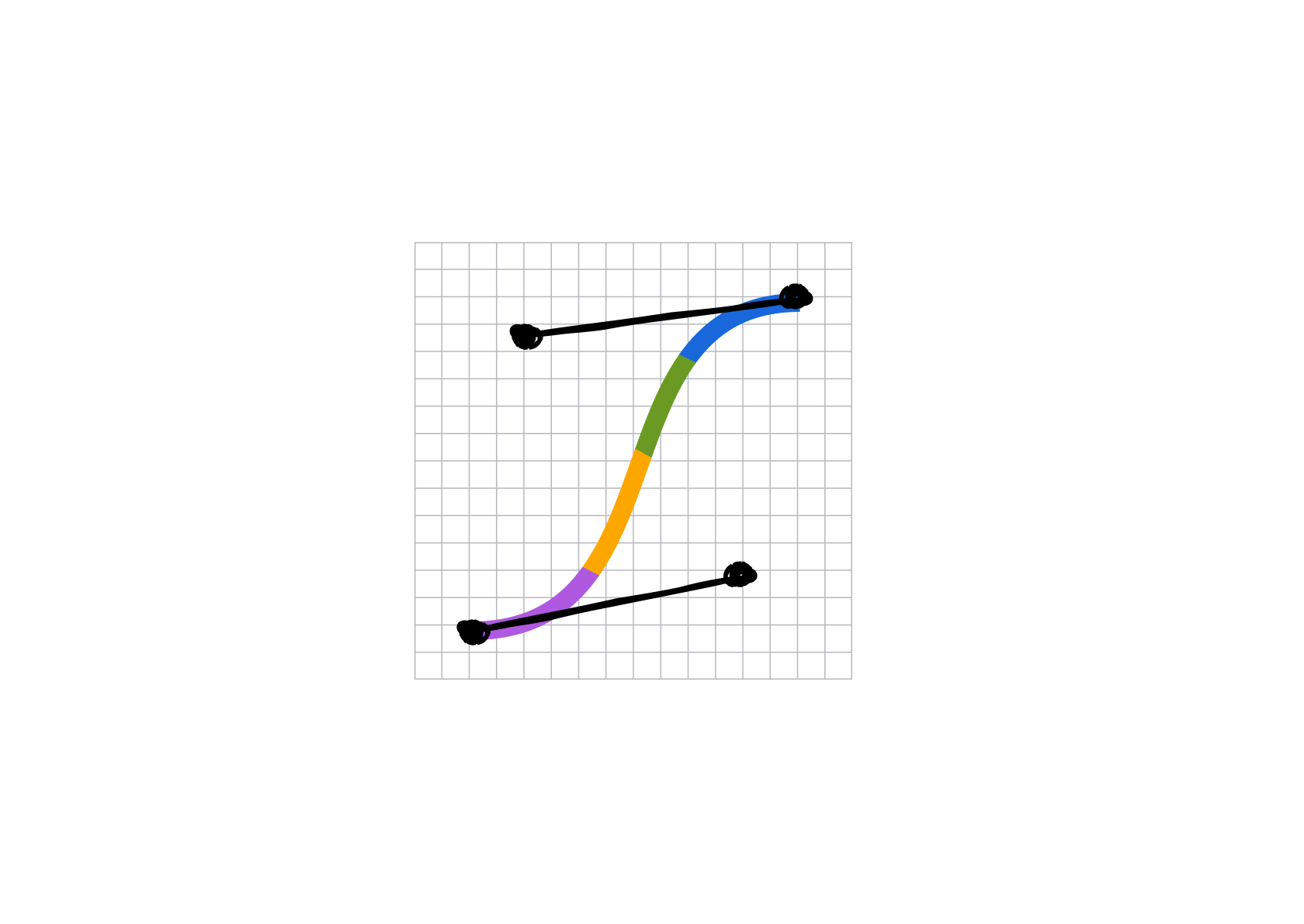
Motion for Rovo
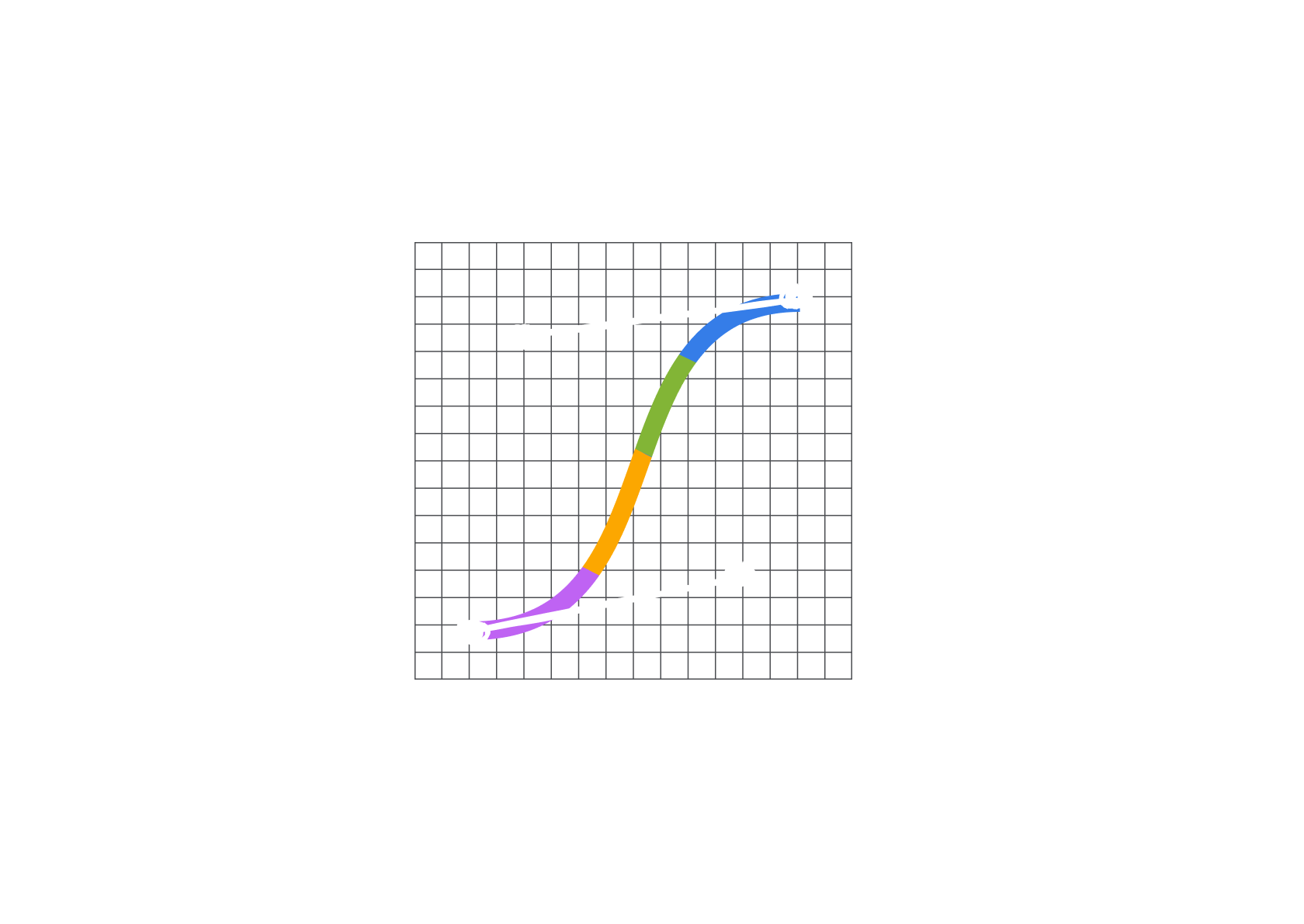
Rovo motion builds on the Atlassian Design System motion foundation. It uses the same tokens, easing curves, and duration ranges to ensure Rovo experiences feel like a part of the broader design language.
Rovo’s motion character
Motion helps Rovo feel fluid, continuous, and human, but never mechanical or rigid. This isn’t purely aesthetic: motion that flows continuously makes Rovo feel present and responsive. It signals an interface that’s listening, adapting, and always aware of context.
Best practices
Keep users in the flow
Each moment should flow naturally into the next, using motion to make an experience feel fluid. Here’s how this shows up across Rovo:
Inferred motion
We use simple transformations like direction, rotation, scale, or opacity to create the feeling of fluid motion. The result looks continuous even when each element is animated independently.
Page choreography
Elements should arrive in a deliberate sequence to create a rhythm that guides attention through the layout without requiring the user to decide where to look first. For example, illustration then title, prompt box, and cards.
Use the staggered entrance primitive to implement page choreography in your app or learn more about entrance and exit transitions.
The right expression for the right moment
Not every moment deserves the same level of motion. Match the intensity to how central the moment is and how often someone encounters it. For example, quiet when Rovo is one option among many, expressive when it’s the entire experience.
Subtle
An icon animating on hover, when Rovo appears next to non-AI options alike.
Purposeful
A mosaic border with persistent motion, signaling that active generation is underway.
Expressive
A spot illustration with full choreography on a dedicated Rovo surface like a landing screen.
Accessibility
Respect reduced motion settings. Currently, when reduced motion is active, motion is off and instant. Never use motion that flashes, rapidly oscillates, or sweeps large areas of the screen. Verify the interface remains fully usable with all motion disabled.
- Read about motion principles, foundations, and tokens.
- Learn how to use the generative border component.
- Use the staggered entrance primitive.