Generative border
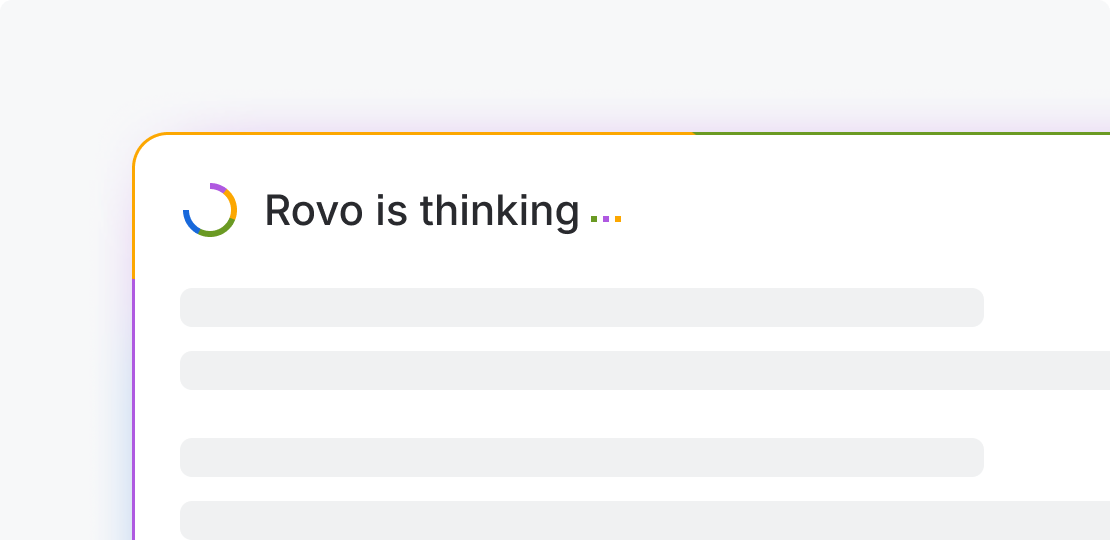
An animated border shows active AI content generation.The generative border (Atlassian only) animates the Rovo mosaic pattern to draw focus to content that is being actively generated by AI. Because it is visually expressive and attention-grabbing, it should be reserved for moments where generation is currently in progress.

Ensure that generative borders use the Rovo color tokens and are composed in a clockwise order of blue, purple, saffron and lime.
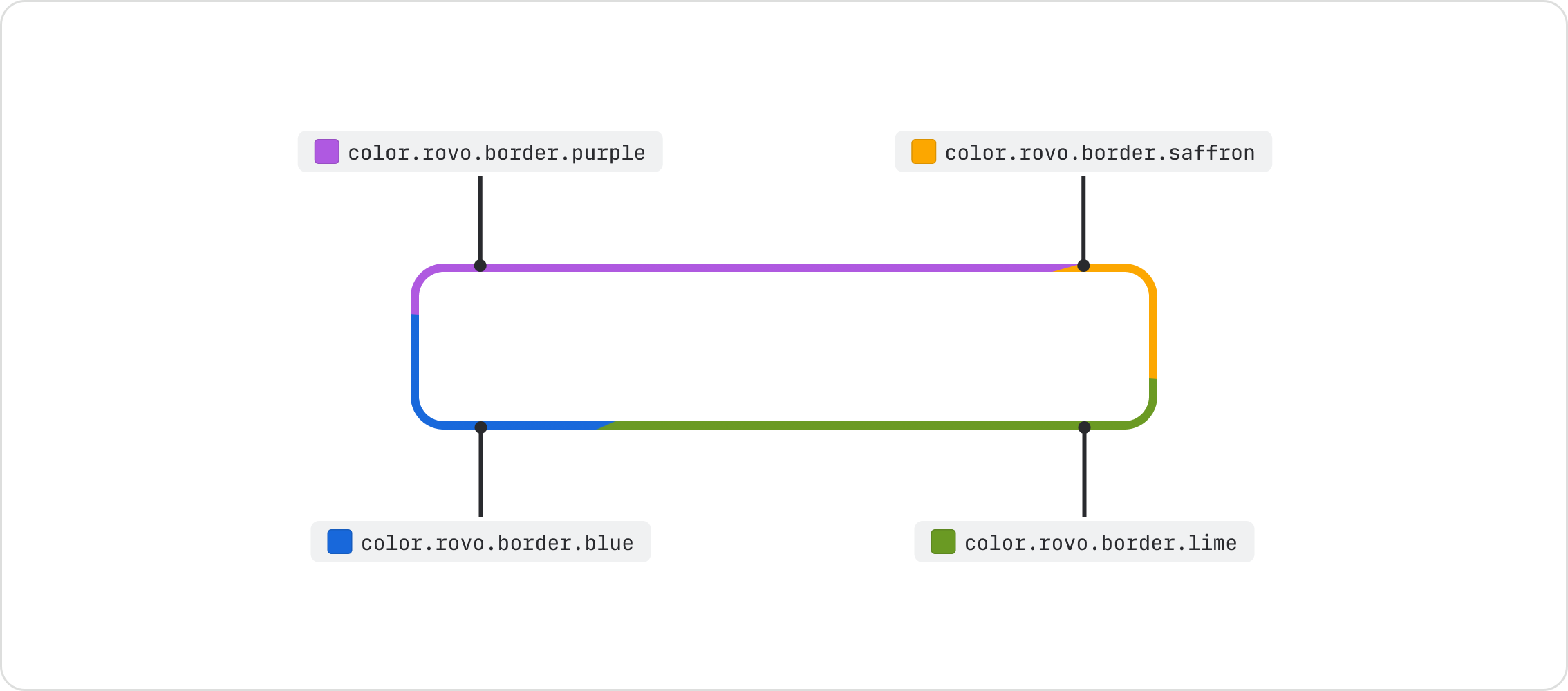

Do
Use flat Rovo colors with hard-edged color stops when using a generative border.
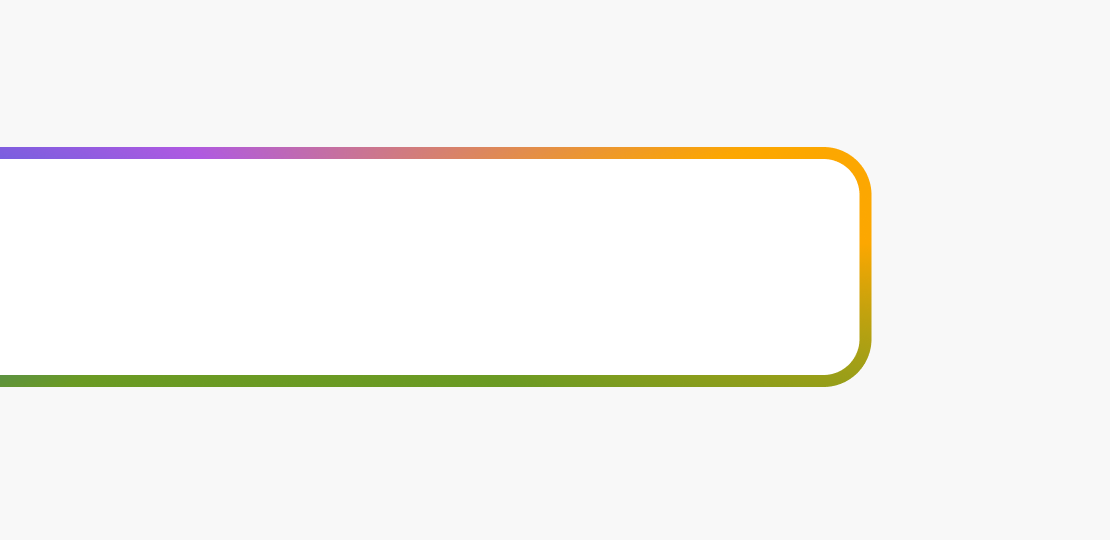
Don’t
Don’t use blended gradients, blurs or tinted colors when using a generative border.
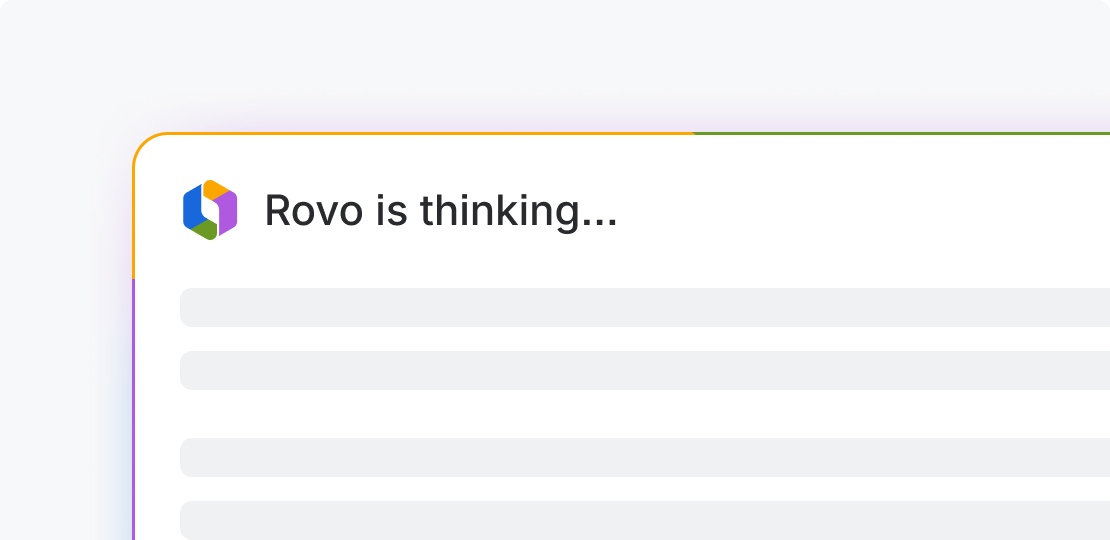
Do
Use the generative border to convey active generation.
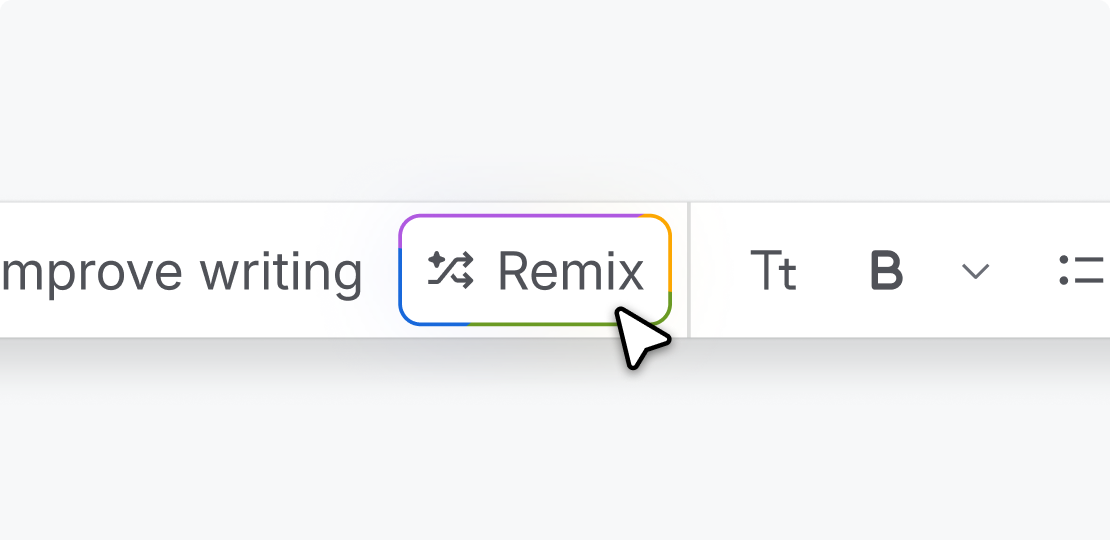
Don’t
Don’t use the generative border as decoration or to make a feature feel more prominent.
Do
Use color with restraint when using a generative border.
Don’t
Don’t combine multiple eye catching generation indicators.