AMP Patterns

A new standard for human-agent interaction
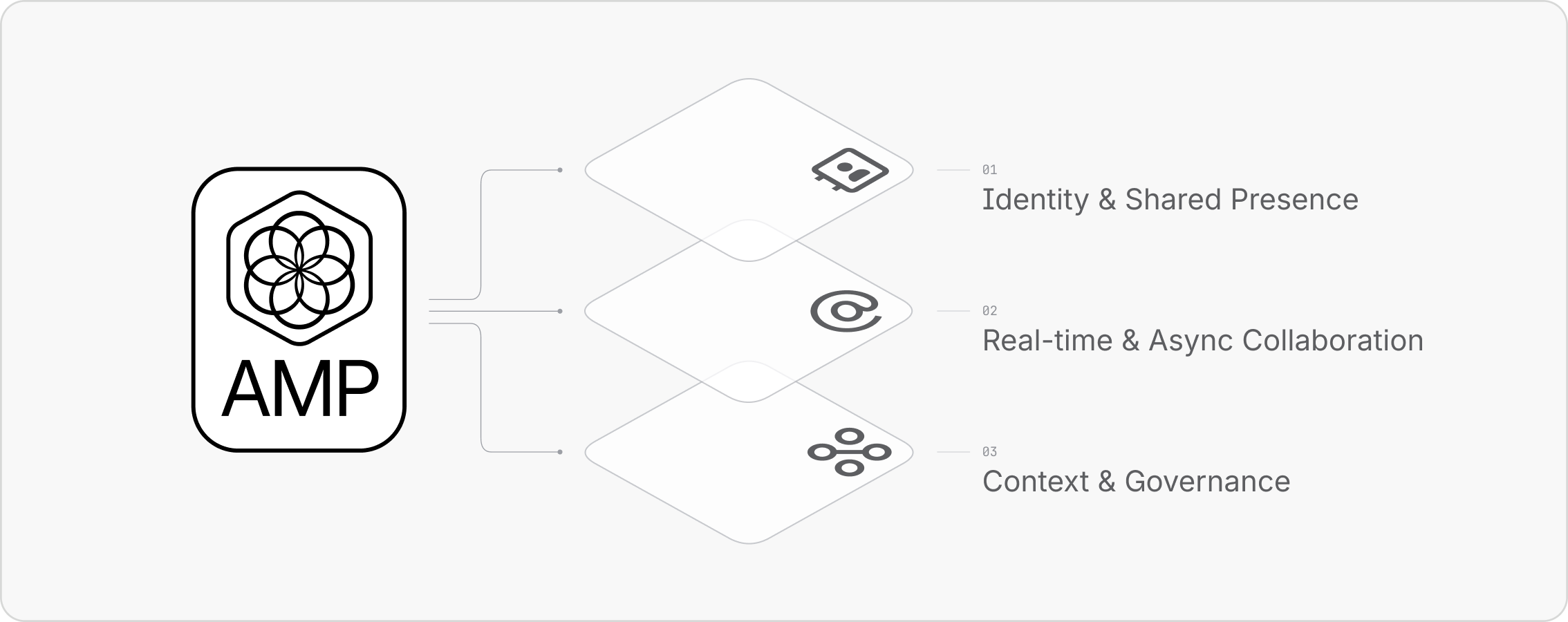
AMP (Agentic Multiplayer Protocol) is for a new kind of work. Agents aren't replacing people; they're joining teams. We therefore need to move beyond thinking only about 1:1 human-agent interaction and design experiences that enable mixed teams of people and agents to collaborate together. There are three foundational pillars to AMP:
- Real-time & Async Collaboration
- Identity & Shared Presence
- Context & Governance
Across these pillars, AMP builds on our AI interaction guidelines, which apply to AI experiences across the Atlassian platform, and sets out a series of specific multiplayer patterns and experiences. When woven across the platform together, they make complex human-agent interaction feel intuitive, delightful and deeply integrated.
Our beliefs about agentic experiences
Agent proliferation
There will increasingly be more agents and agent actions at work.
Experience of flow
Creating an experience of flow is critical when working across diverse tools and workflows.
Multi-vendor ecosystem
Customers will always operate across multiple vendors (Graphs, Models, Apps, and Connectors).

Human agency & accountability
Humans must play the pivotal role in transparency, accountability, and judgment.
Multiplayer at scale
The multiplayer case is a critical one to solve for organizations (from one team to a team-of-teams).
Sync & async harmony
Workflows will inherently balance both synchronous and asynchronous collaboration.
The modes of human-agent interaction
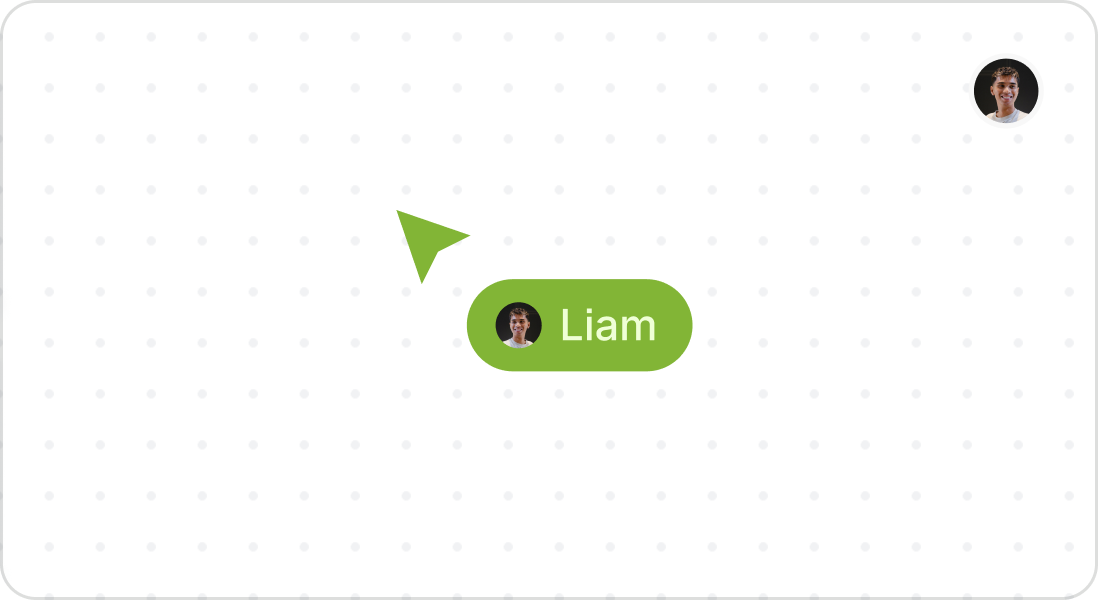
Single player
Humans will continue to work solo but will still need to understand collaboration patterns, when reviewing work coming from other modes.
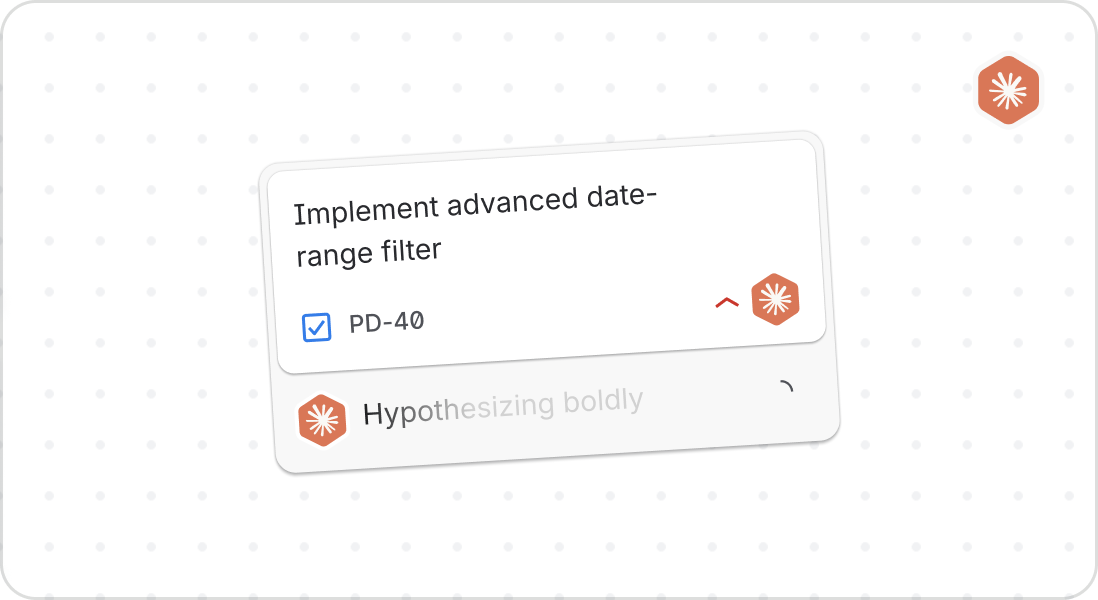
Delegation
The simplest human-agent interaction will be delegating work for an agent to complete.
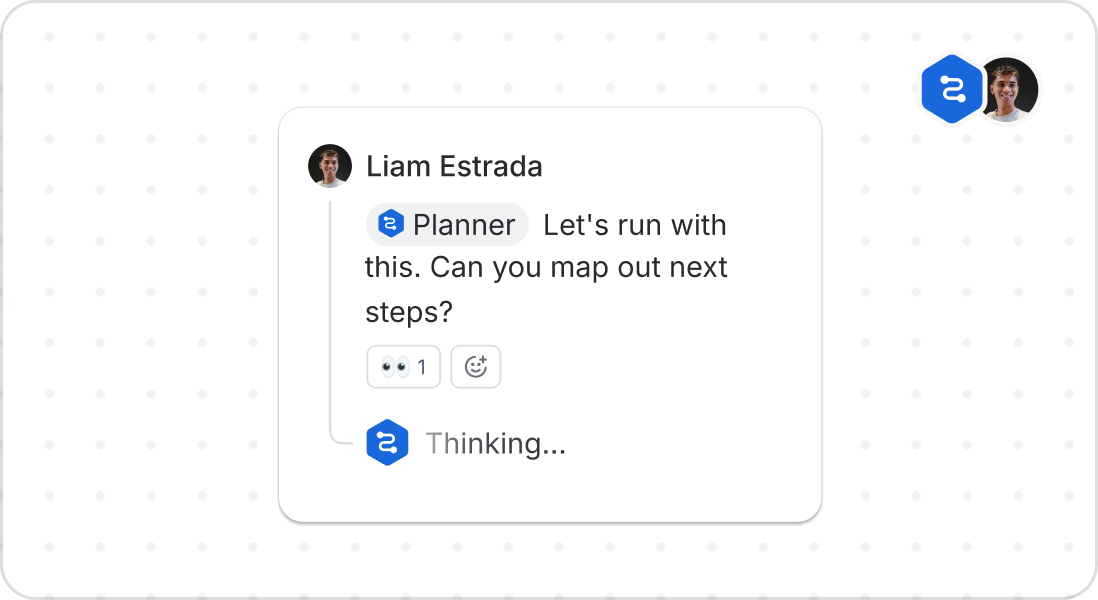
Paired collaboration
Humans can collaborate 1:1 with an agent to get work done as a partnership.
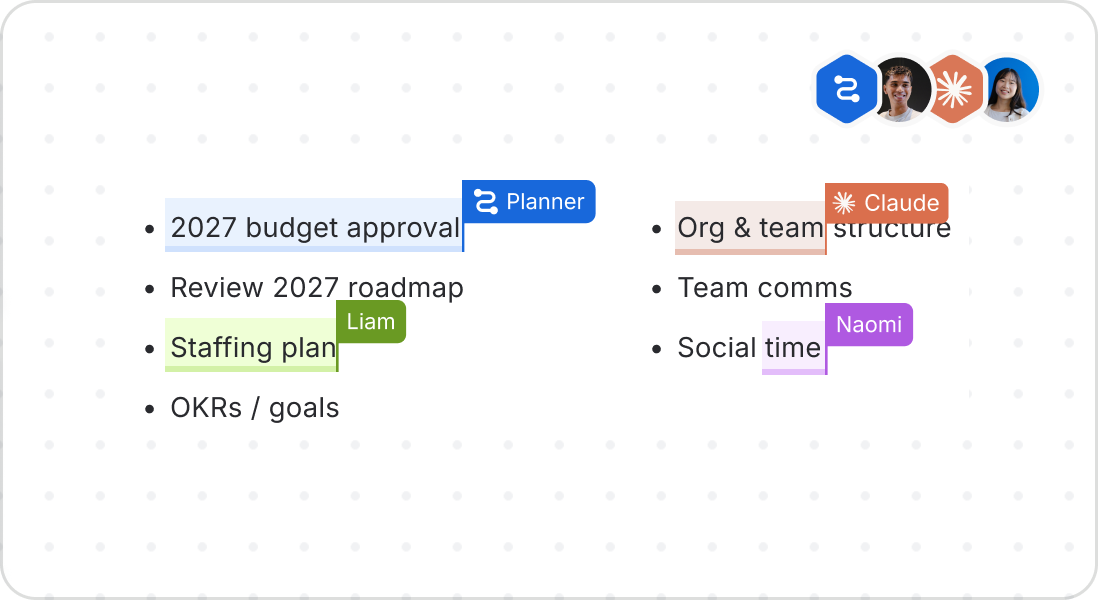
Multiplayer
The most complex but most rewarding mode is true multiplayer, with many humans and agents working as one coherent team.
When people and agents (and agents acting on behalf of people) collaborate, humans need to know who's who, who's doing what, and when they did it. Agents have clear identity, visible presence, and clear attribution, so work stays traceable and the whole team shares awareness and accountability.
Identity
Agents must be represented with a consistent visual language across the platform.
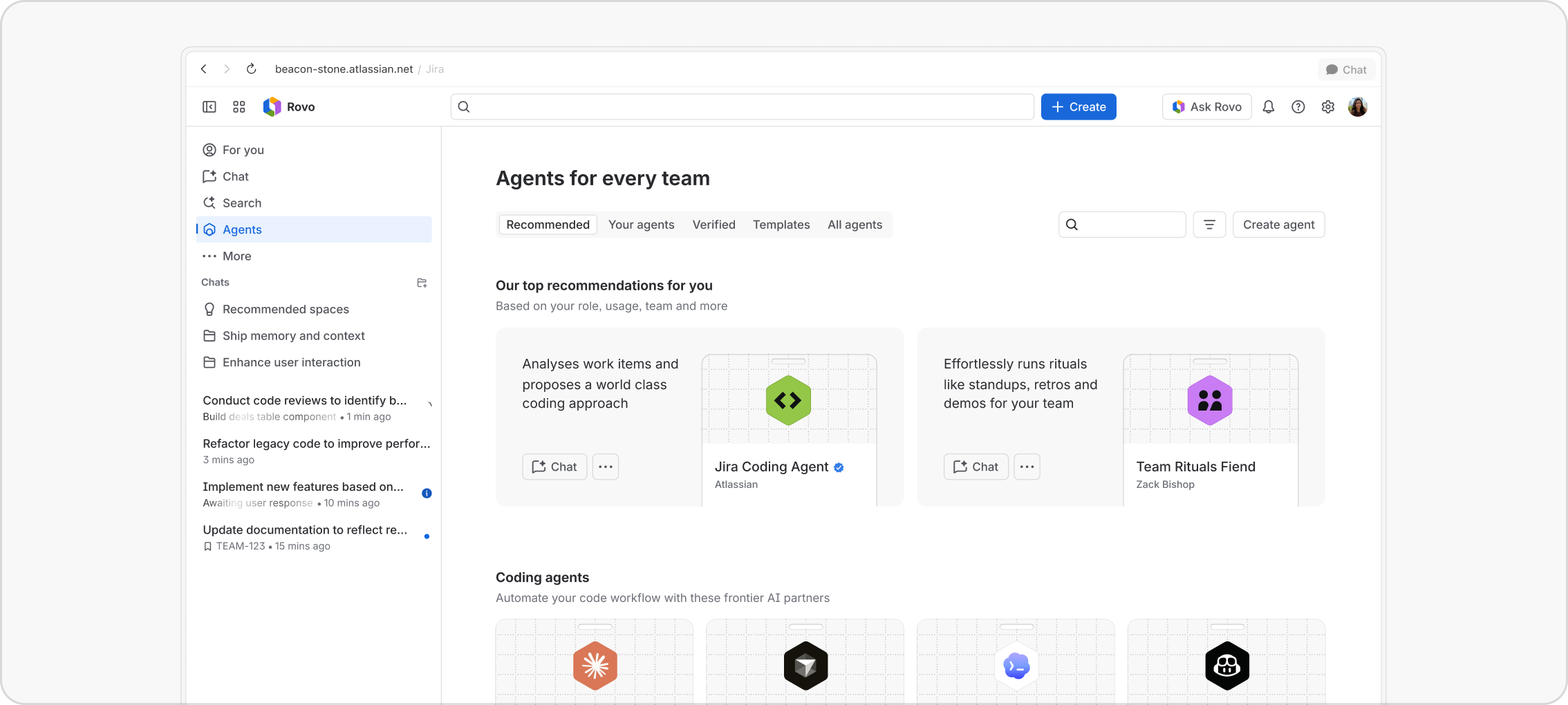
It must be evident when a user is interacting with an agent or with a human. Agents must never impersonate humans, and vice versa. Every agent must be represented by a hexagonal avatar, a shape reserved only for agents. This ensures humans always understand when an agent is at work.
Agent avatars
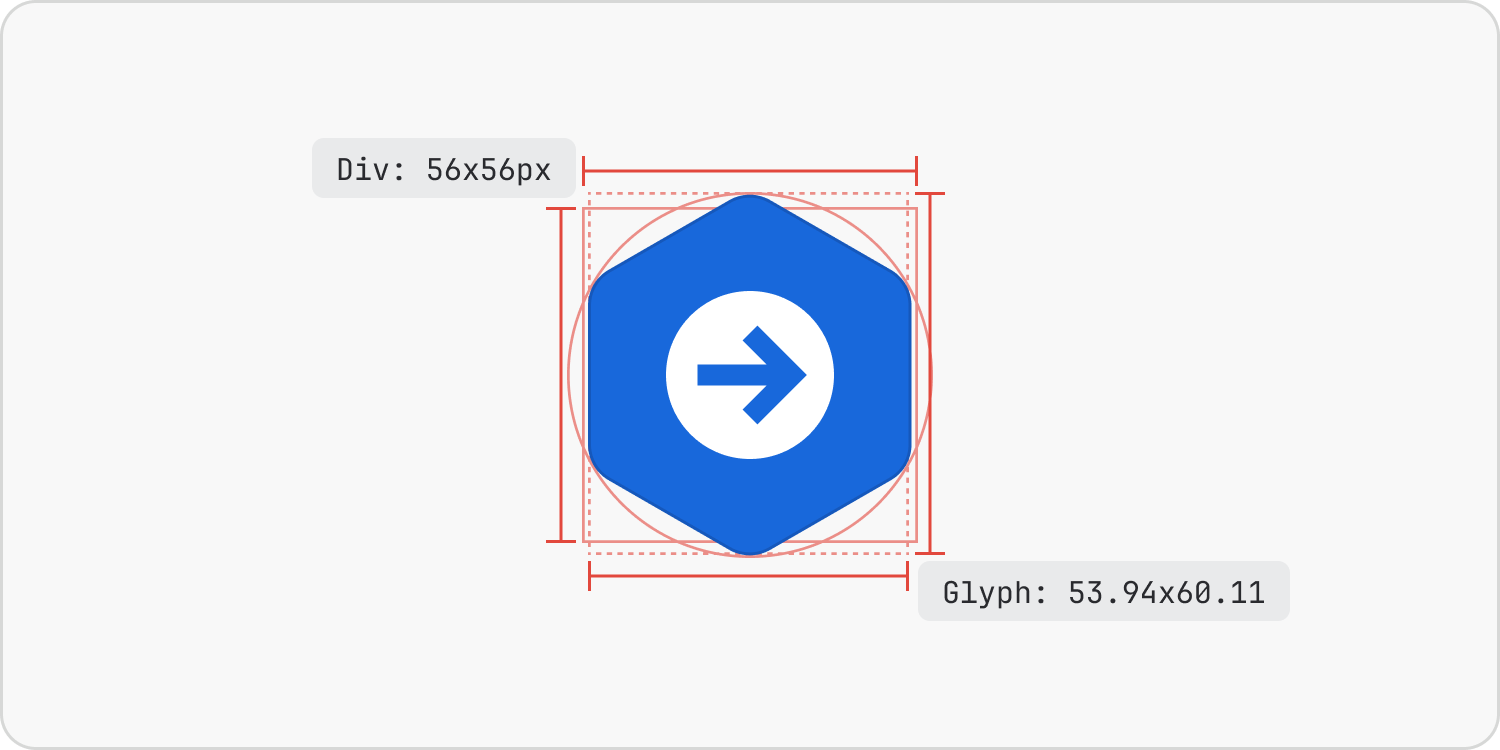
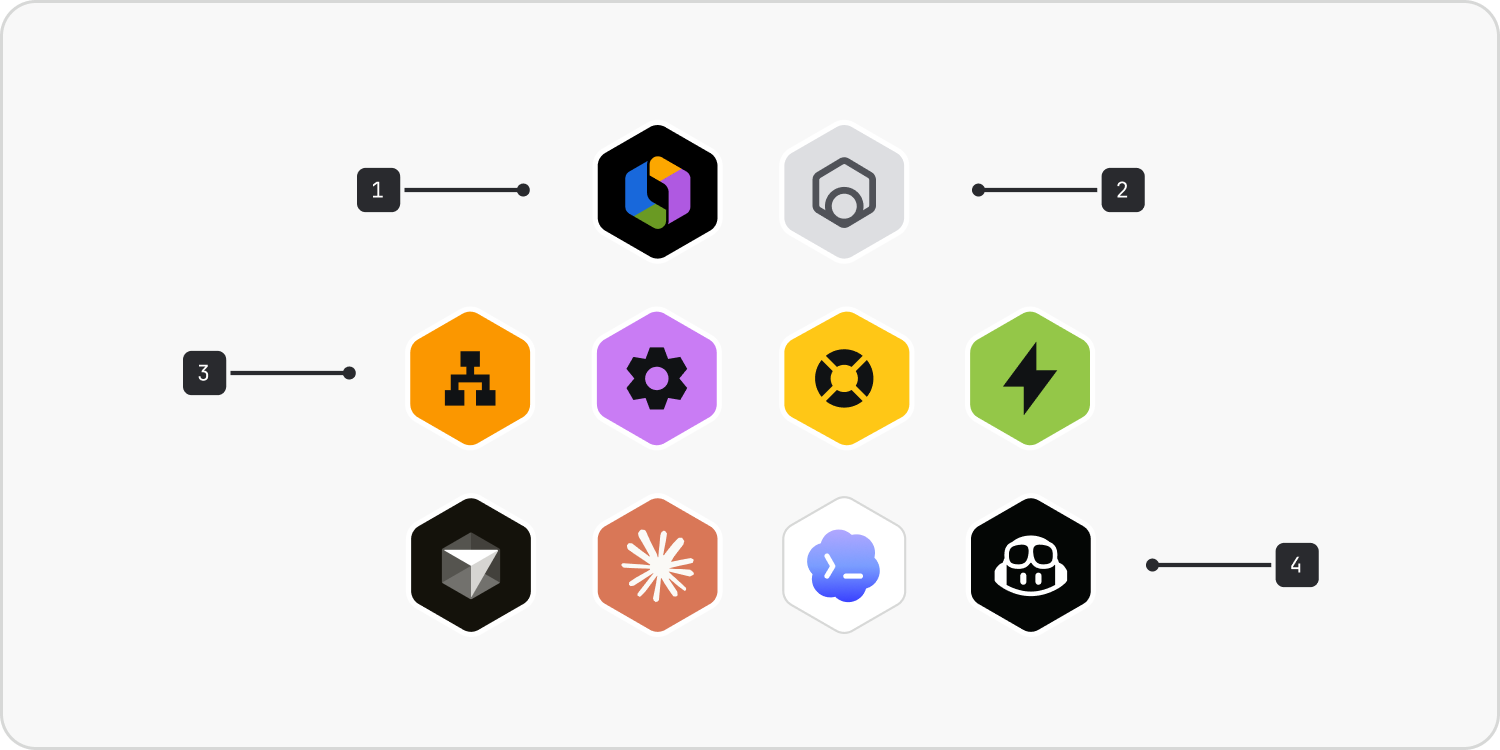
The avatar hexagon’s proportions have been honed to feel balanced alongside circular human avatars; as such, the glyph is taller and thinner than the div it sits within. Avatar size varies from 16px to 46px depending on scenario. Different types of agents have a variety of design treatments:
- Rovo: The core platform agent
- A generic external agent: Used when less context is available
- Atlassian & custom agents: Use a limited but varied set of Atlassian icons and colours
- Third-party agents: Represented by their own brand livery but within the hexagon.

Do
Use the hexagon avatar for all agents, including those accessing the platform via CLI and MCP.

Don’t
Use any other shape for agent avatars, including circles, which are reserved for humans.
Do
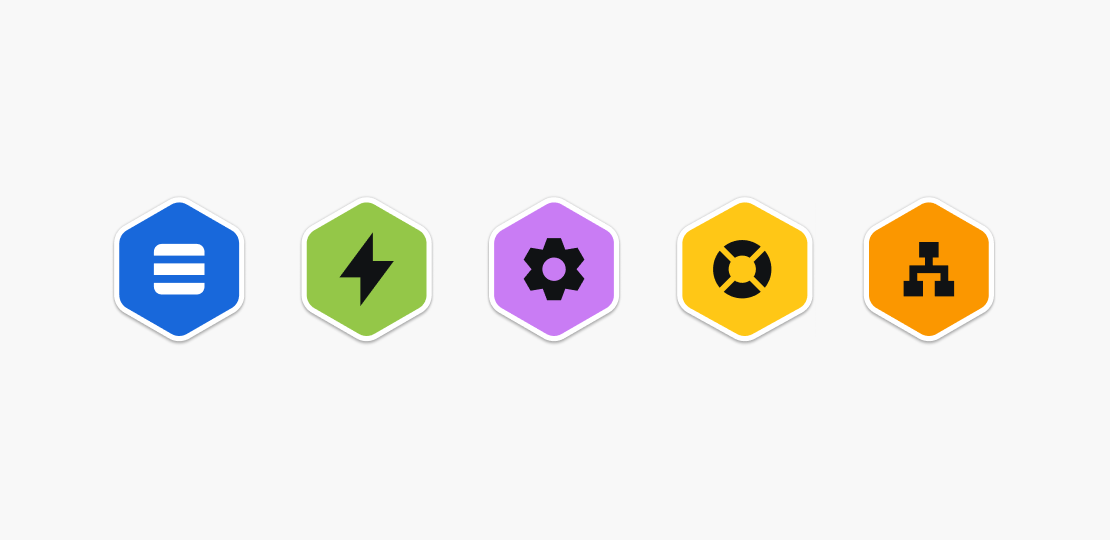
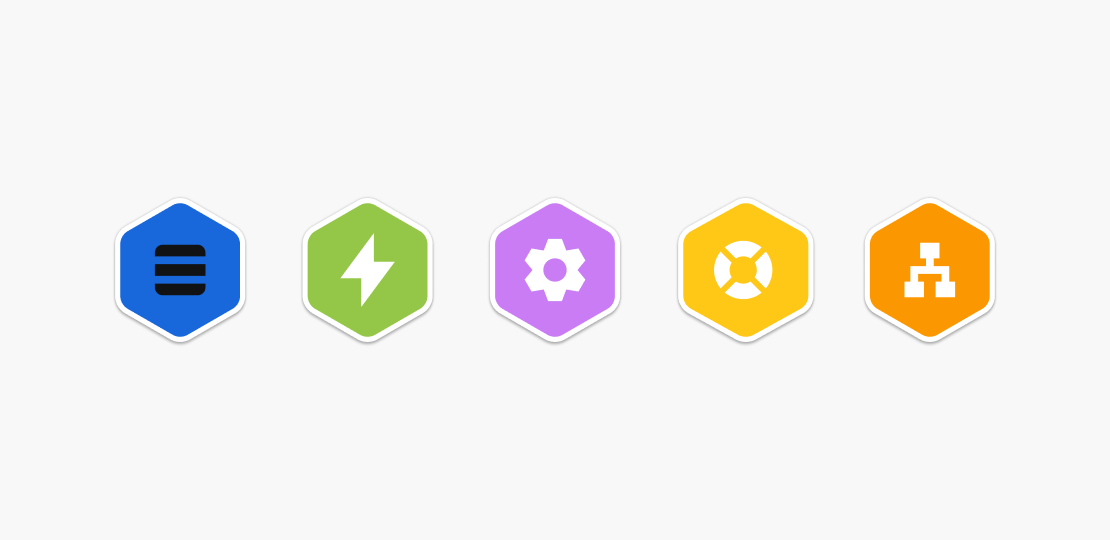
For first-party and custom agents, use one of the five team colours. Use black icons with most colours, but blue only works with white icons.
Don’t
Use black icons on blue avatars (it looks very muddy) or white icons on any other avatar colour (it is too low contrast).

Do
Use the hexagon avatar for agents.

Don’t
Use the hexagon avatar for anything else.

Do
Adhere to the defined proportions for agent avatars.

Don’t
Make the glyph neatly fit a square container. Proportions look bloated and unpleasant.
Directory cards
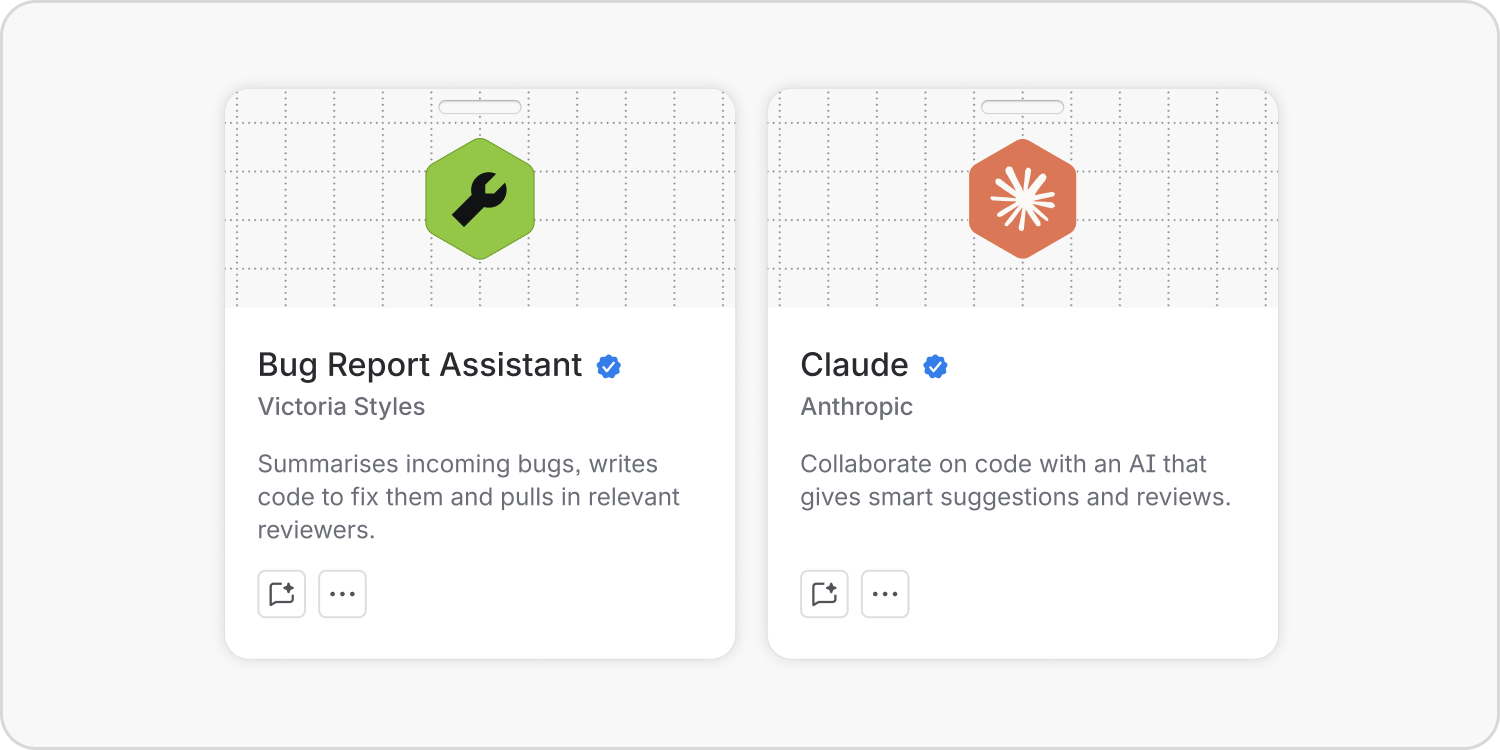
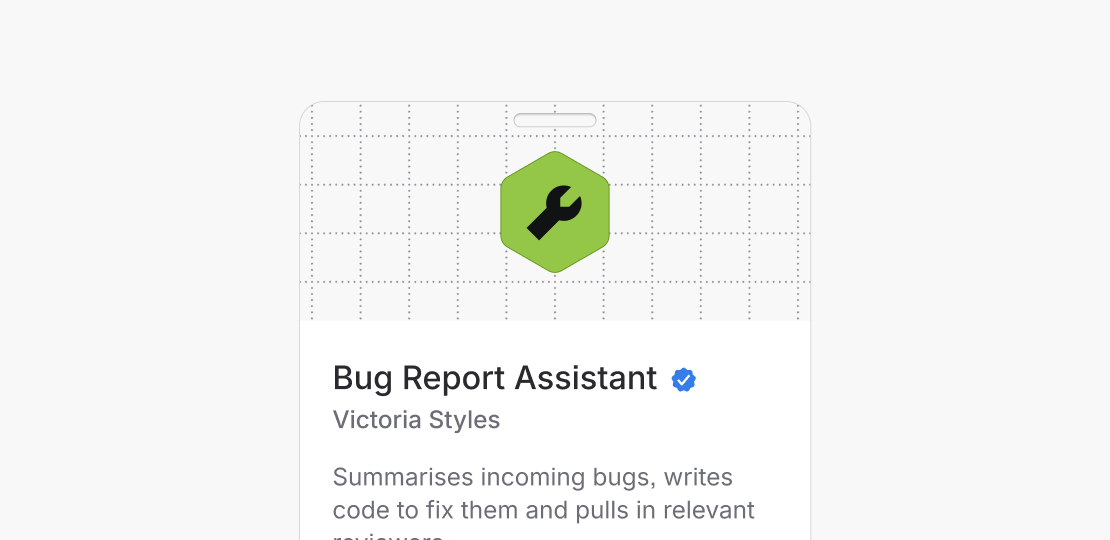
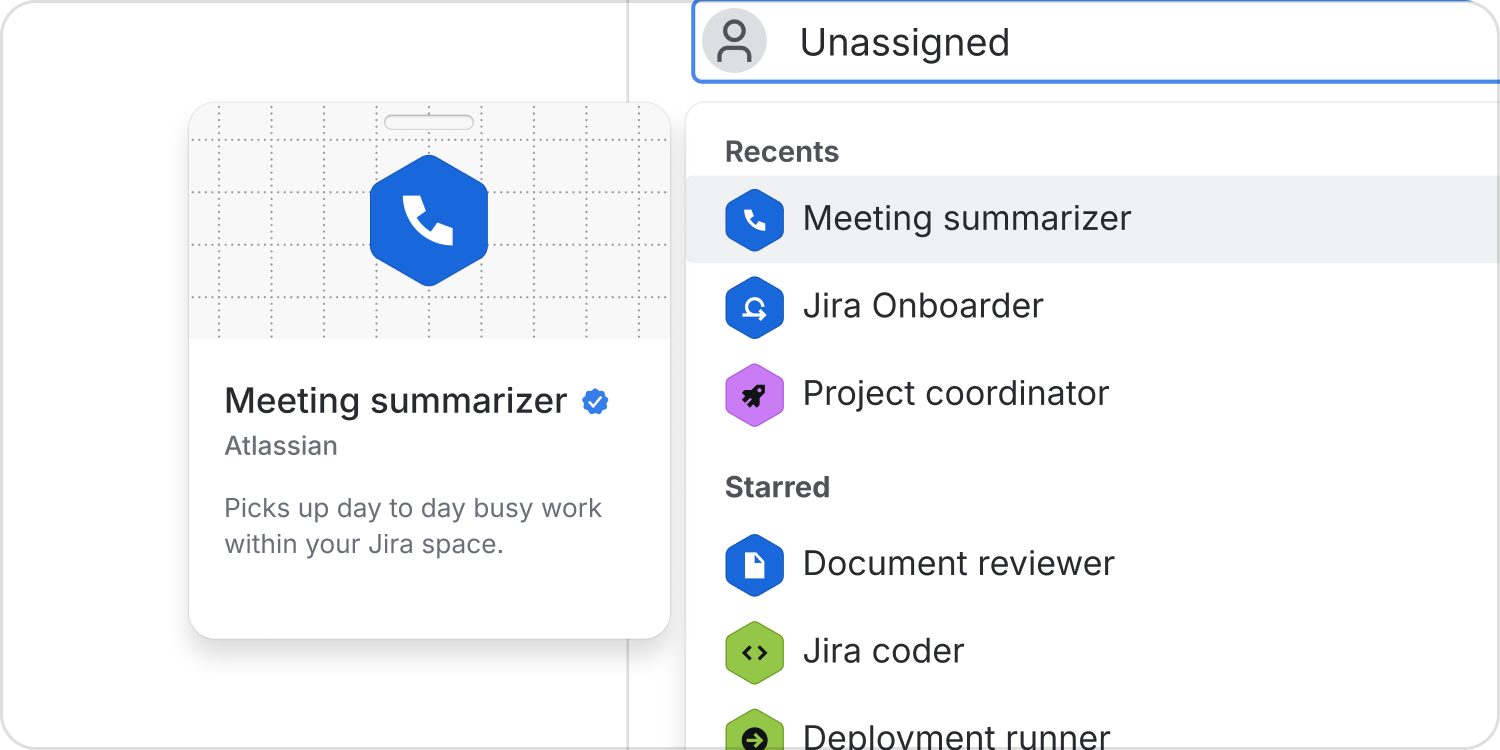
Where additional information about the agent is required, use a “lanyard” style agent card to give extra context about agent owner, purpose and verification.
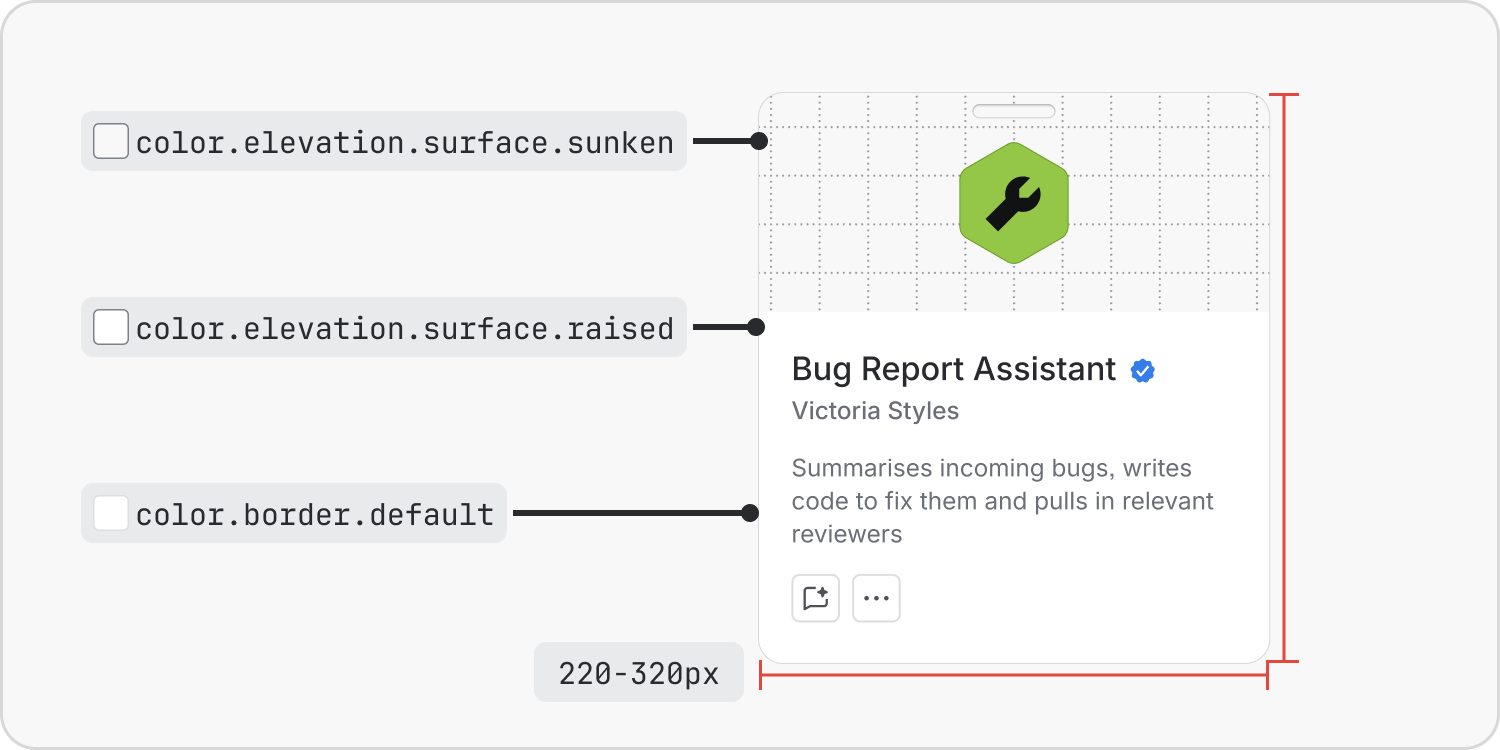
Cards have a variable width (with limits) and a standard vertical height. Long content in avatar names and descriptions is truncated. Be succinct and pithy in naming and describing agents.
Do
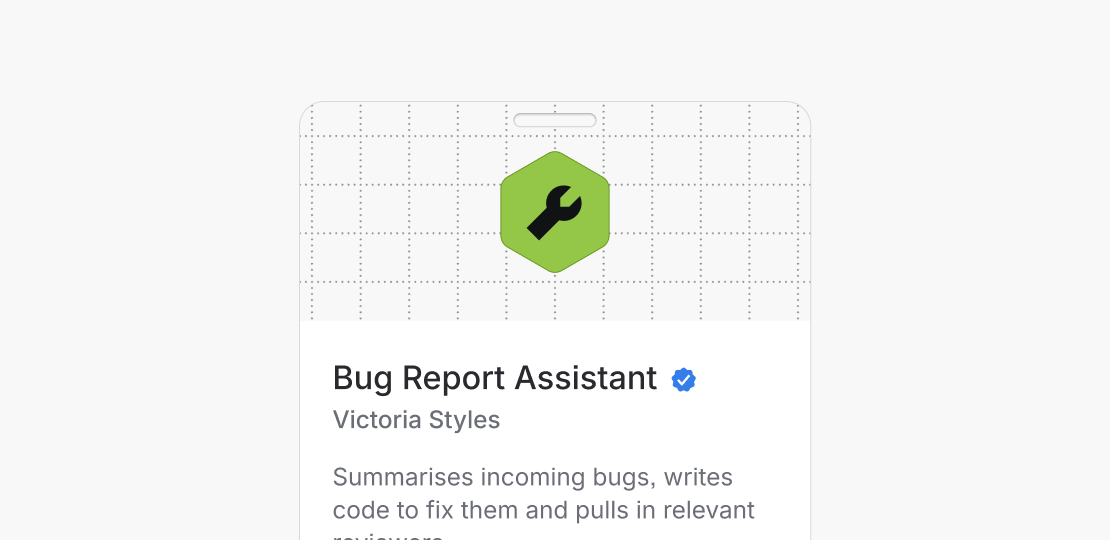
Keep the cutout transparent to maintain the skeuomorphic “lanyard badge” effect.
Don’t
Set a solid fill in the lanyard cutout, thereby changing the cutout to a simple oval.
Hover cards
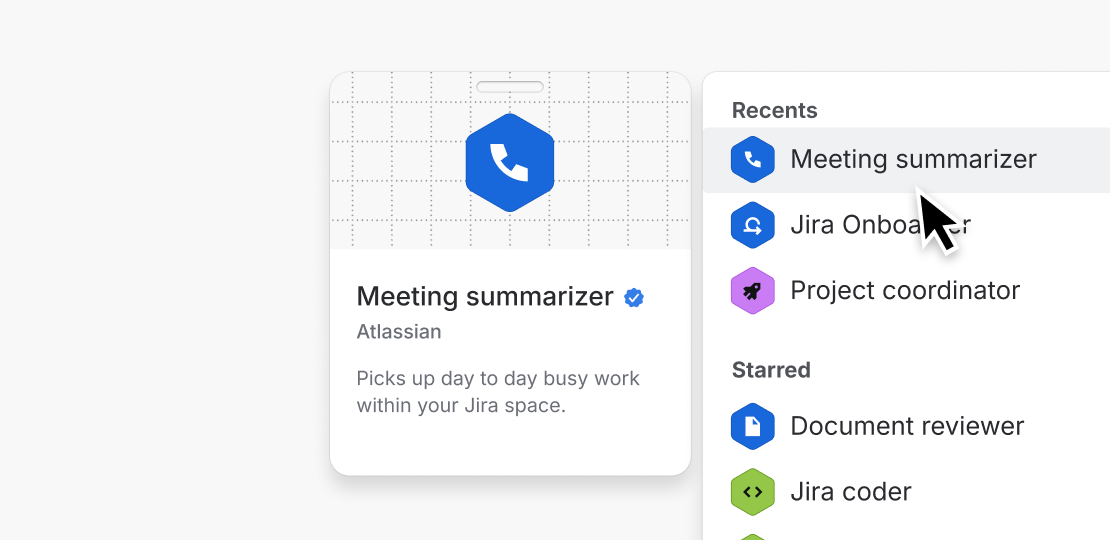
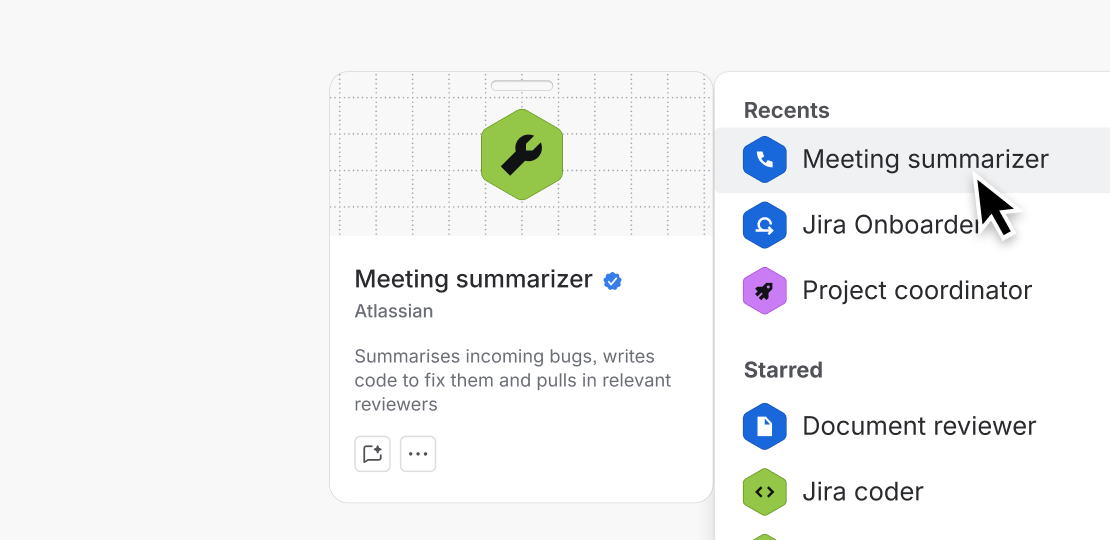
When hovering on agents in lists and pickers, use a simplified version of the agent card without additional actions such as chat to maintain focus on the task.
Do
Use the simplified hover cards when hovering on agents in long lists and pickers.
Don’t
Use the full agent card with actions in long lists. Only use this card when hovering on individual agents.
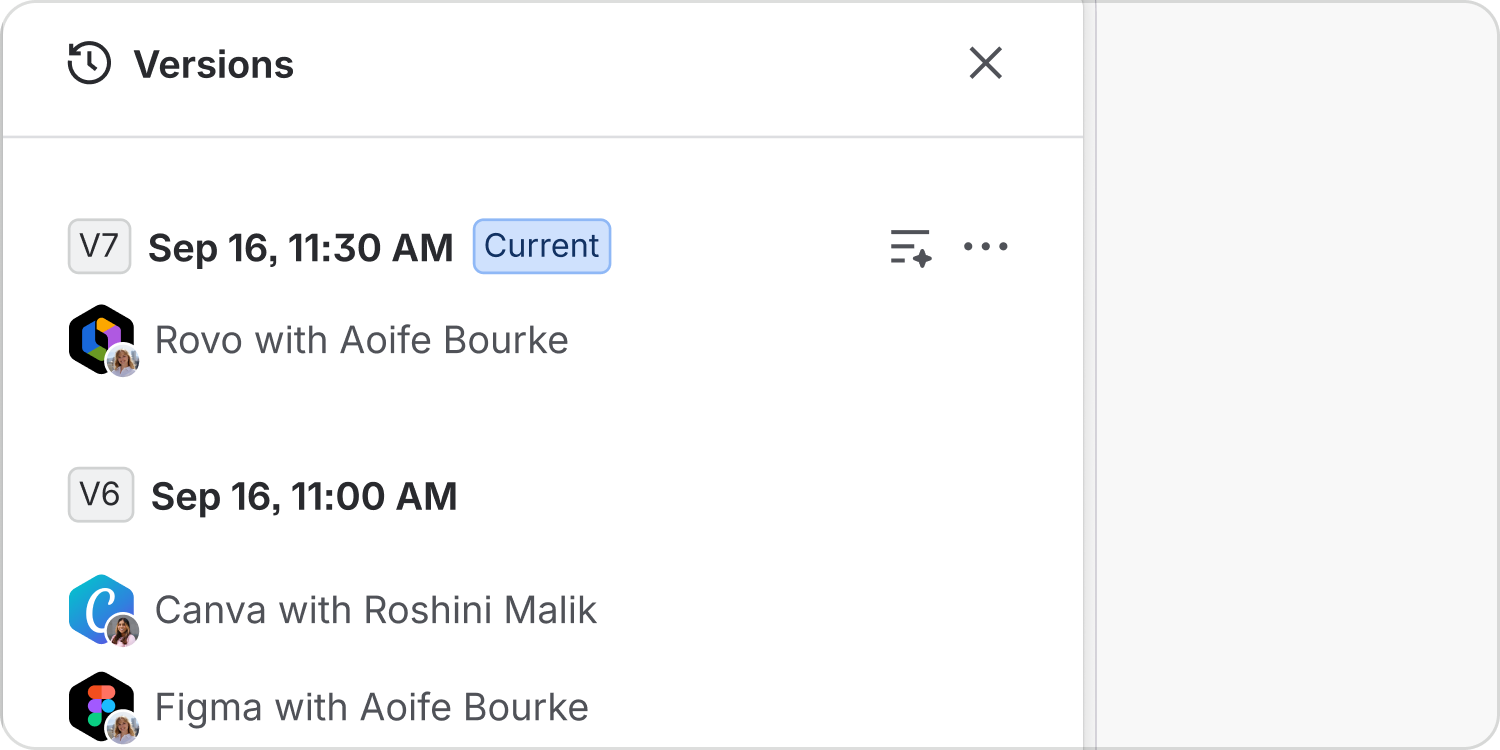
Page history attribution
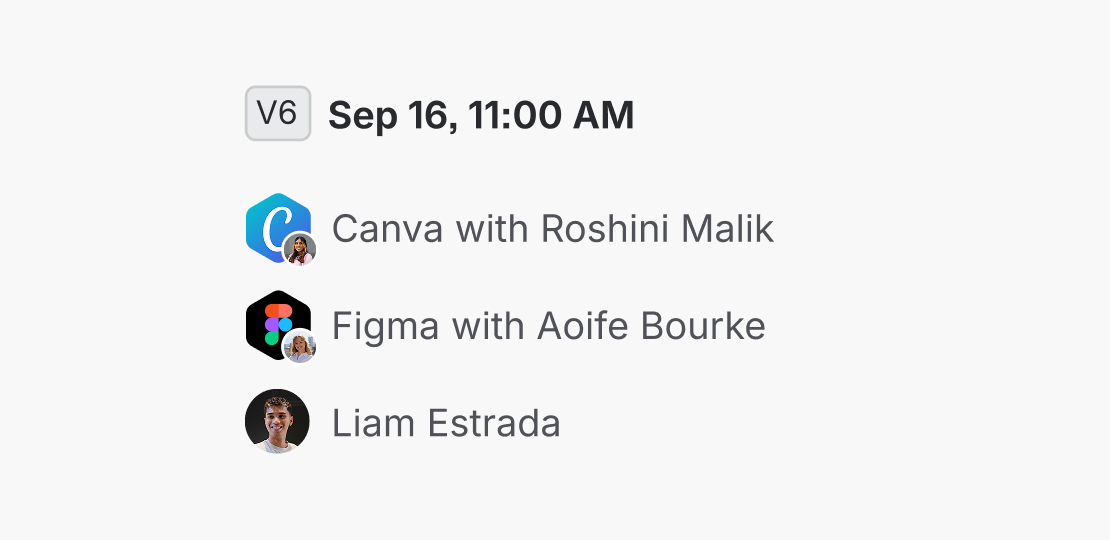
Use a standard attribution format to represent agent edit actions. Use a large agent avatar with a smaller offset human avatar, with the agent presented as taking action with the invoking human.
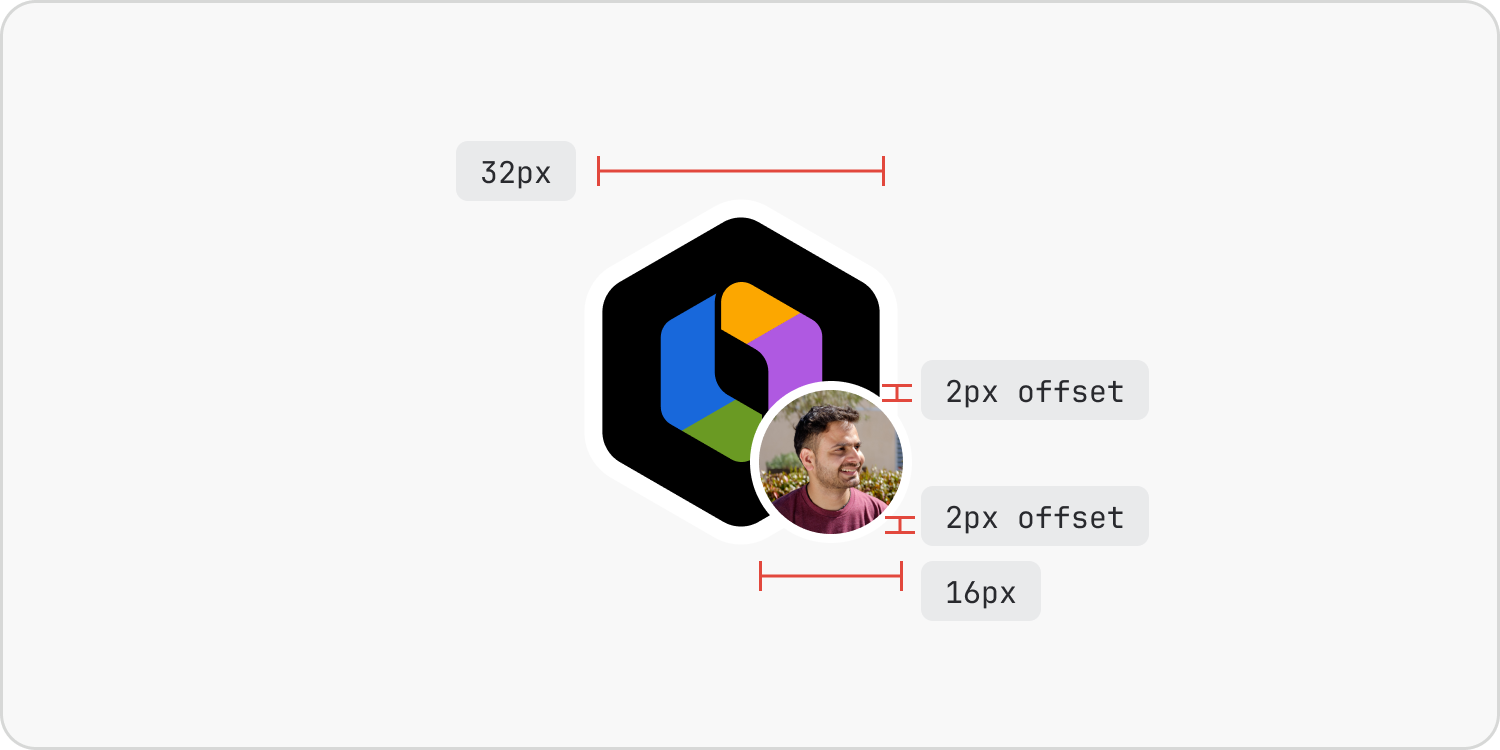
Always lead with the agent when attributing agent actions. The invoking human is shown in a smaller avatar with a 2px horizontal and vertical offset.

Do
Always lead with the agent.

Don’t
Lead with the invoking human.
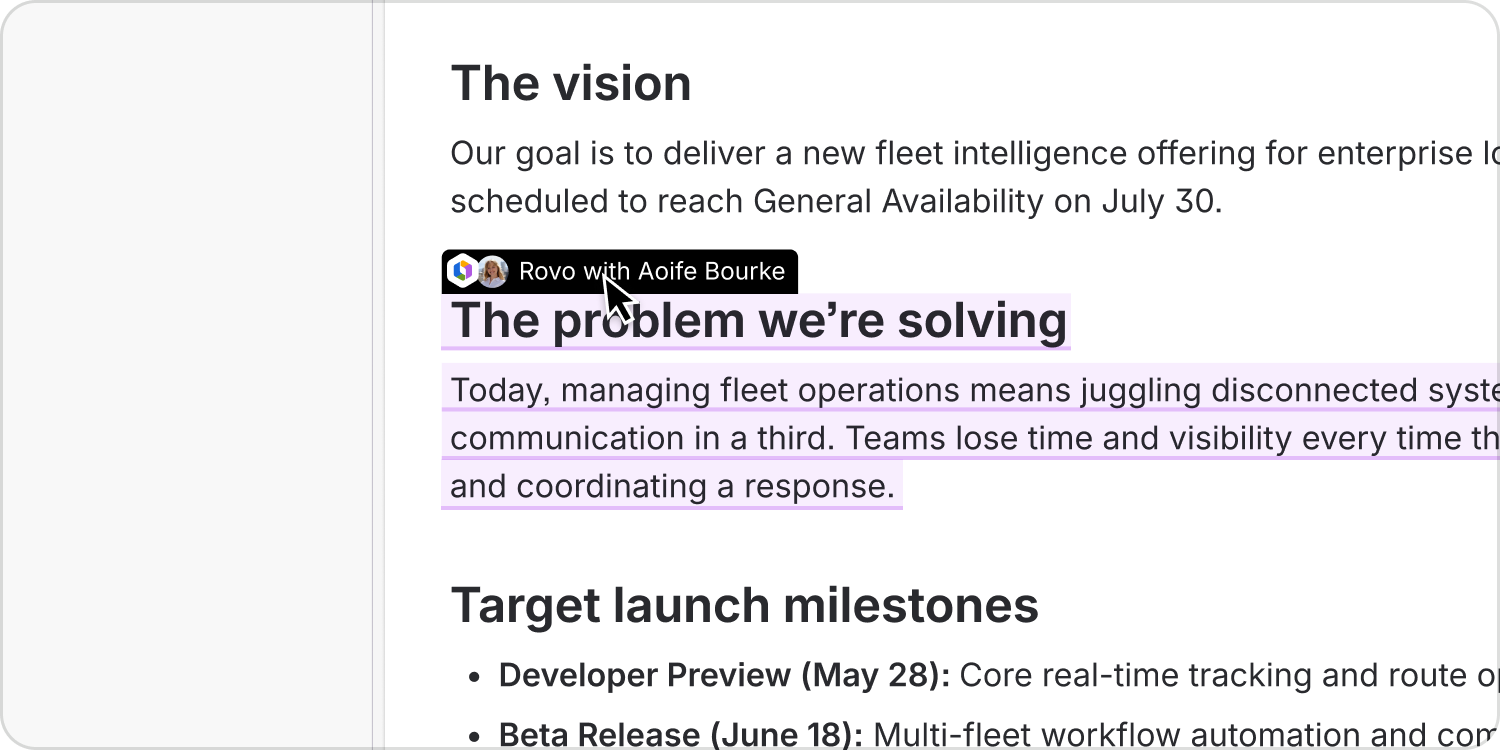
Live edit attribution
Use the same format for live edits, though in scenarios like these the limited space might mean the avatars are shown side by side at the same size.
Presence
Agents must be shown as present on objects and in spaces when working in them. This presence manifests itself in a number of visual cues, and communicates to humans that agents are also working alongside them.
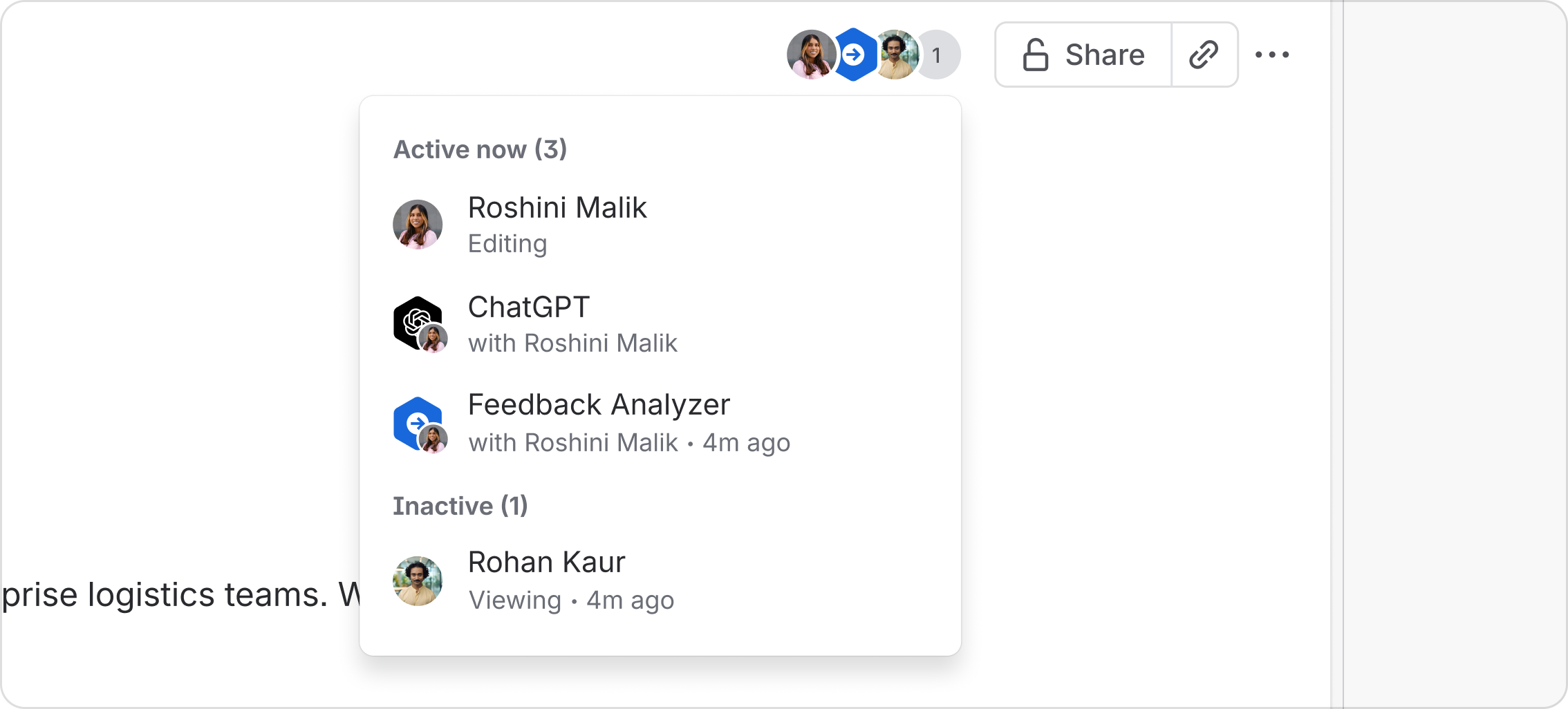
Doing so reduces any mystery about agent actions and humans can easily understand why certain things have autonomously occurred.
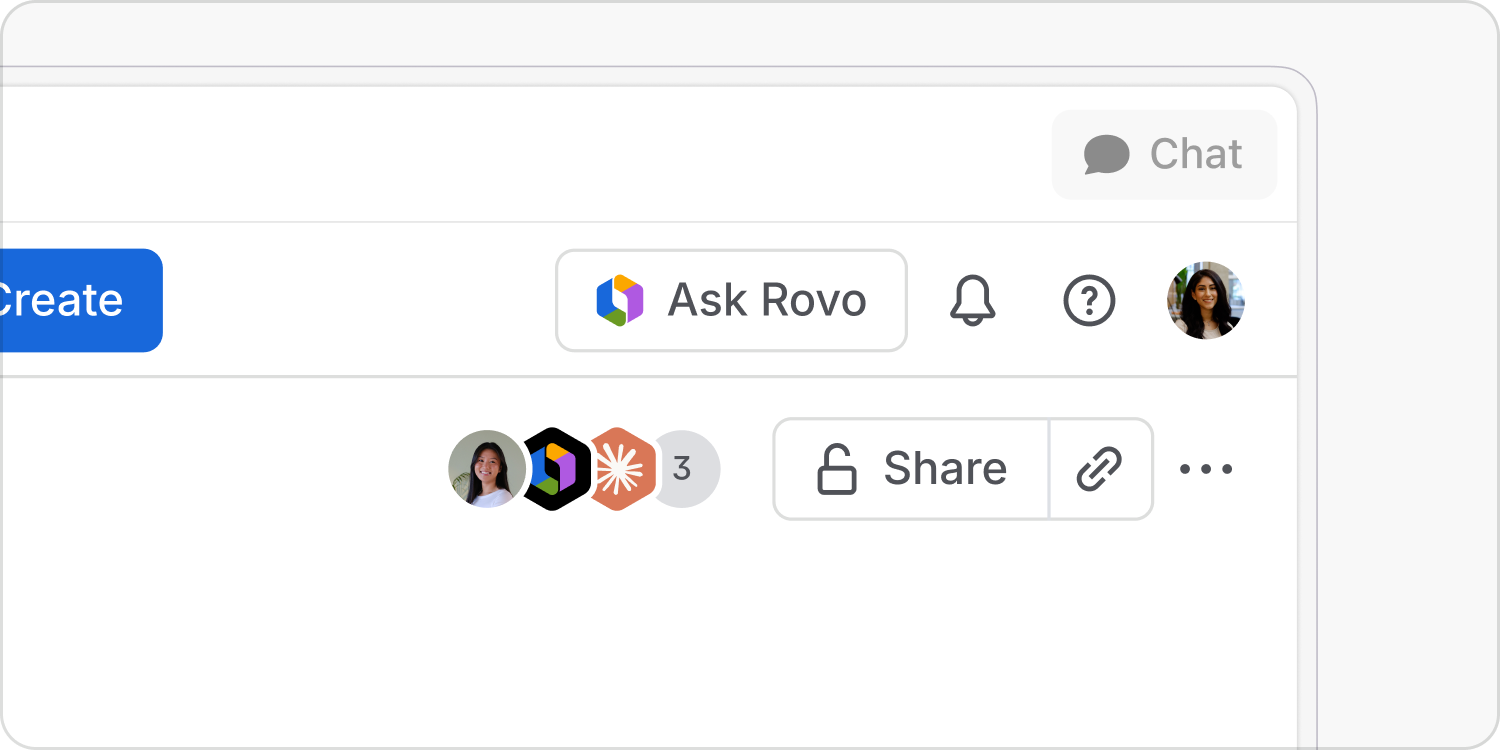
Avatar groups
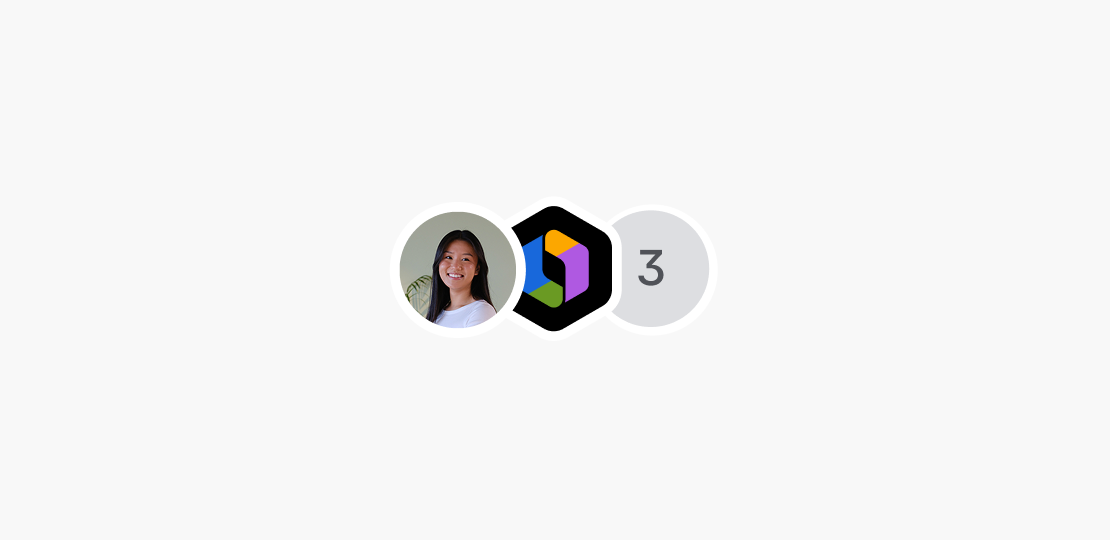
Agents must be shown in stacks of collaborators alongside humans when working on pages, whiteboards, boards and more.
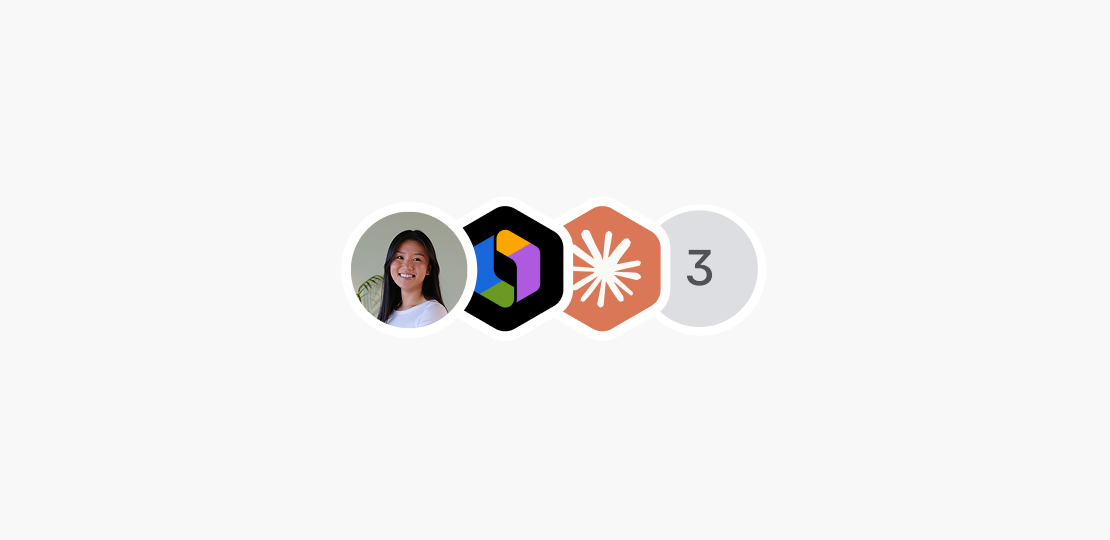
Do
In the presence pile, the current user’s avatar is always shown first. Then show agents followed by their associated humans in order of recency.
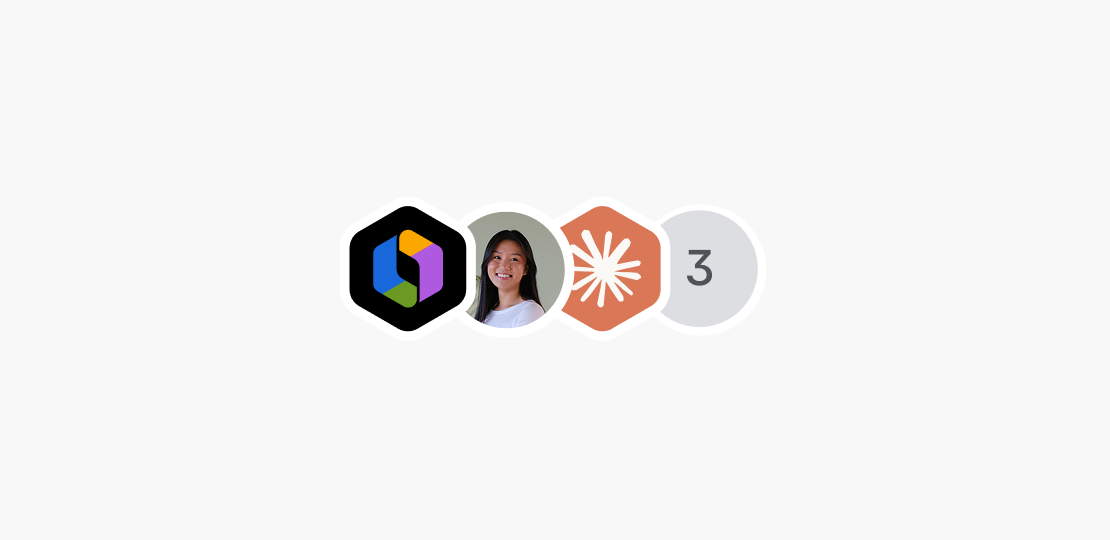
Don’t
Lead the presence pile with agents, or show humans and agents by anything other than order of recency.
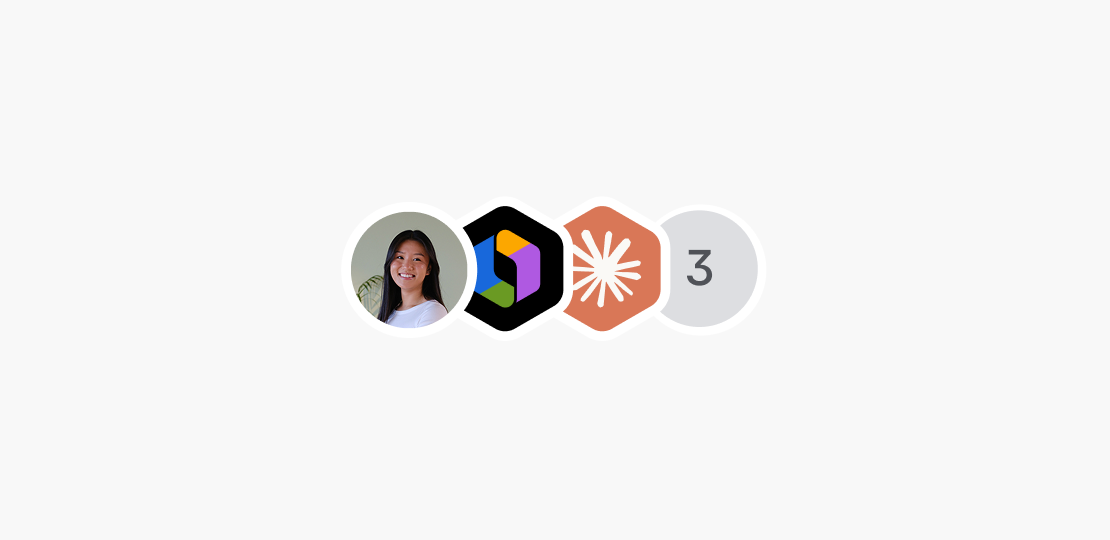
Do
Show any active agents or agents that have taken action previously in an avatar stack.
Don’t
Hide any agents. This includes MCP and CLI agents.
Telepointers
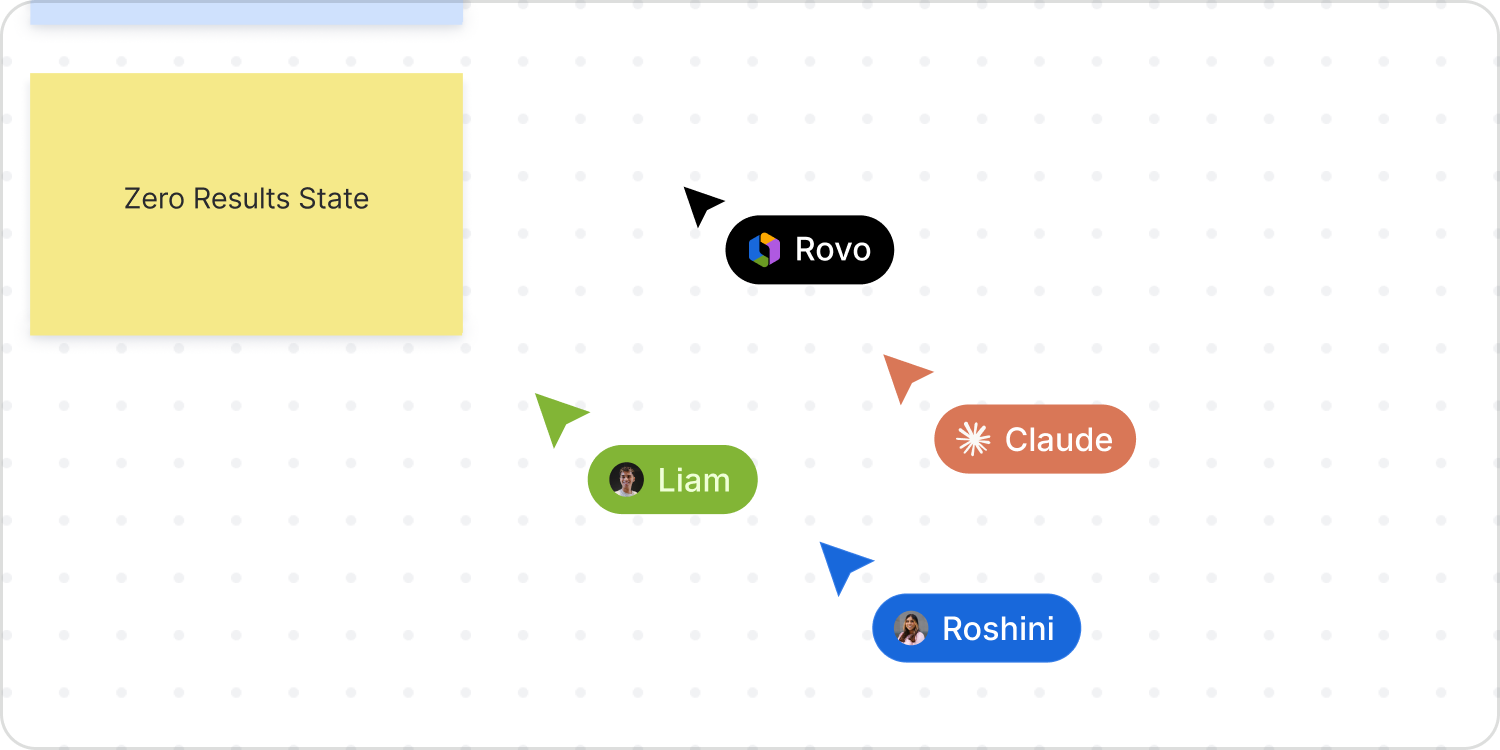
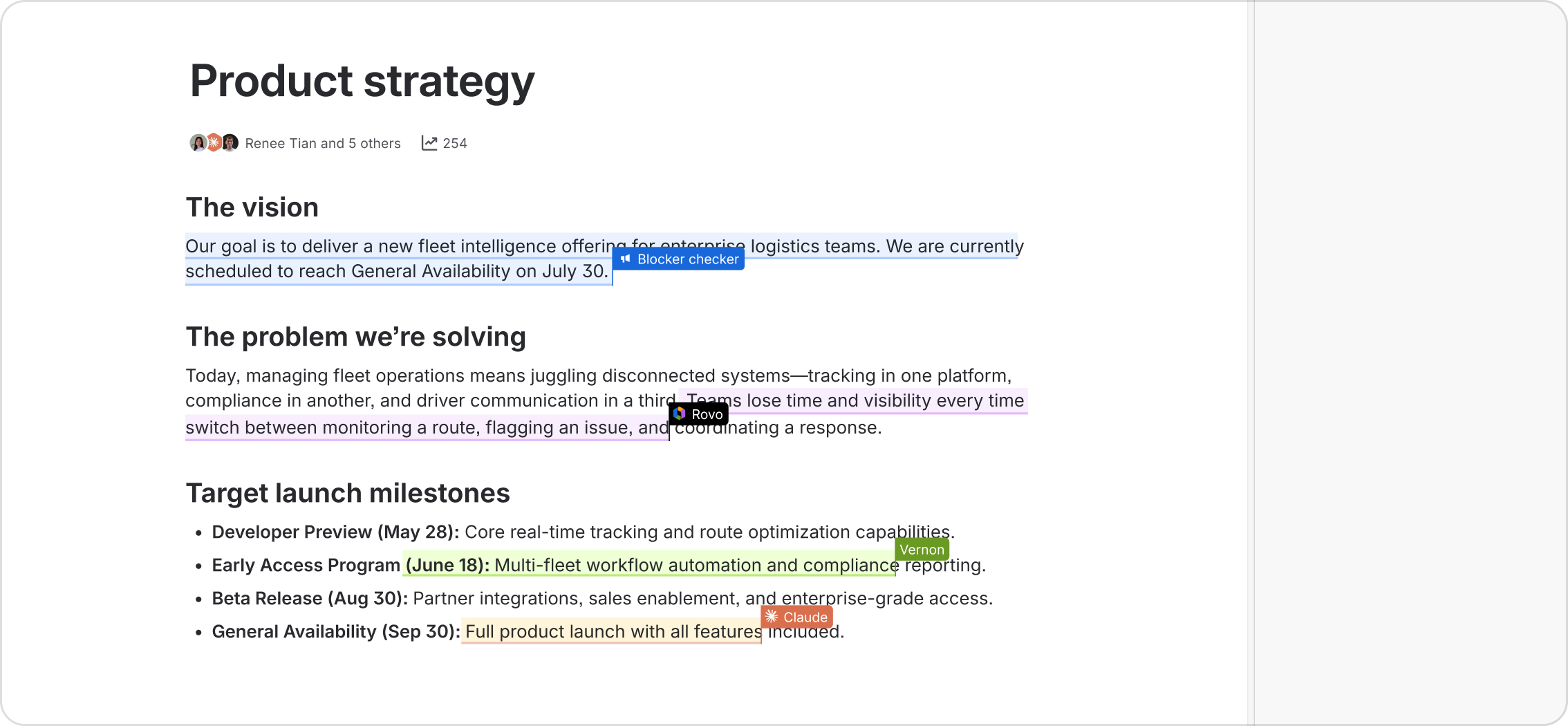
Use a telepointer to represent agents as collaborators on rich content, in the same way as for human collaborators. Edits are shown in real time to provide visibility and control over agent action.
Insertion points
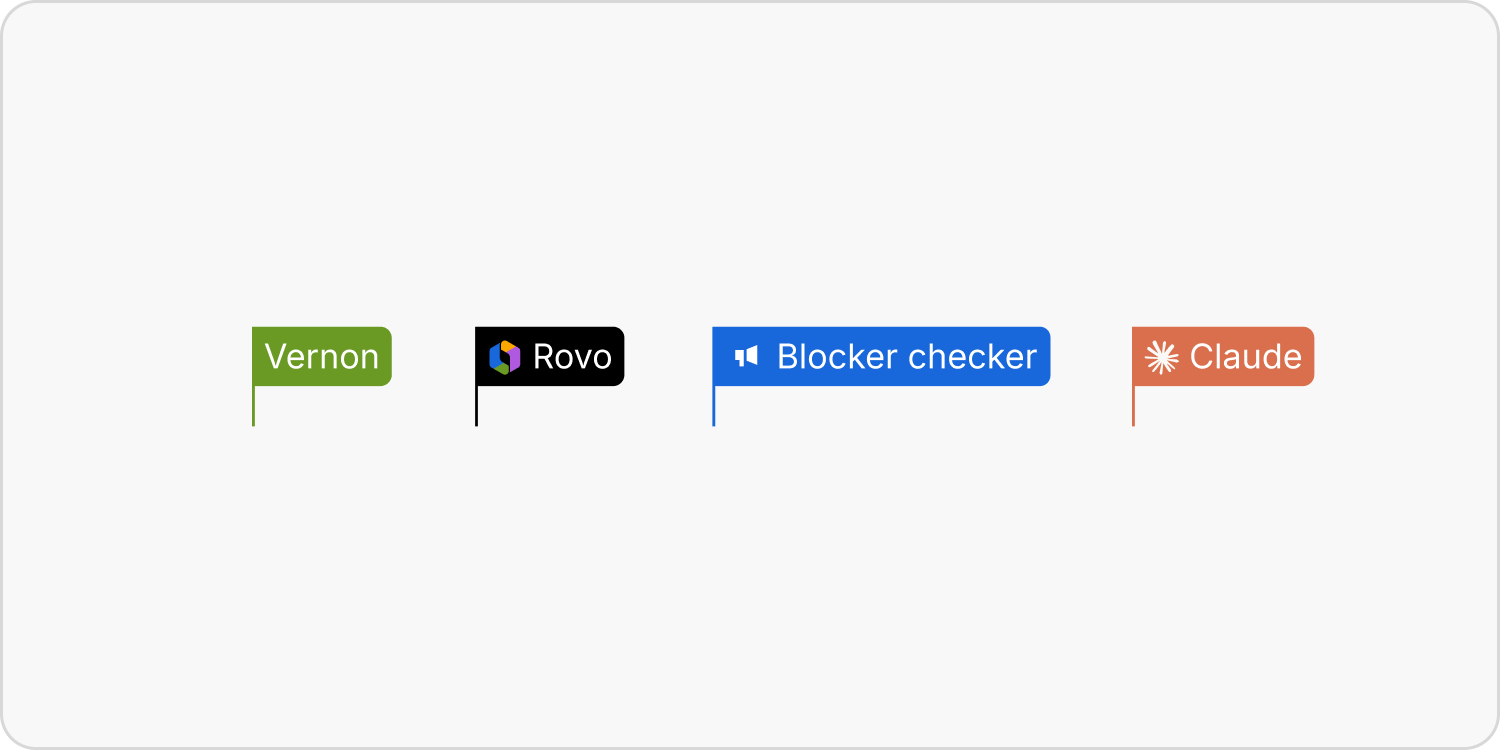
For text editing, use an insertion point and text highlight as a dynamic representation of any text editing by the agent.
Engagement
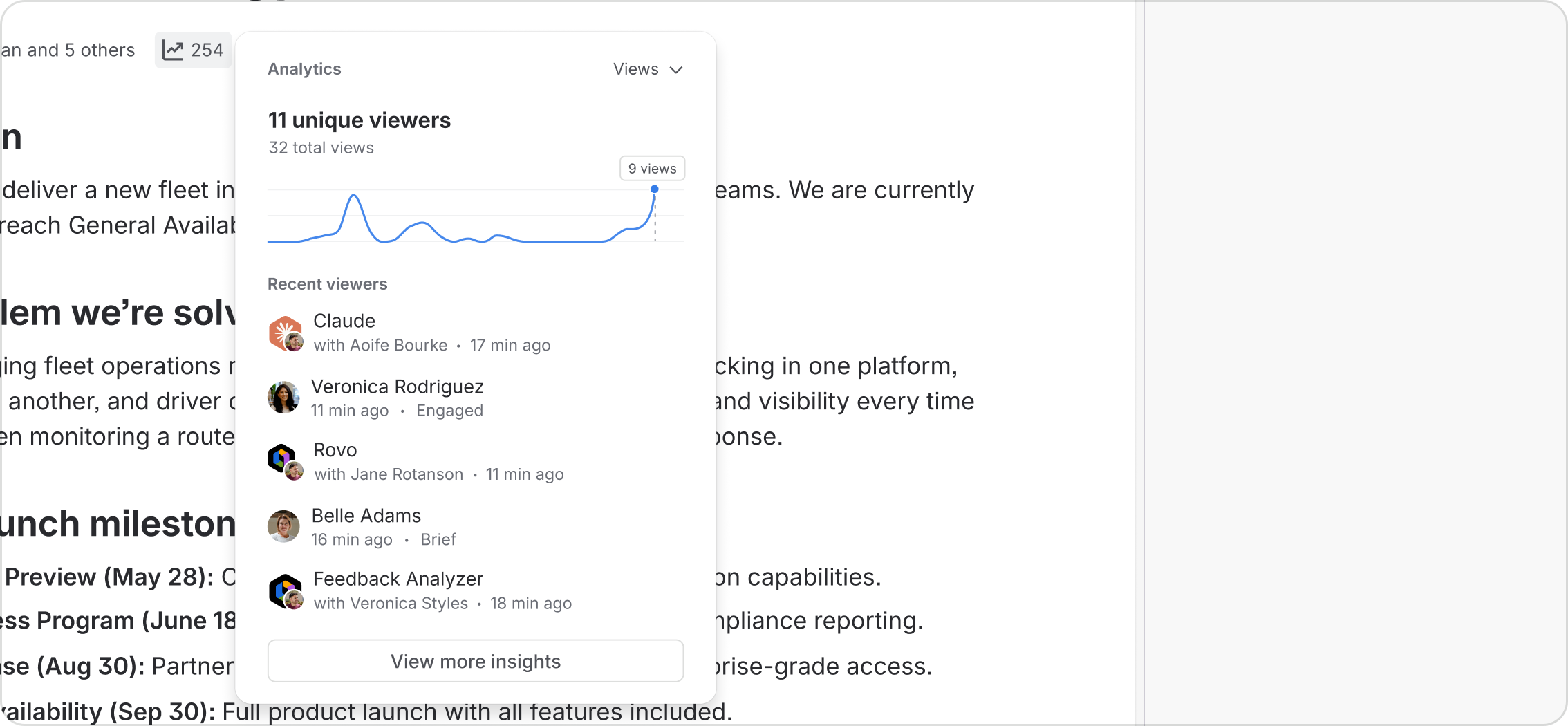
Agents must be included in any measurement of activity or engagement across the platform. Agent viewers of content are just as important as human viewers, and they are shown in surfaces such as view counts on Confluence pages.
Local session sync
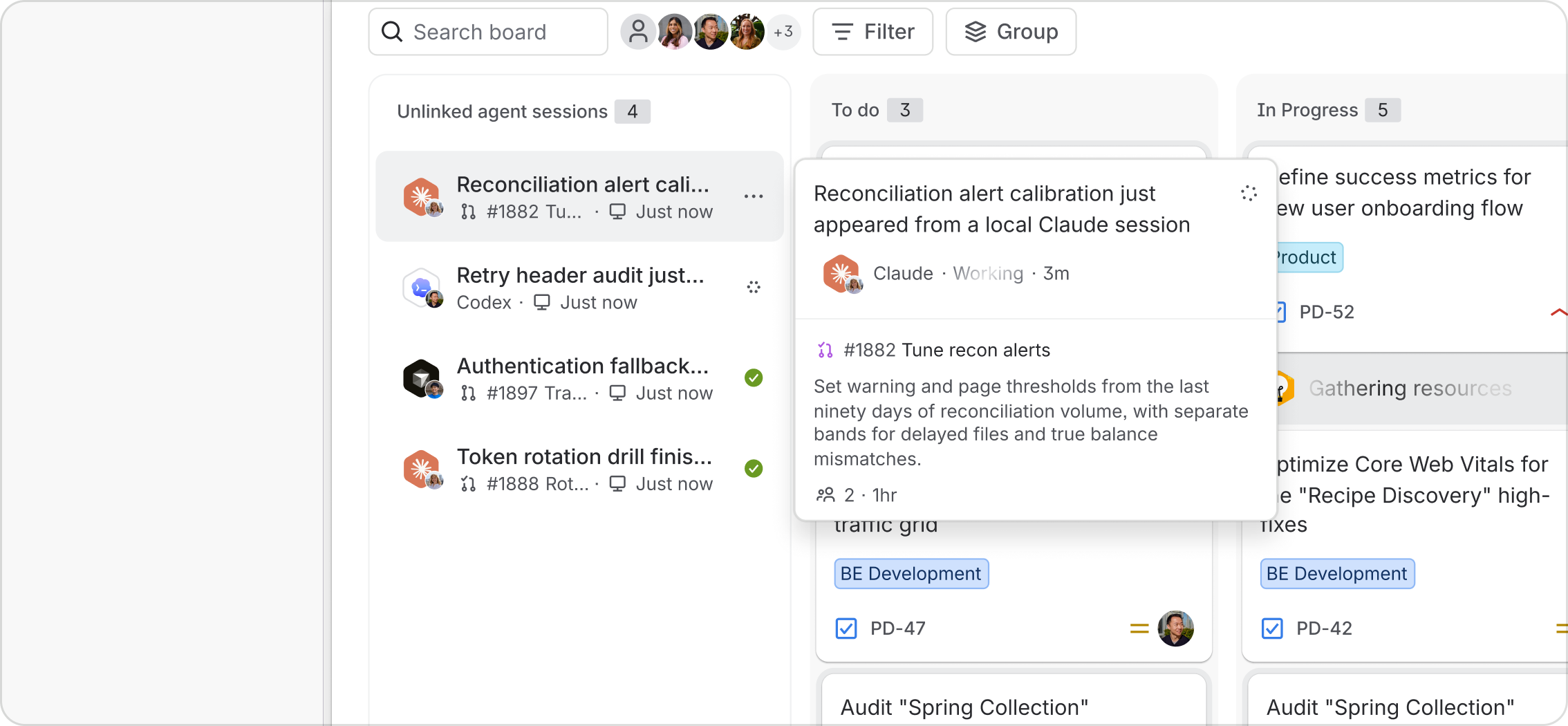
Agent activity must be aggregated in the relevant UI surfaces, even when it occurs remotely. Agent activity such as work item sessions via CLI, terminal and an IDE can be streamed into the Teamwork Graph and to surfaces such as Jira boards. When appropriate, ensure work done in a local harness stays visible to the whole team.
Real-time & async collaboration
AMP enhances all the places you work today such as pages, tickets, chats and code with new UI patterns to facilitate human-agent collaboration. Agents work alongside where and how you already work. Brief an agent with a Loom video, @mention one in a Confluence page, or via MCP, let them move work forward between Atlassian and other tools in your stack.
Real-time editing
Ensure agent actions upon content are visible in real time to facilitate the same sort of collaborative editing as between humans. It’s important that this scales as more actors become involved. For instance, supporting multi-cursor editing where a team of humans and agents draft, refine, and structure content together across pages, code, and whiteboards.
Workflows
Agents get work done, both piecemeal and across complex workflows. It is therefore critical that humans can assign them to work and then understand how that work is progressing, and provide guidance where needed.
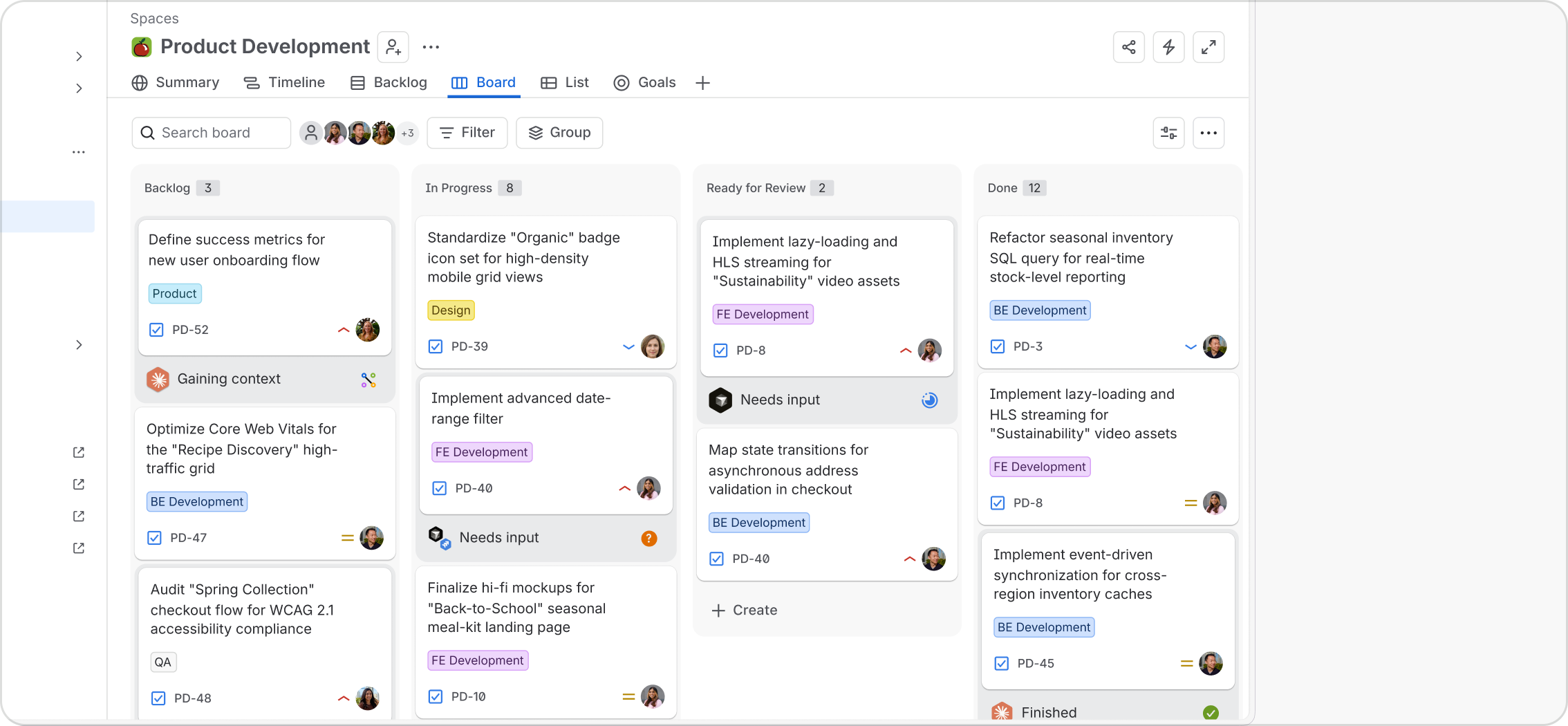
On the Atlassian platform, agents can be assigned to work either manually or via automated triggers. They can also be added to work items to run sessions, completing part or all of the work associated with the item on behalf of the assignee.
Assign work to agent
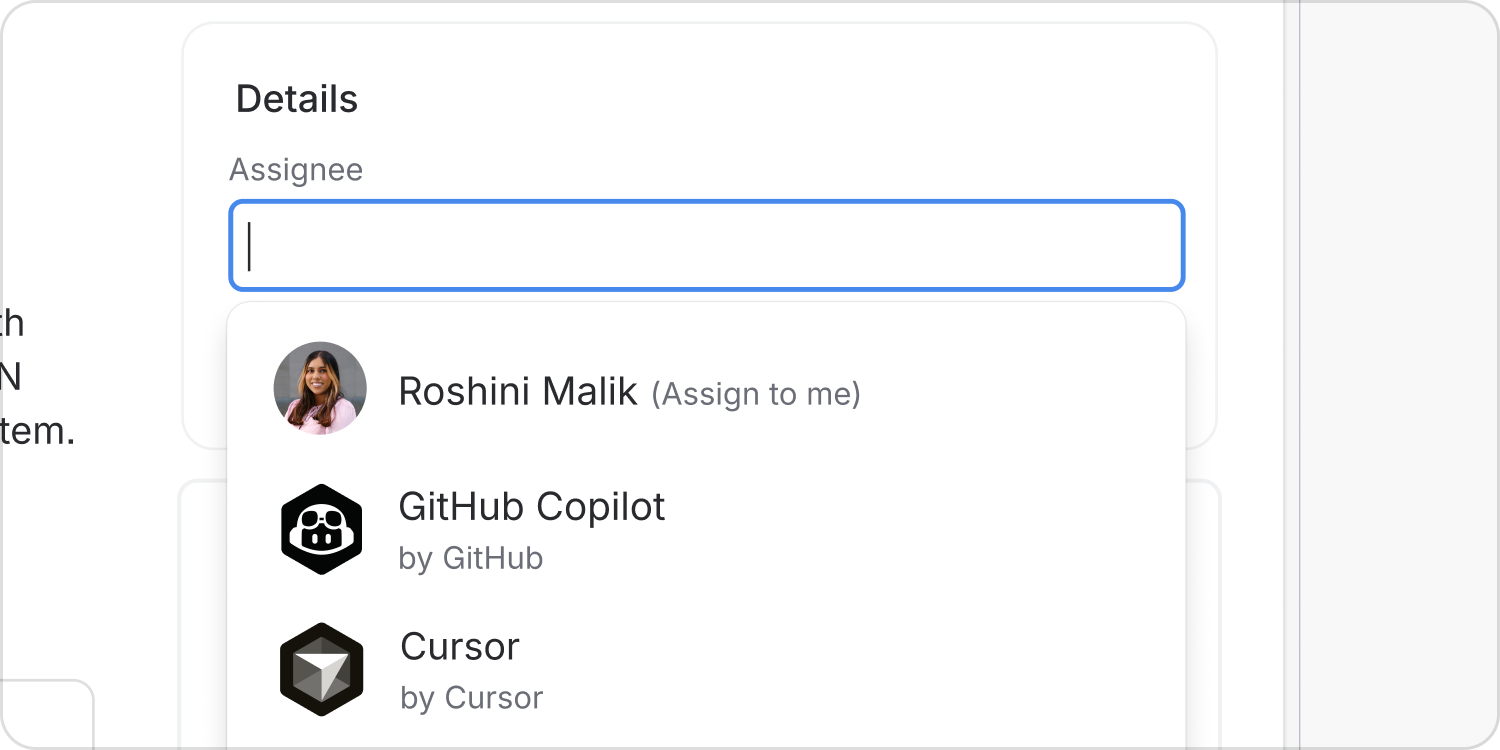
Where agents are directly assigned a work item, they should be designated as the assignee of the work item to denote their responsibility.
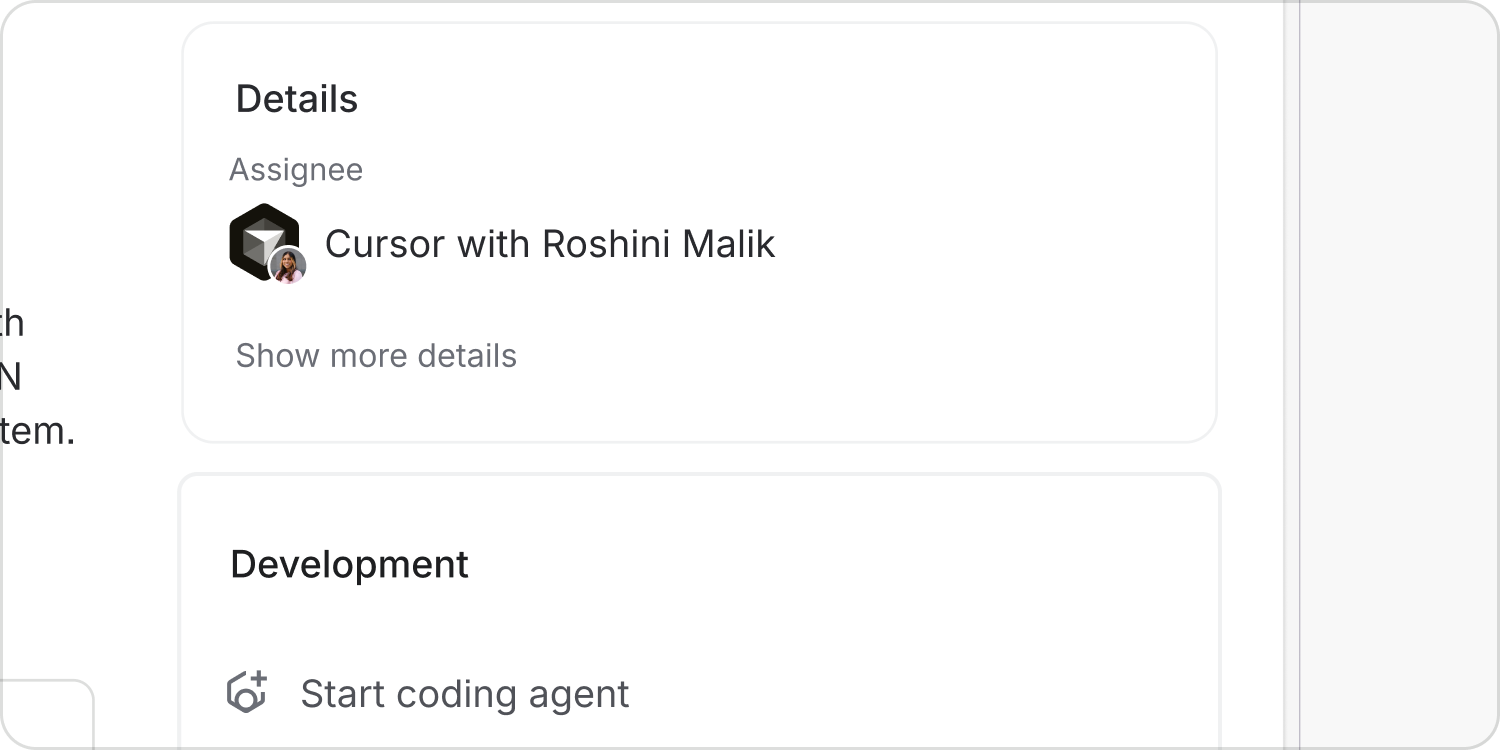
On the work item details view, show the agent as assigned, with the human who assigned them as the supporting “with human”.
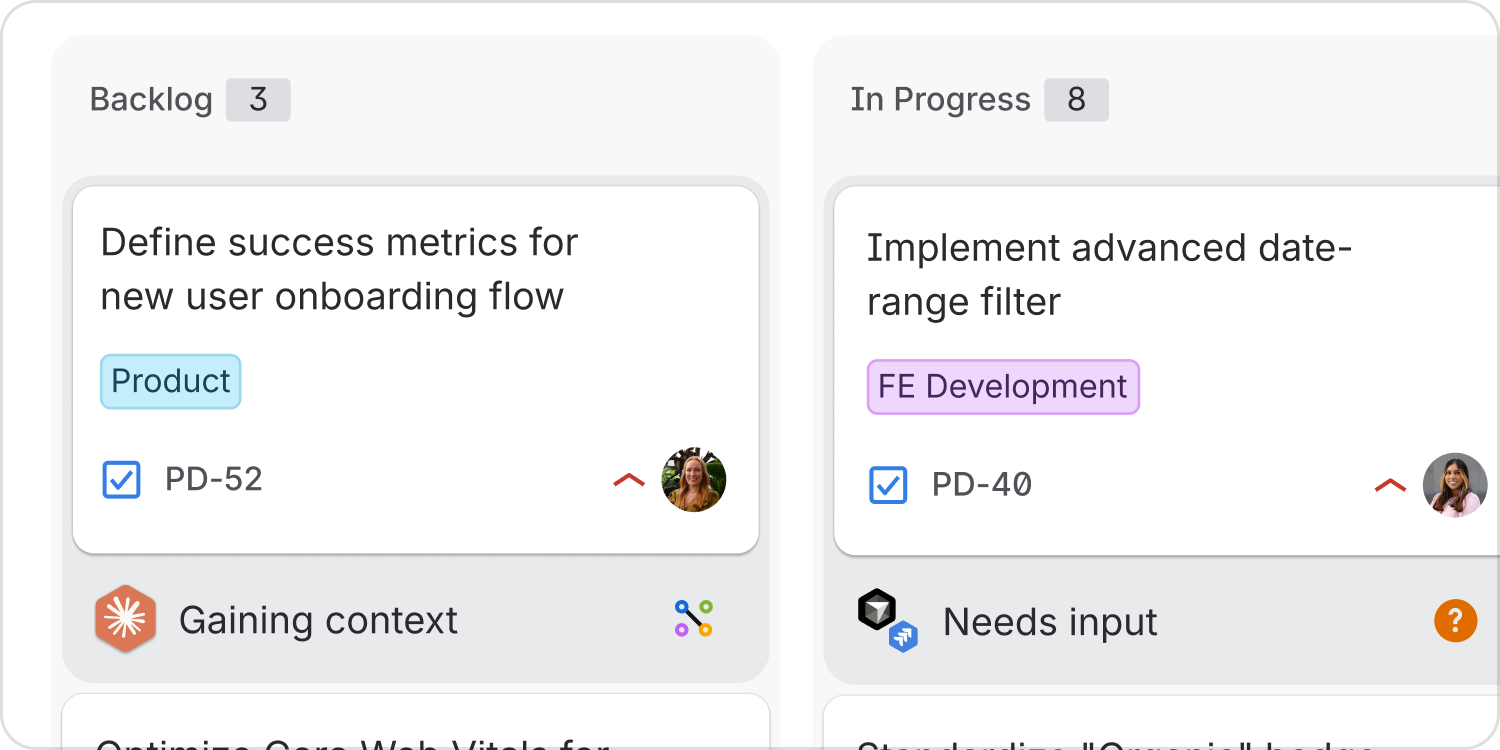
Session status
Whether assigned to the work item or merely running a work session, ensure the agent’s status is clearly visible. Humans must understand how agents are progressing and where they need guidance.
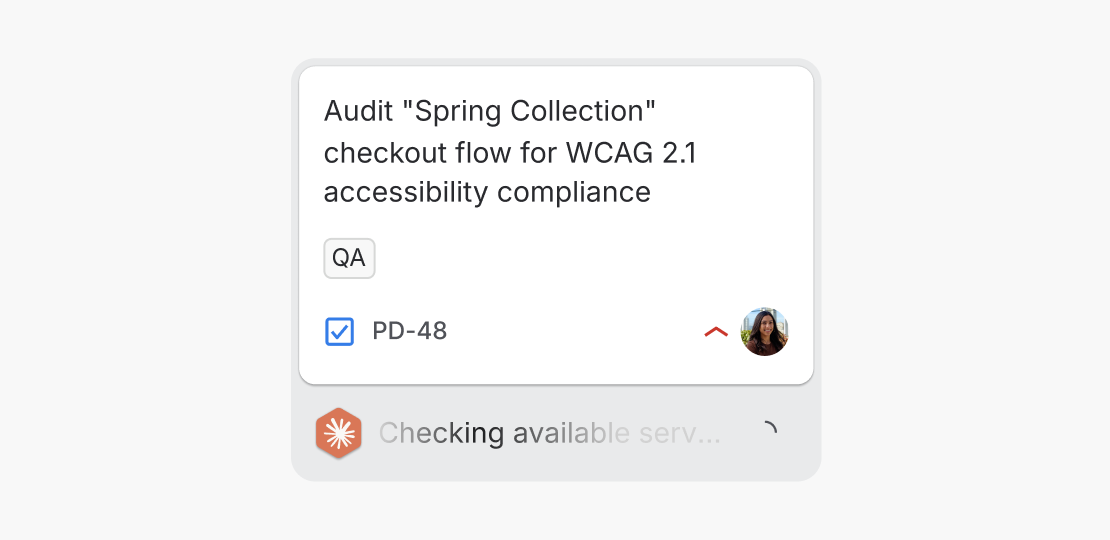
Do
Clearly communicate the agent’s progress and current state.
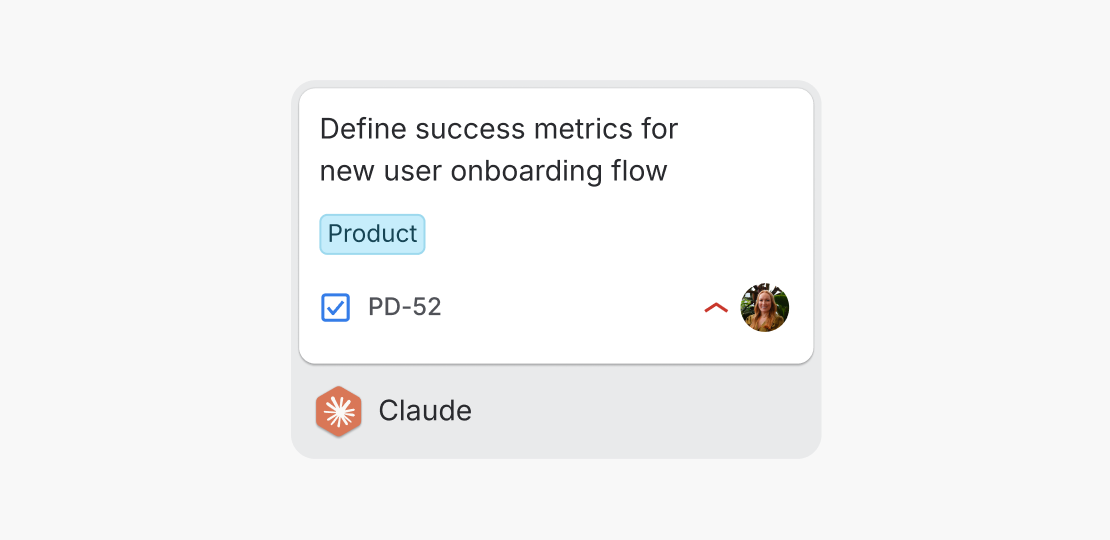
Don’t
Obfuscate what the agent is doing by providing very limited information.
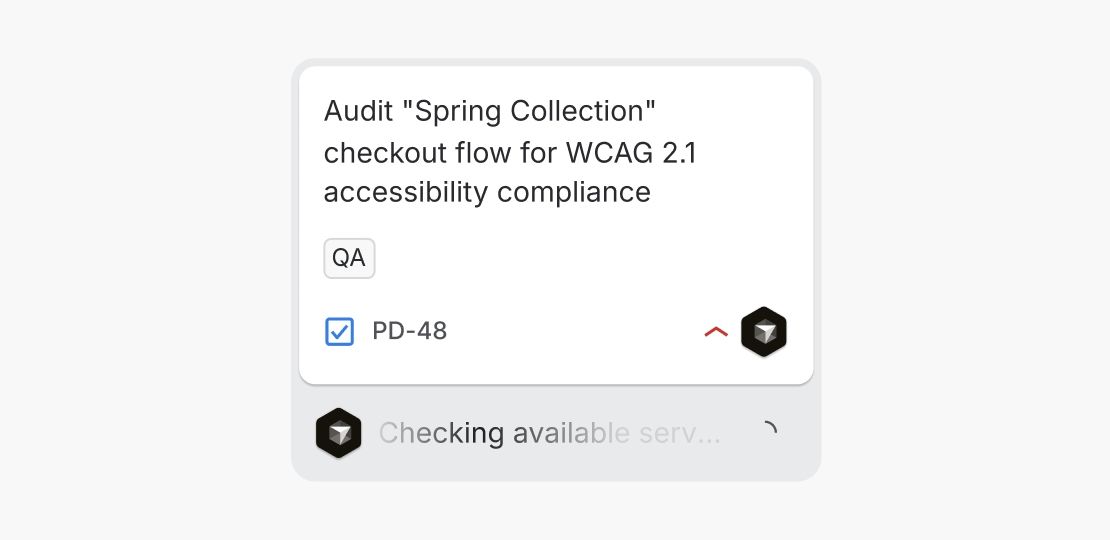
Do
When an agent is also assigned to a work item, show the agent as the assignee on the board to provide a single owner for the work item.
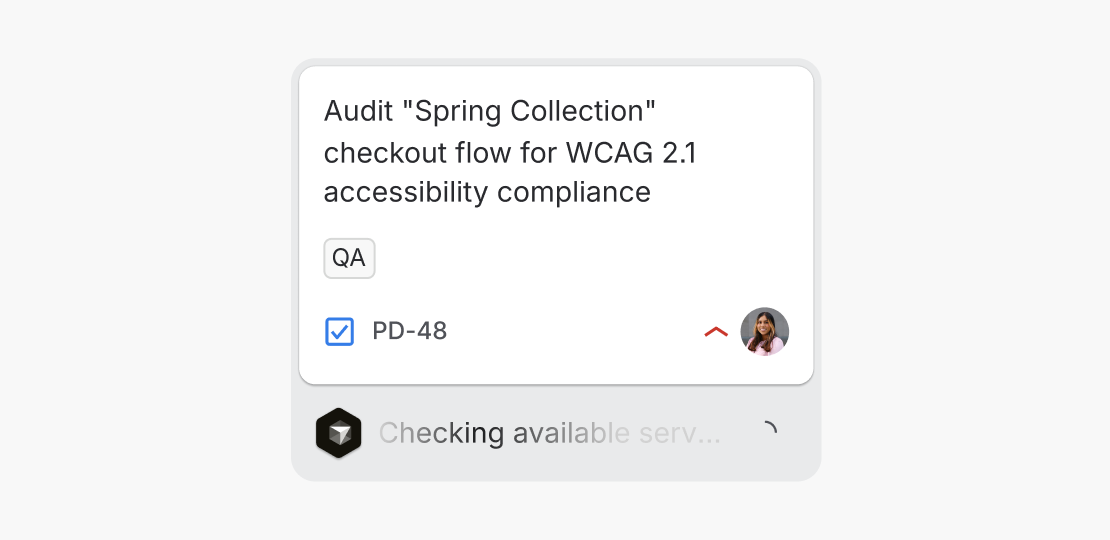
Don’t
Show the user as assignee at board level. Whilst we provide more information about the invoking user on the work item details, lead with the assigned agent.
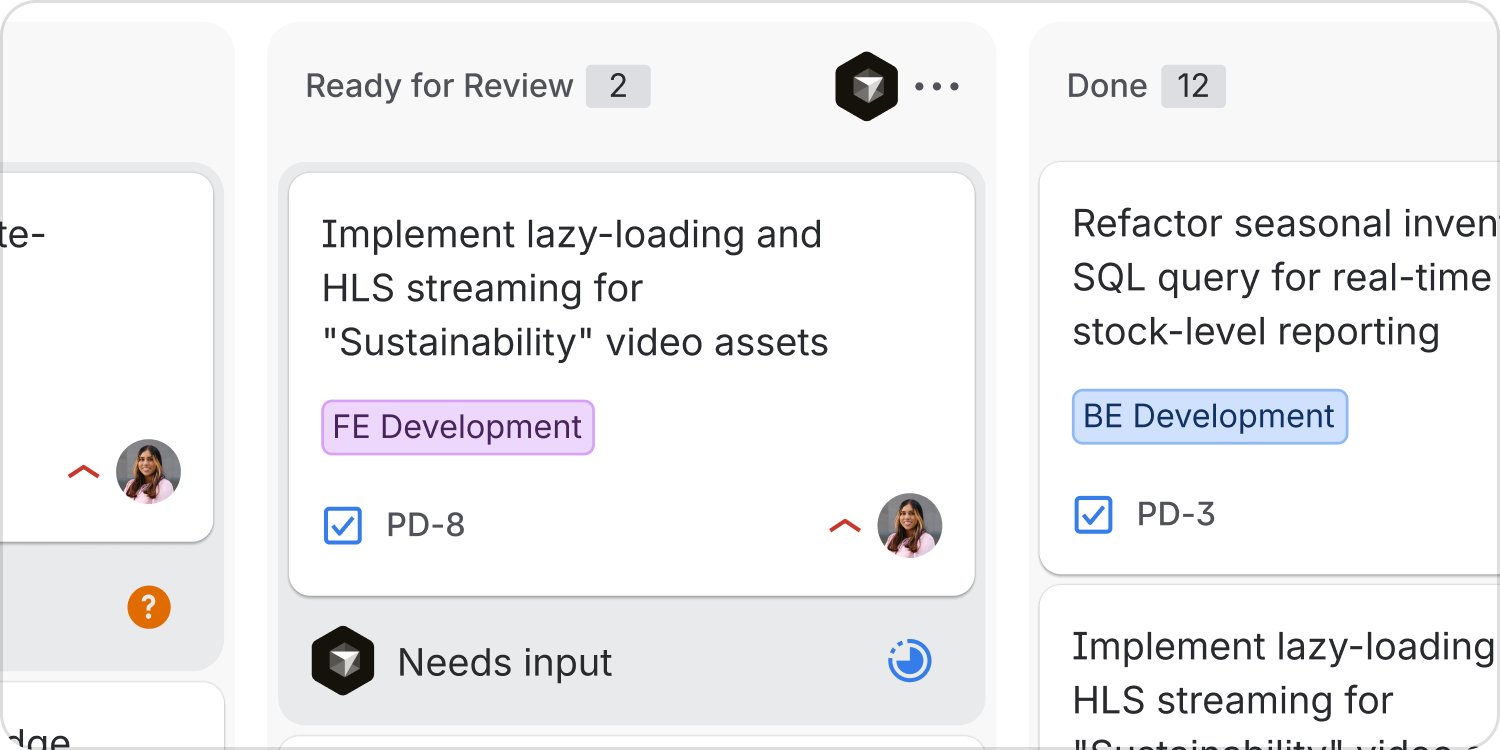
Add agent to column
Allow teams to make agents responsible for an entire step in their workflow. For instance, agents can also be added to workflows on Jira boards, picking up all work items added to an entire column.
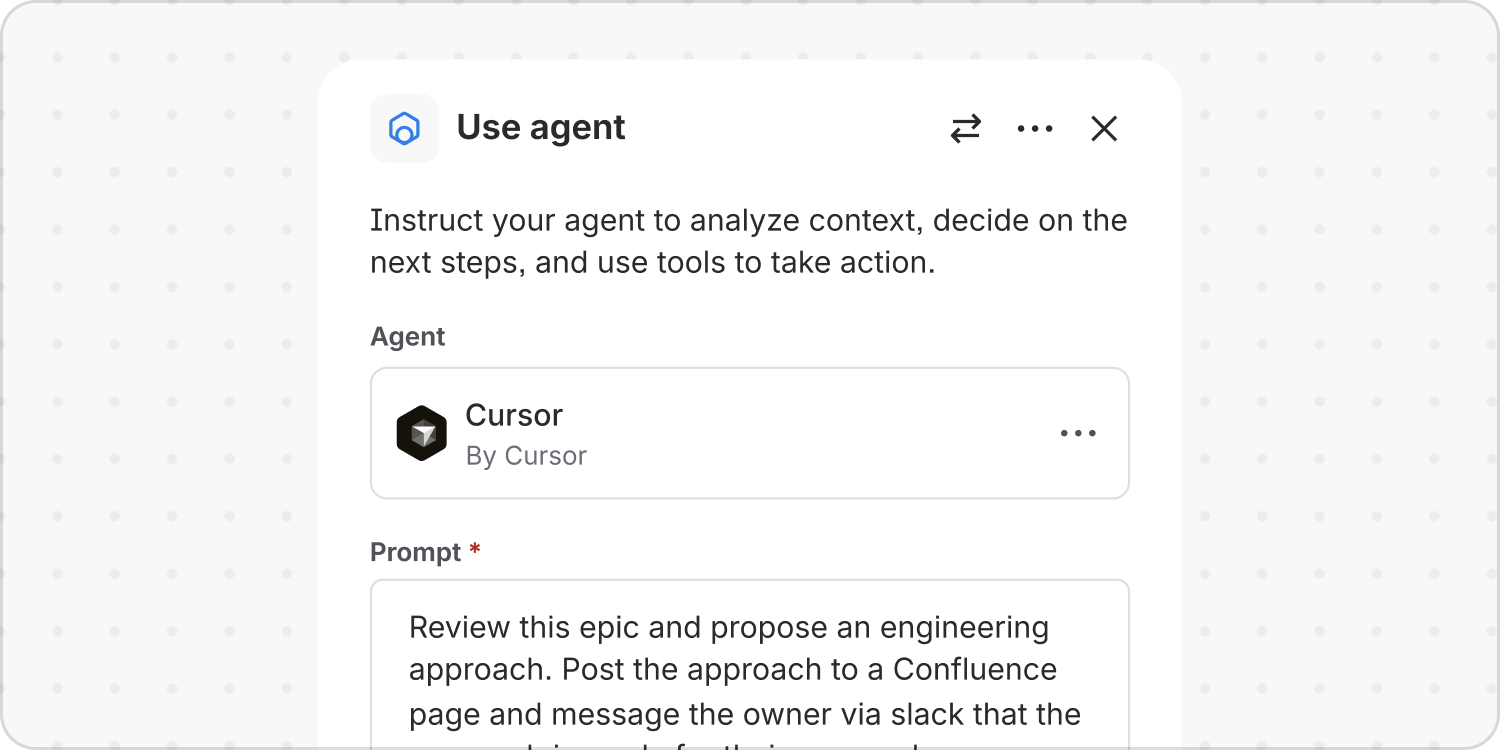
Agent autonomy
Provide humans with the means to make agents autonomous within strict bounds. Agents can be added to automation workflows and given a custom prompt. They then trigger automatically and complete work autonomously within set constraints.
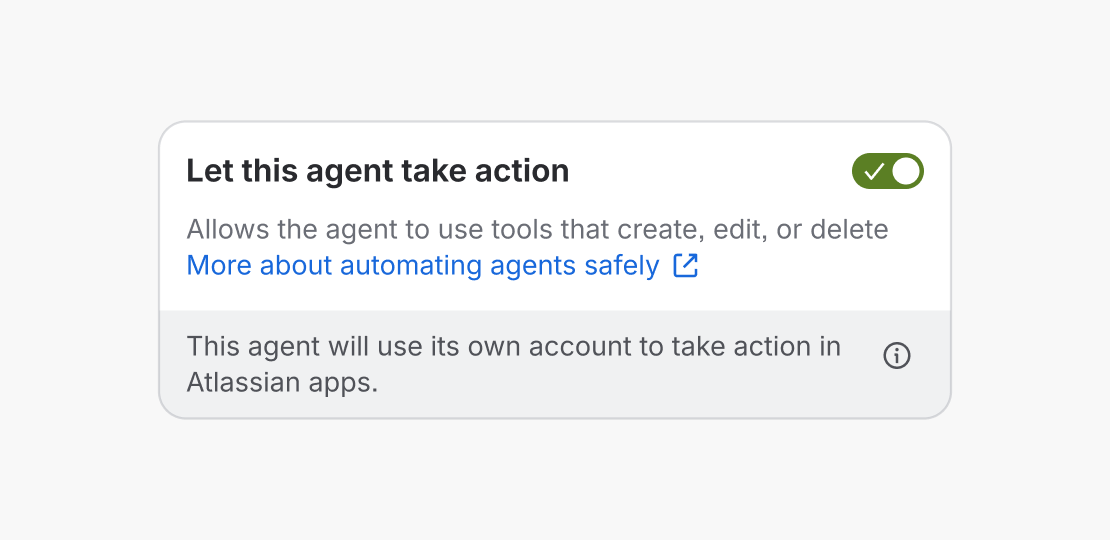
Do
Provide the user with control over whether the agent can take action at all.
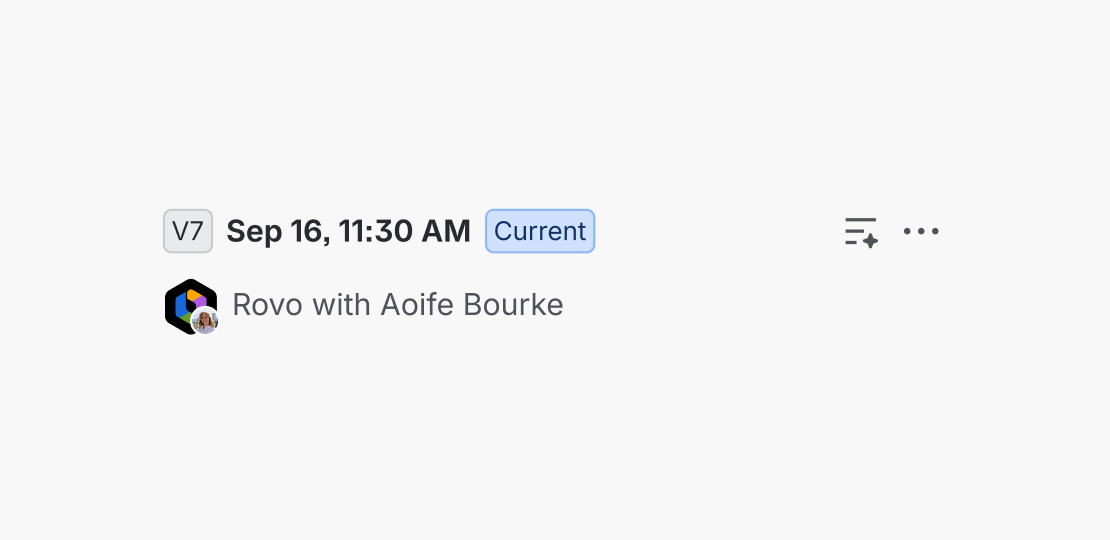
Don’t
Allow humans to be surprised when agents take unexpected actions due to automations.
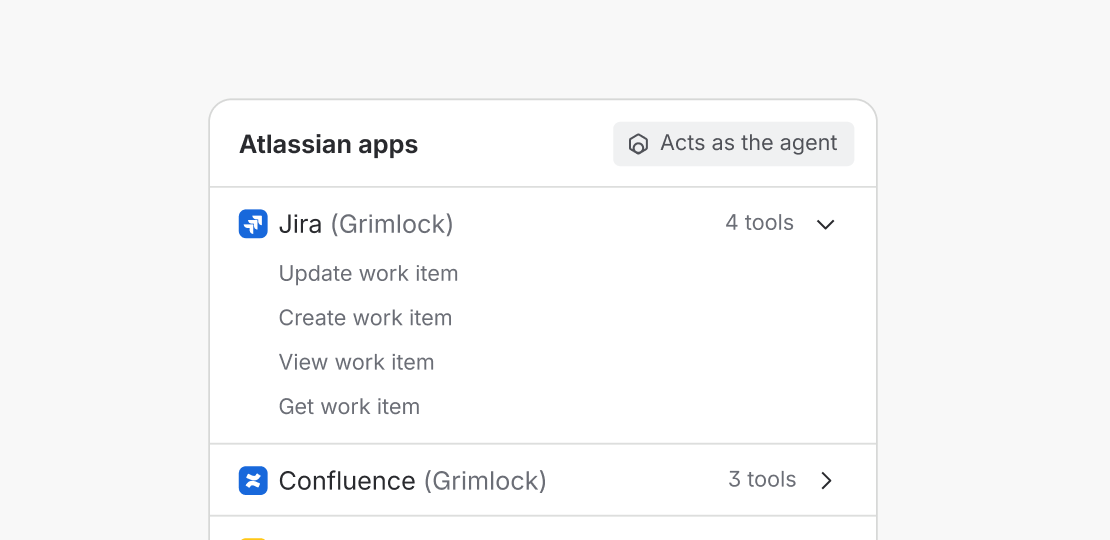
Do
Provide more granular control over what tools the agent can use when taking action.
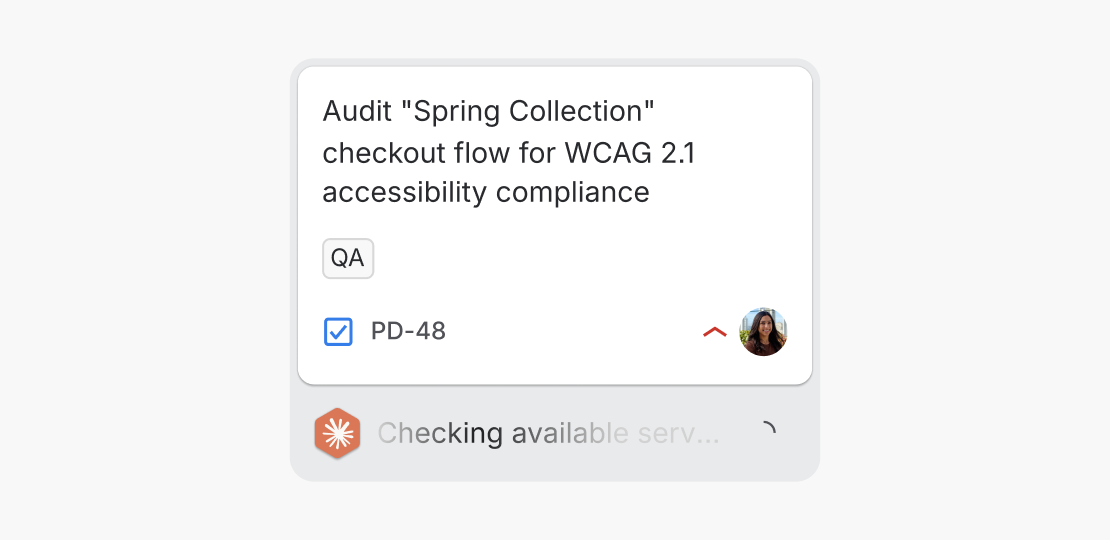
Don’t
Allow the agent to use any tools available with no limitations when taking action in automation.
Context
AI needs context to be effective, no matter how powerful the model. Atlassian’s Teamwork Graph is a powerful ambient source of context for all agents using the platform. AMP also provides a number of explicit ways to share a set of context with an agent.
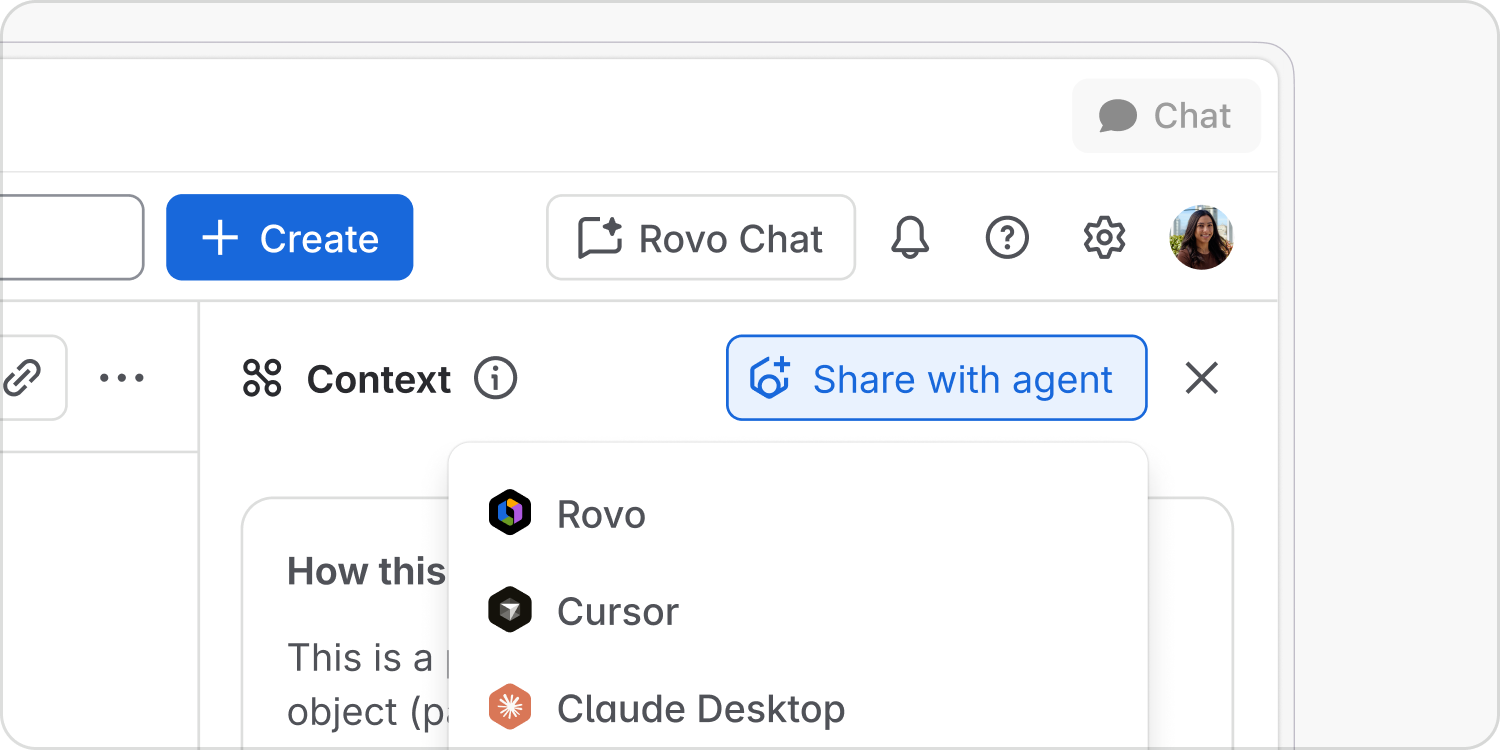
Share context
Context sharing must feel effortless. Provide humans with the means to share context in a single click. Not just a document but the web of associated context: links, related files, team information and more.
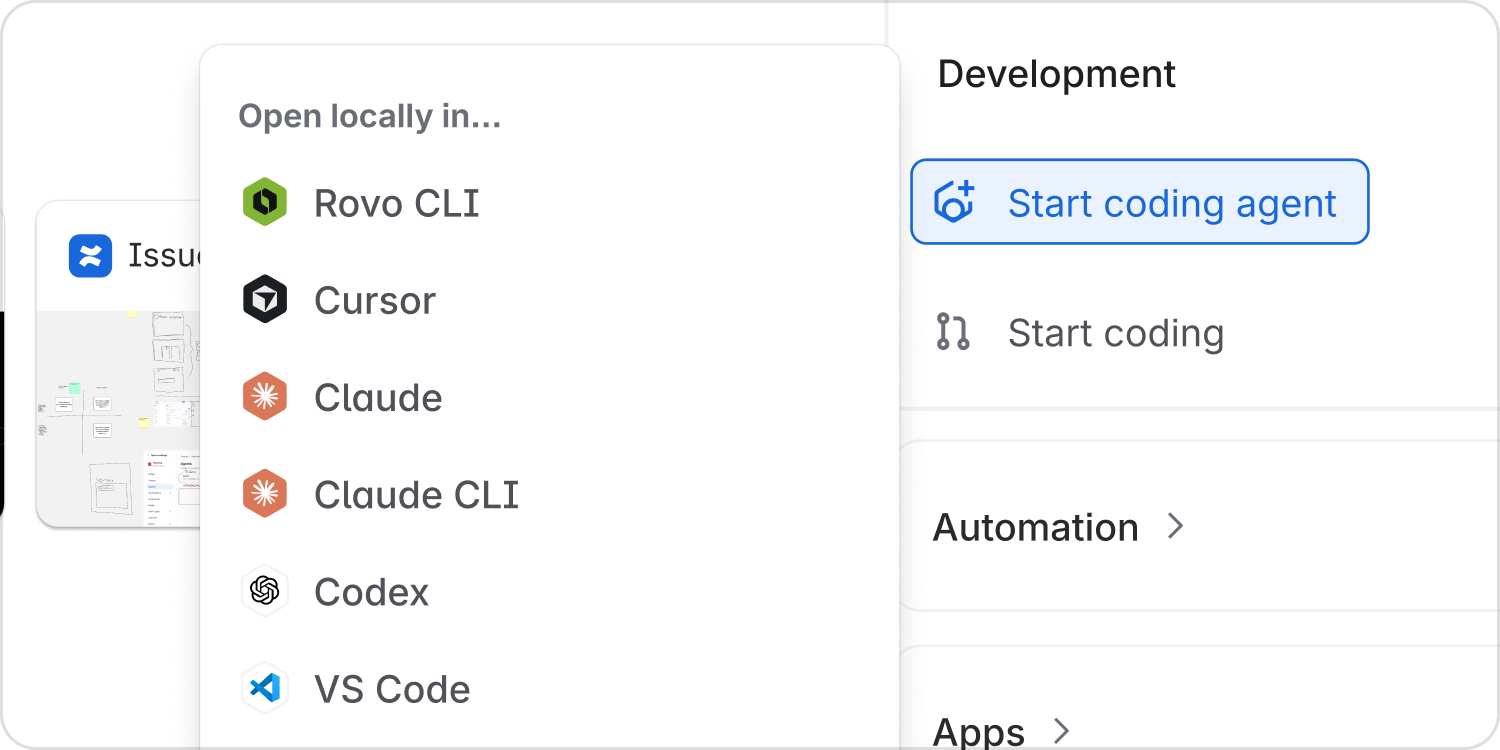
Start coding agent
Enable the flow of work across surfaces by allowing users to switch to cloud or local agent harnesses. Work items can be passed directly to local and cloud agents to start coding with all the necessary context.
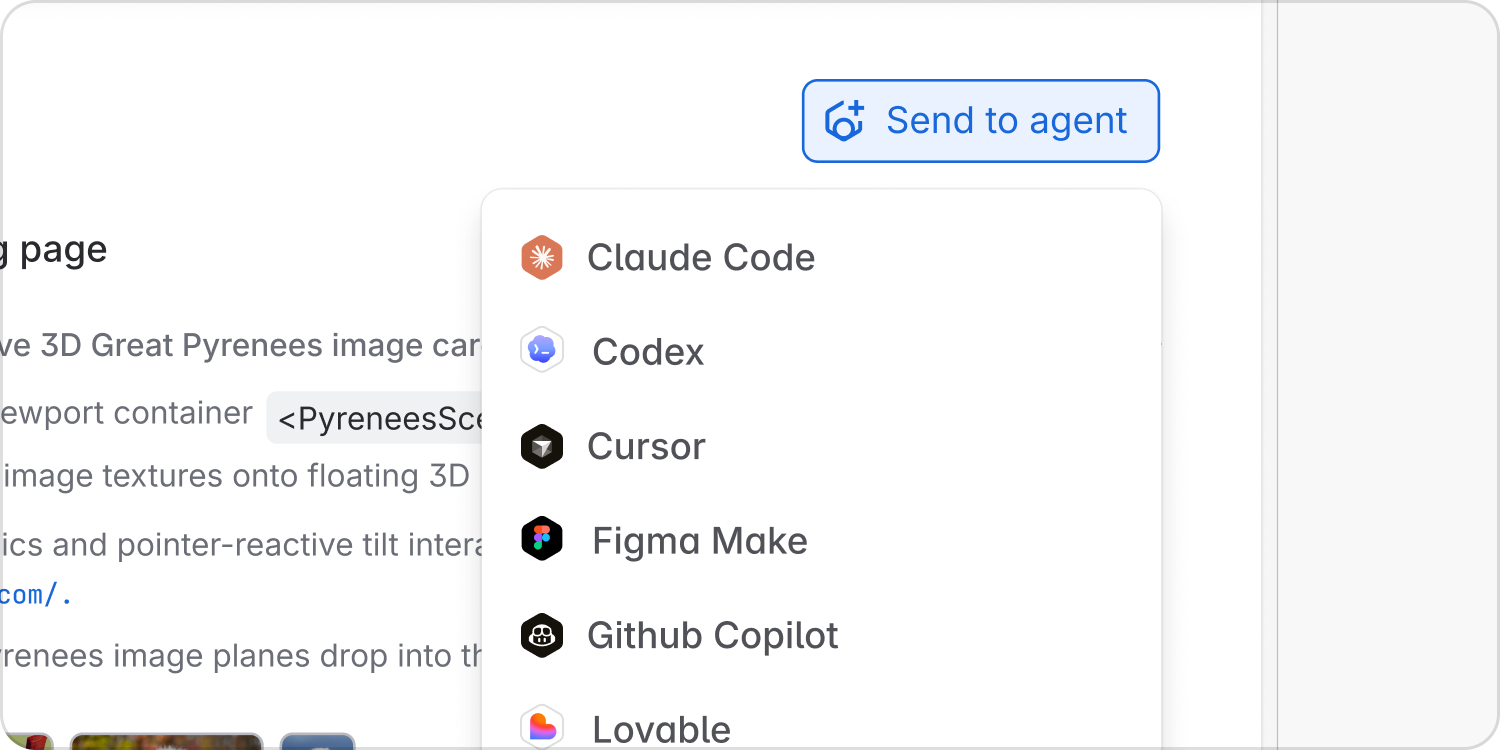
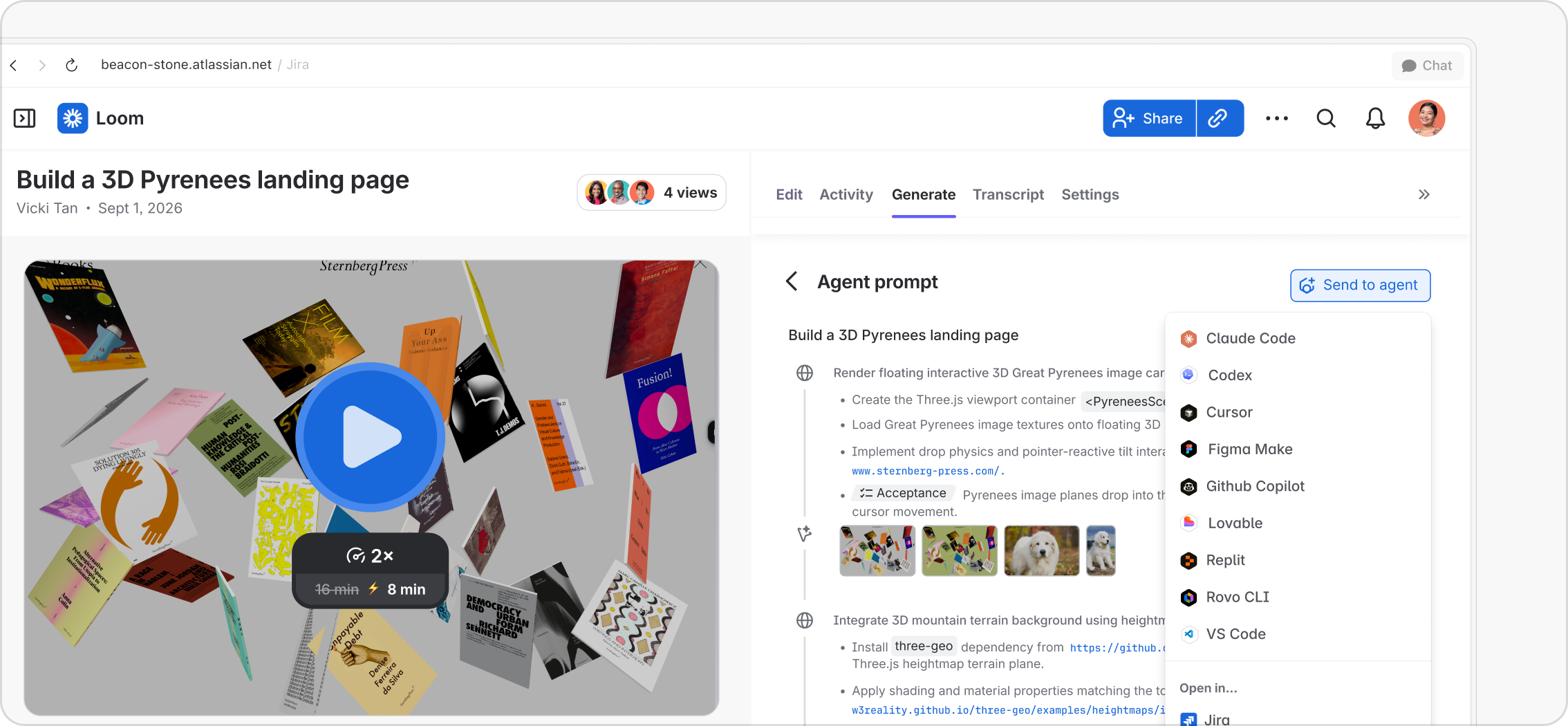
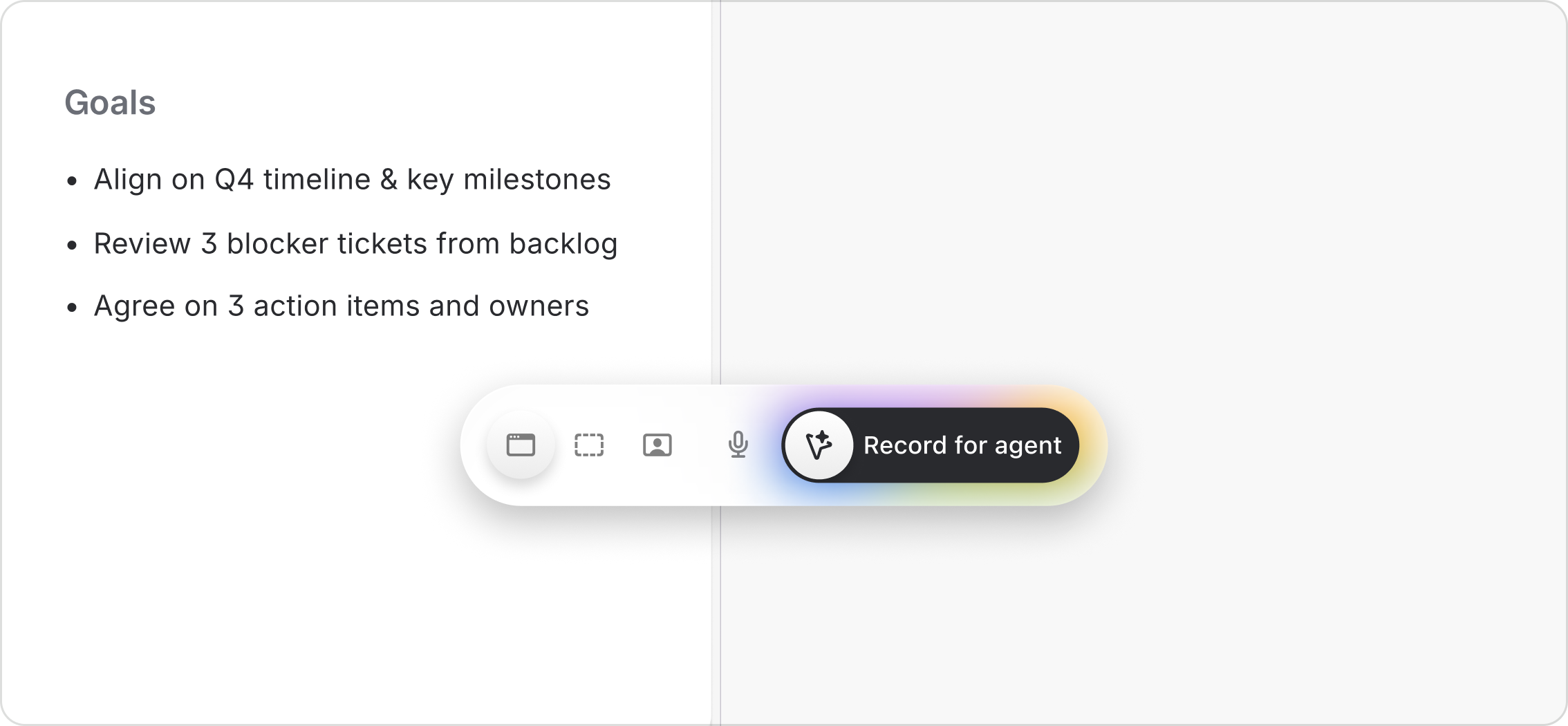
Send video to agent
Ensure that context sharing is multi-modal. Even rich media such as video can be shared with agents to assist with content generation, coding tasks and more.
Conversation
Agents are defined by a powerful ability to take action. Yet conversation is a critical interaction modality for humans and agents. Humans expect to converse with agents in the same way, and in all the same places, that they do with other humans.
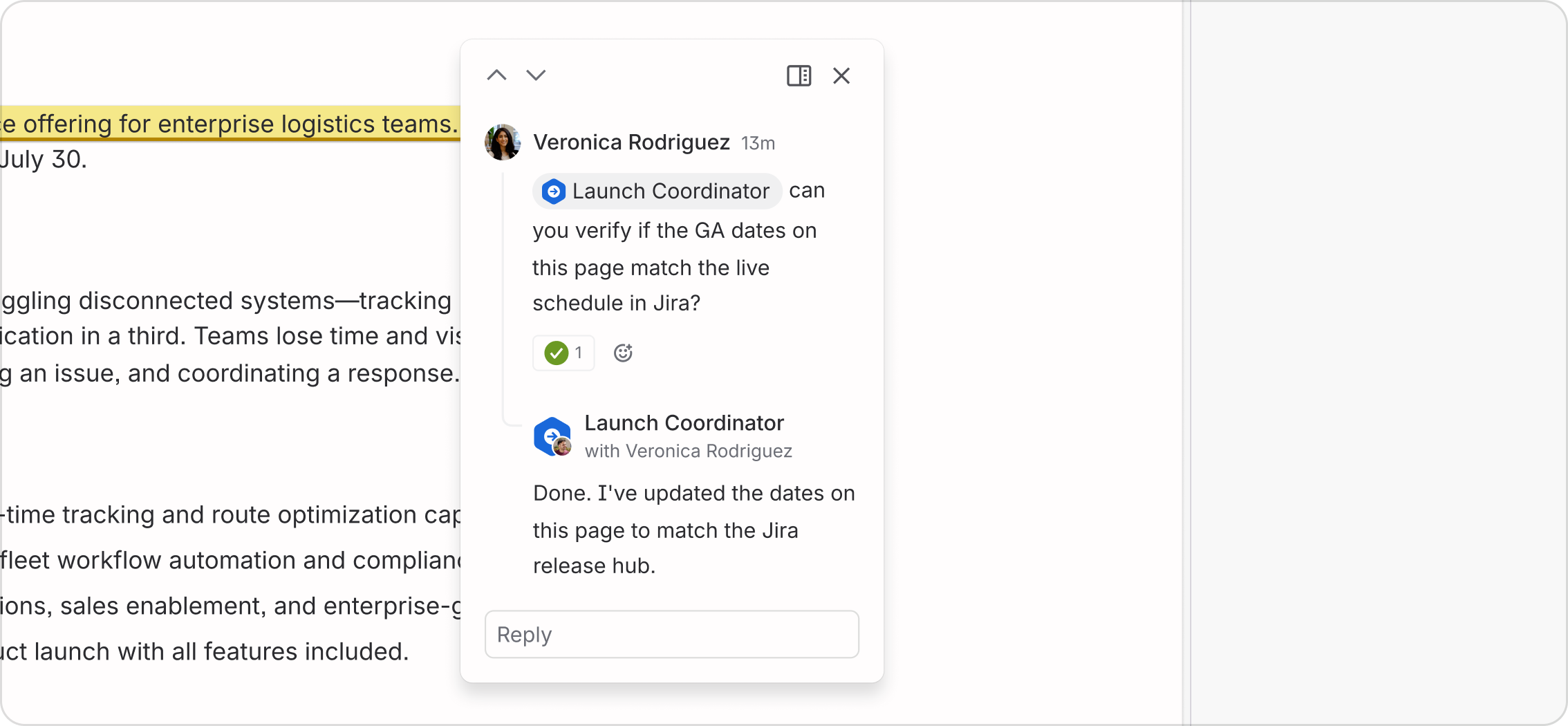
Conversation is a collaboration, and involves patterns to both send and receive messages with agents. Some patterns are (depending on permissions) publicly visible, making the conversation a shared artefact. Others are more private, and facilitate human-agent partnerships.
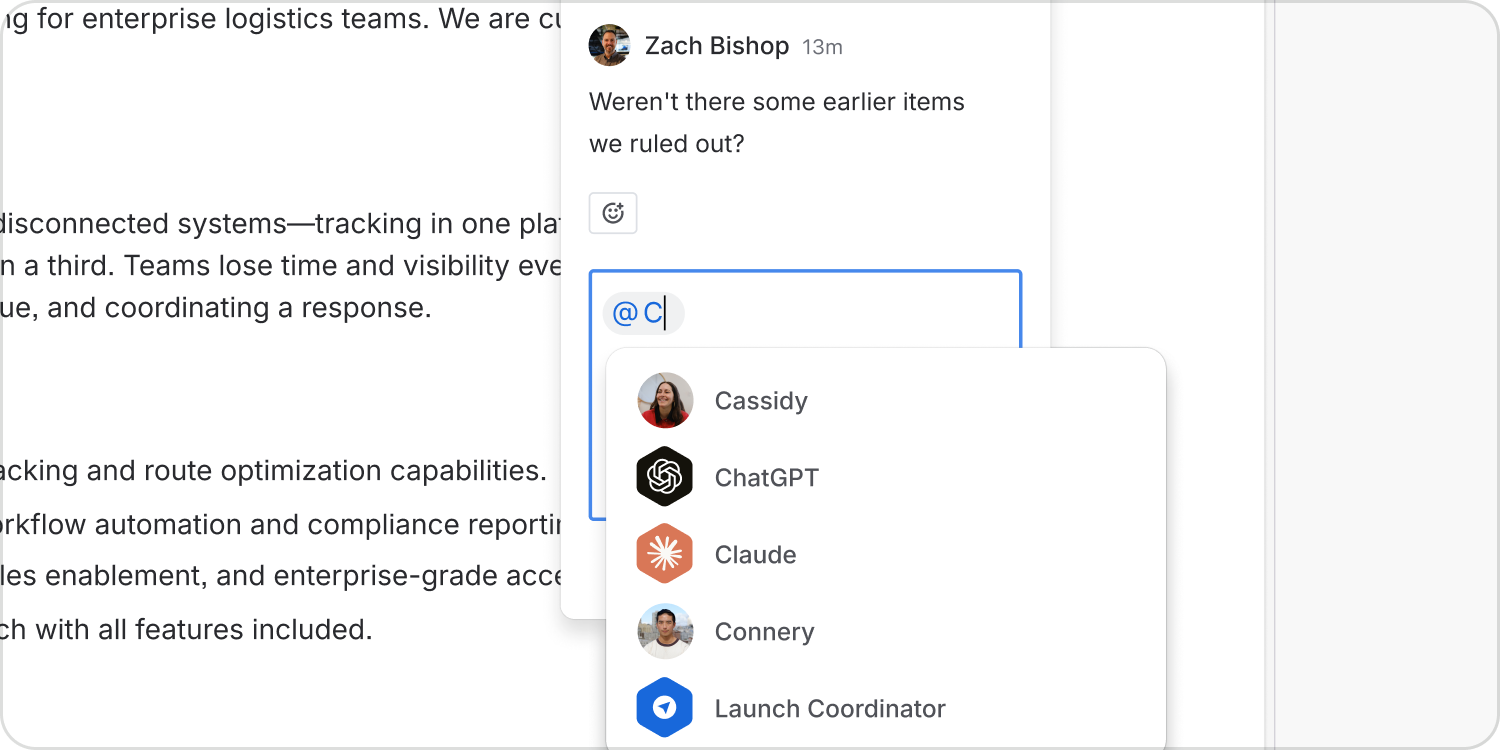
Mentions
Humans are able to @mention agents in documents and comments just as they can other humans, summoning the agent to take action or provide input.
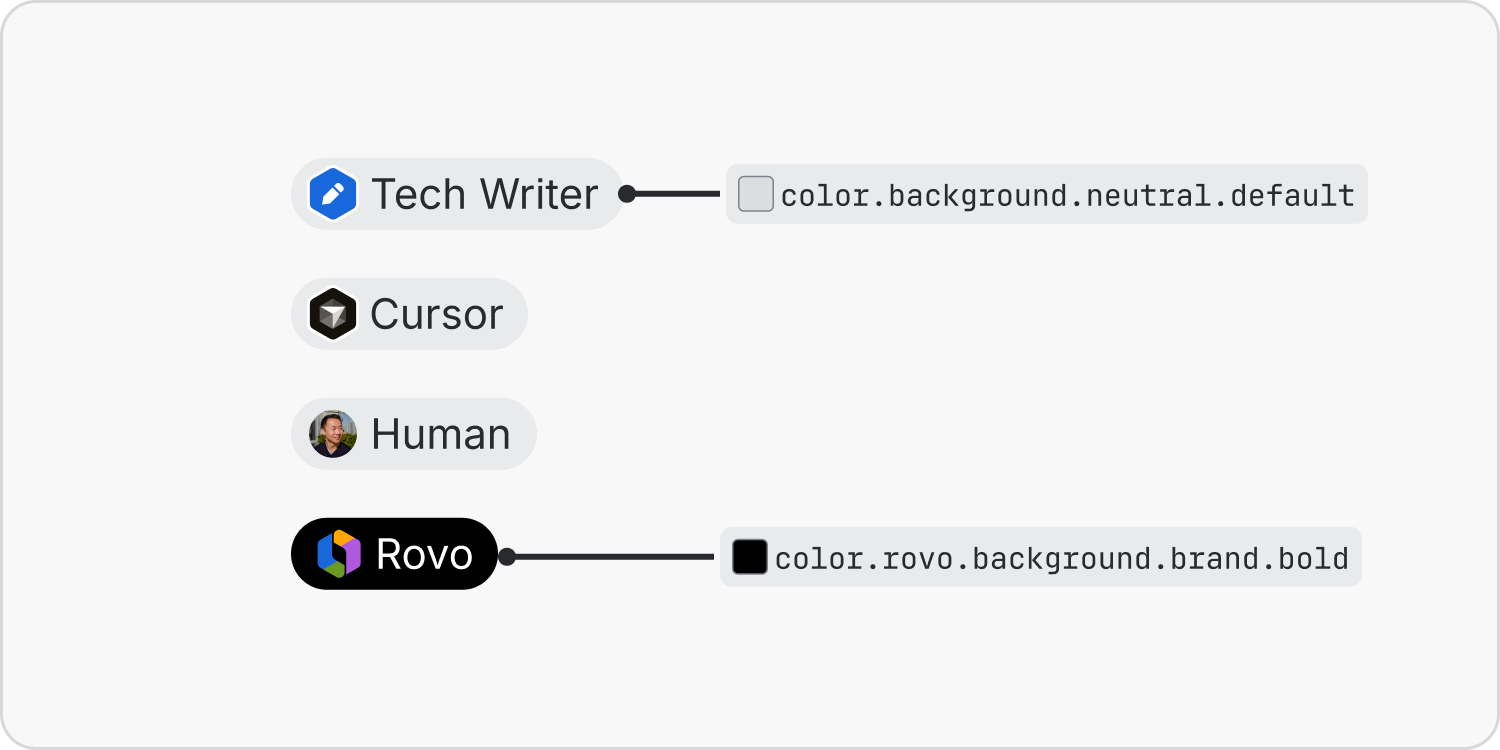
Mentions use a simple lozenge with either the agent or the human avatar. Note that Rovo uses a more prominent dark neutral lozenge for visibility.
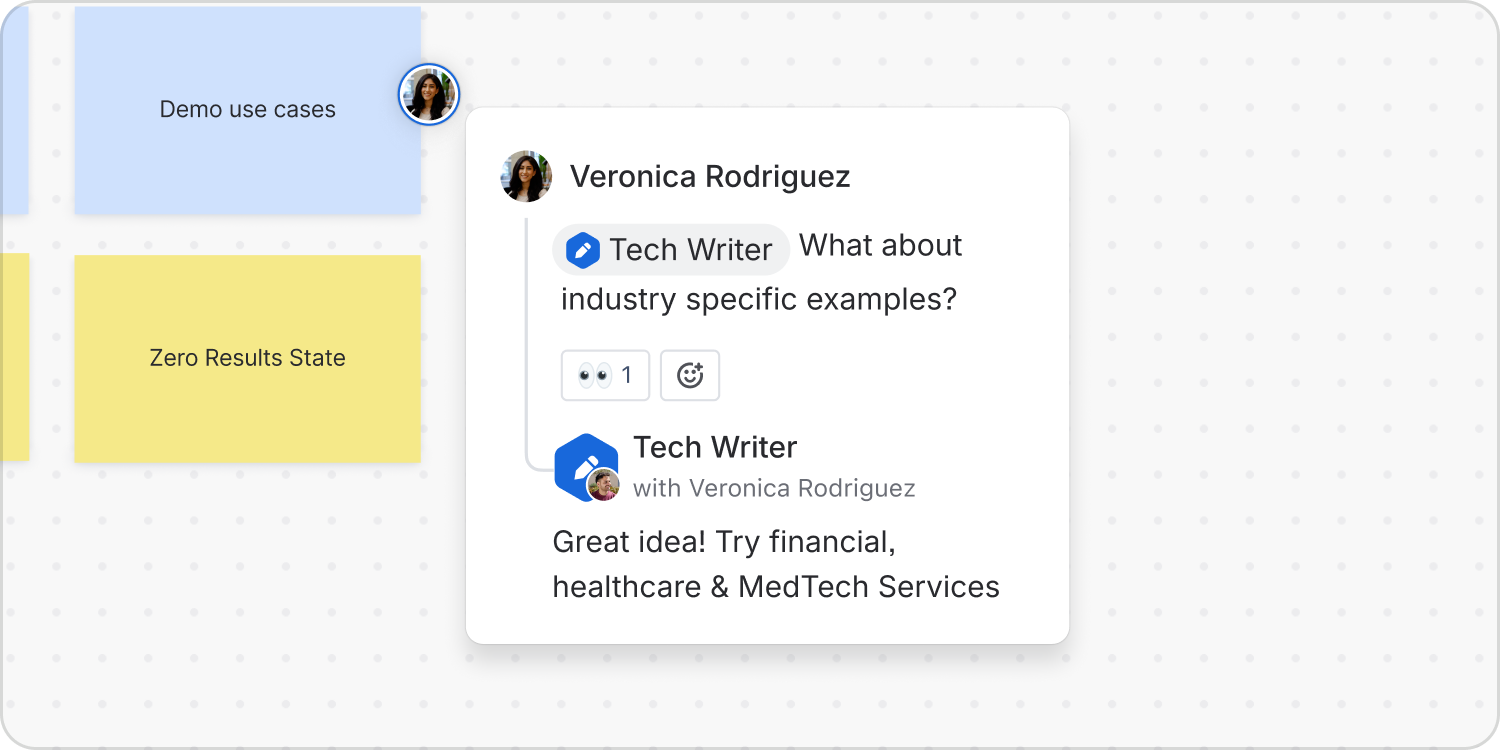
Comments
Design agents for interaction beyond the chat box. Agents can reply to humans in all the surfaces that humans can, from work items to inline comments on Confluence pages and whiteboards.
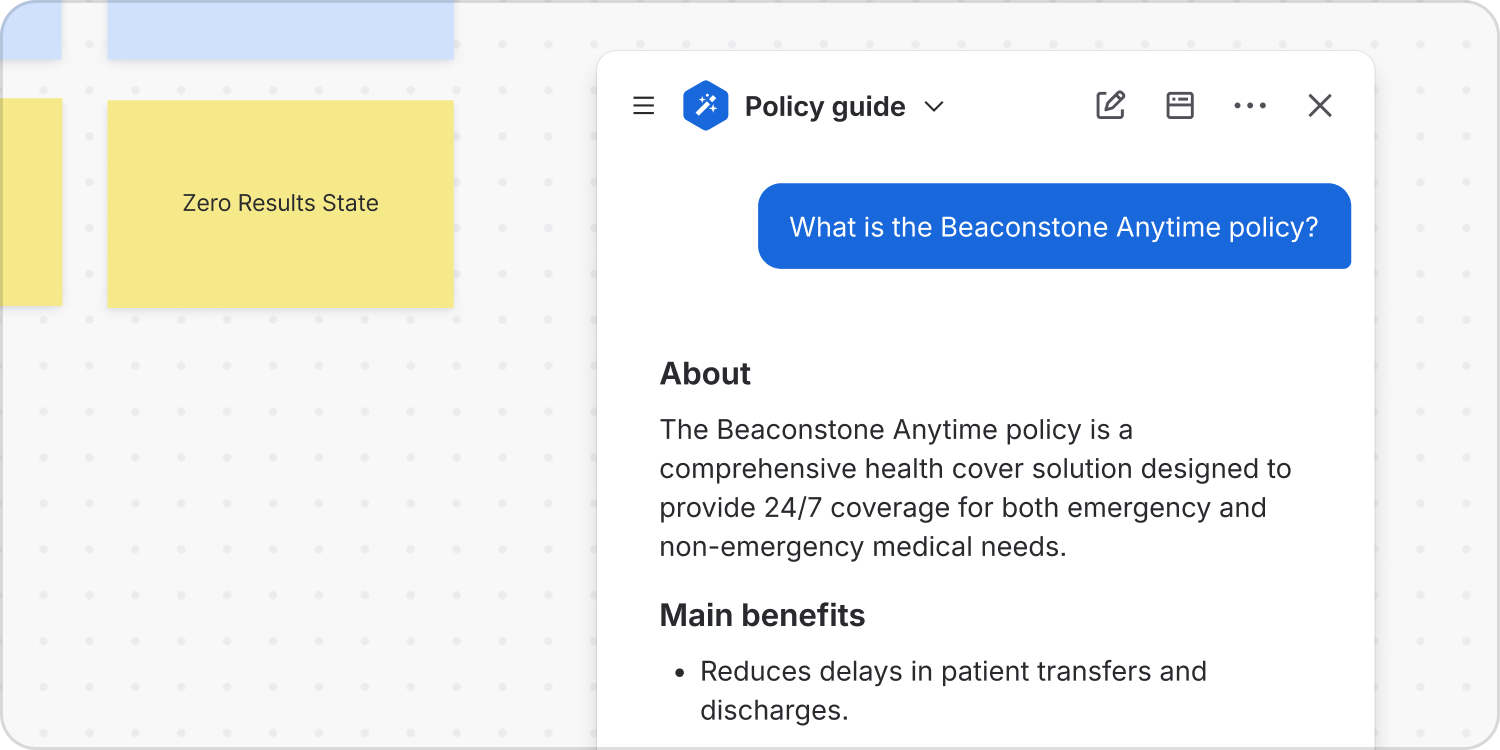
Chat
Equally, dedicated chat continues to be an important human-agent interaction modality for more in-depth conversations.
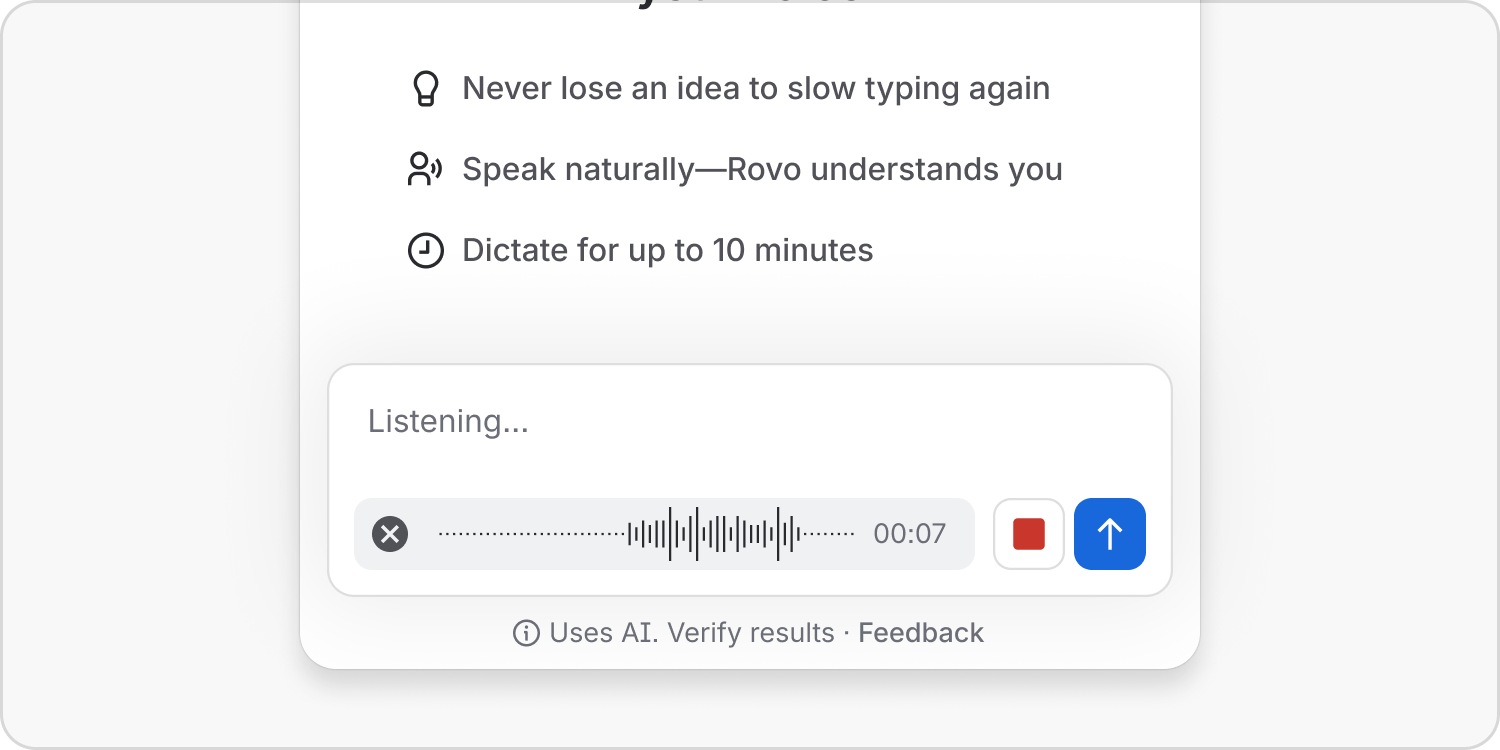
Support multi-modal input
Provide more modalities of input to an agent such as voice chat, sharing screenshots or uploading files, allowing humans to communicate in the most effective and accessible manner.
Video
Human-agent interactions are multi-modal. Video is just another medium for human-agent interaction. Support humans briefing agents via video, and ensure agents can access videos and video transcripts just like any other piece of Teamwork Graph content. Where appropriate, allow agents to communicate back to humans via video.
Context & governance
AMP provides a foundation of trust and oversight for enterprise use of agents. Agents connect to the Teamwork Graph with permissioned access governed by admin controls, Atlassian Guard and enterprise data policies. These extend across your ecosystem to tools such as Figma, GitHub and Claude for seamless cross-tool collaboration.
Do
Provide visibility over all agent actions on the platform.
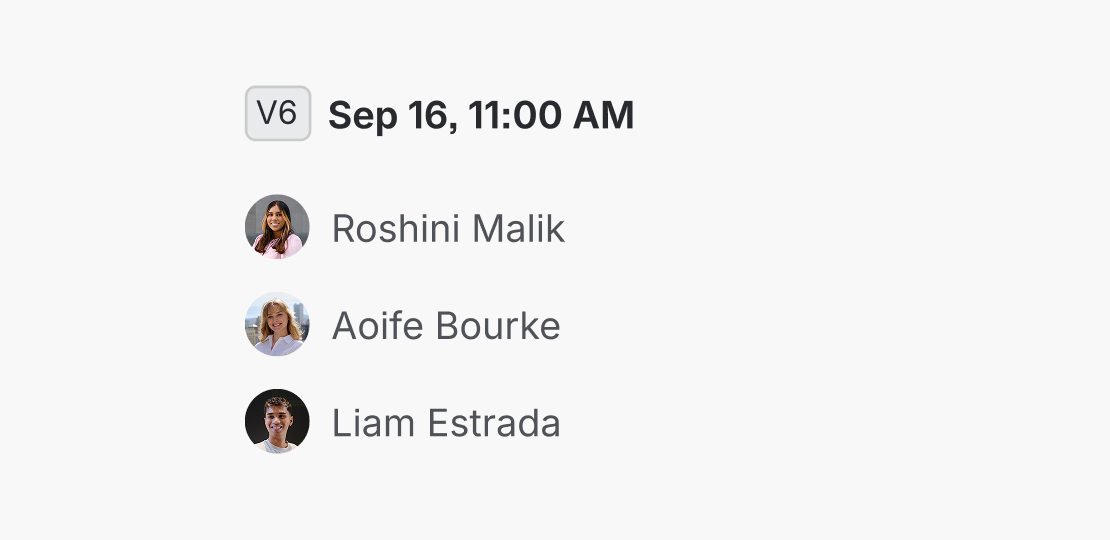
Don’t
Hide any agent actions, including those by MCP and CLI agents.
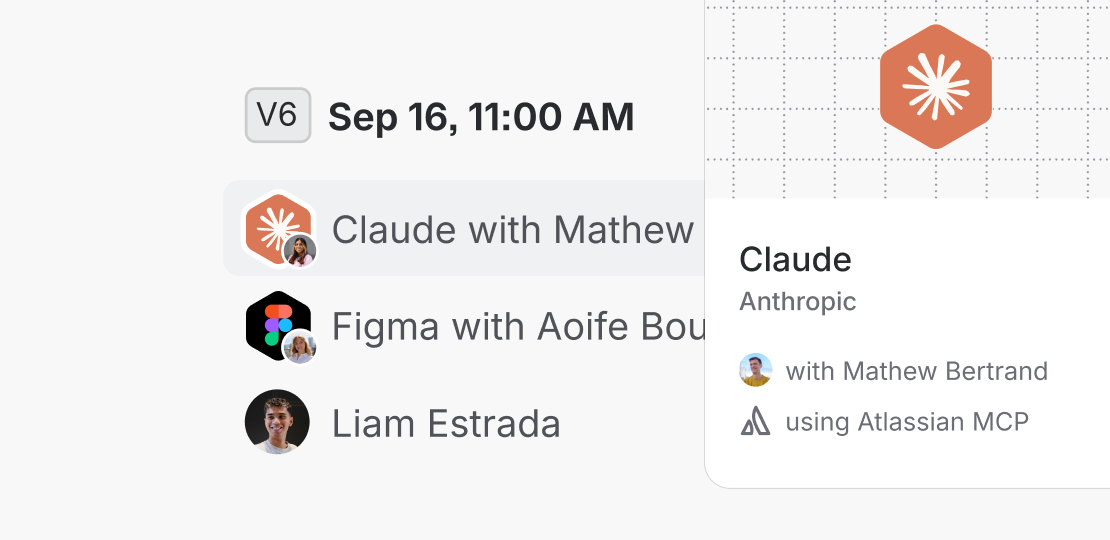
Do
Lead with the agent that took the action followed by the invoking human. Save technology — MCP, CLI, etc. — for the hover cards.
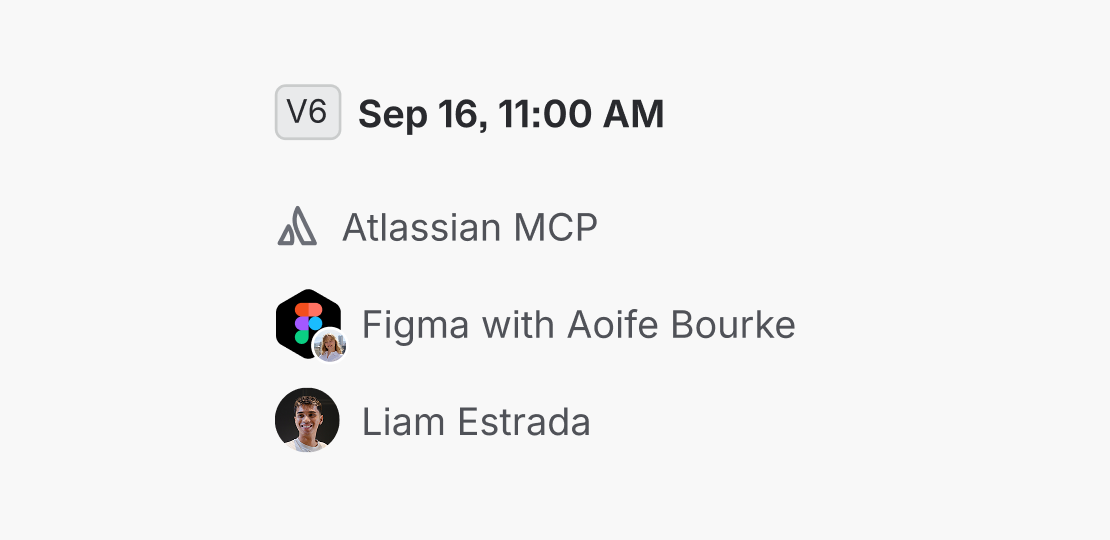
Don’t
Obscure which agent took an action and on whose behalf by only surfacing the technology used to access the platform.

Do
Provide granular control over agent access: units, apps, spaces and content.
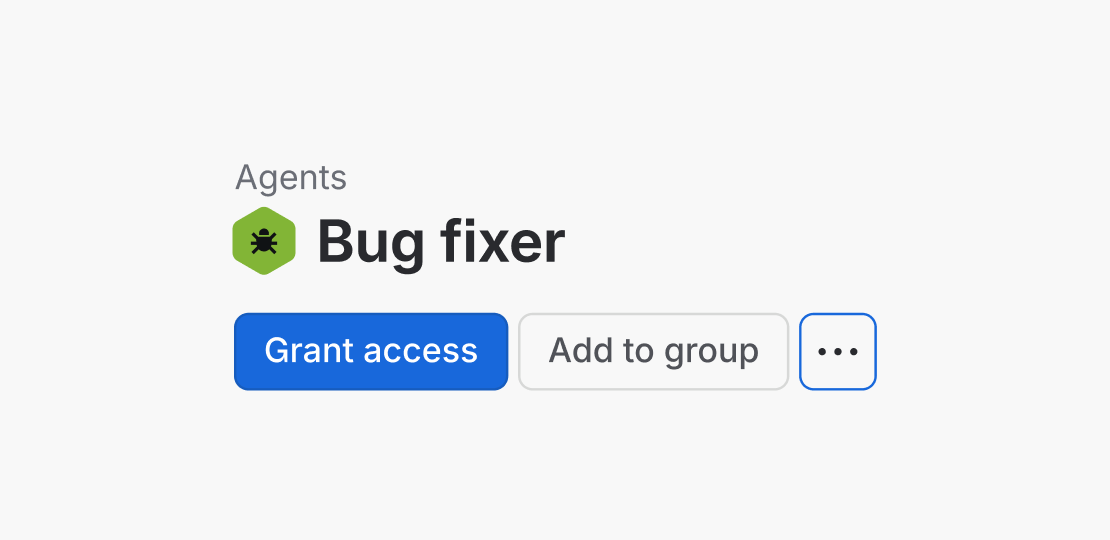
Don’t
Only provide global access control to entire apps with no way to limit certain content or actions.

Do
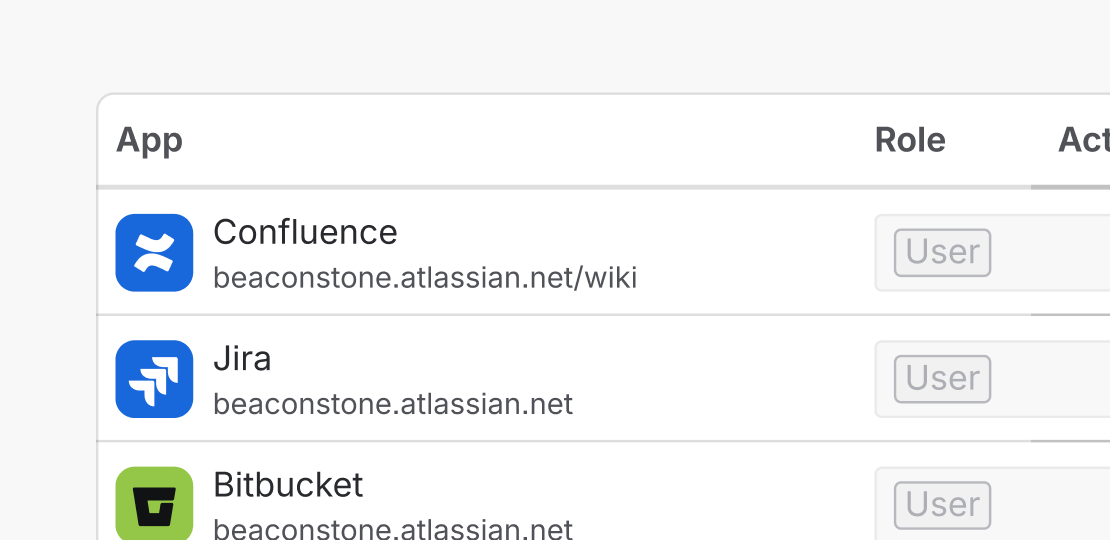
Provide a clear deactivation control to quickly turn off a misbehaving agent.
Don’t
Force administrators to use granular controls to remove agent access piece by piece.
Manage agent access
The most fundamental administration task when managing agents is to control their access. Are they able to see or do things that they should not be? AMP defines a number of patterns to provide robust control over agents.
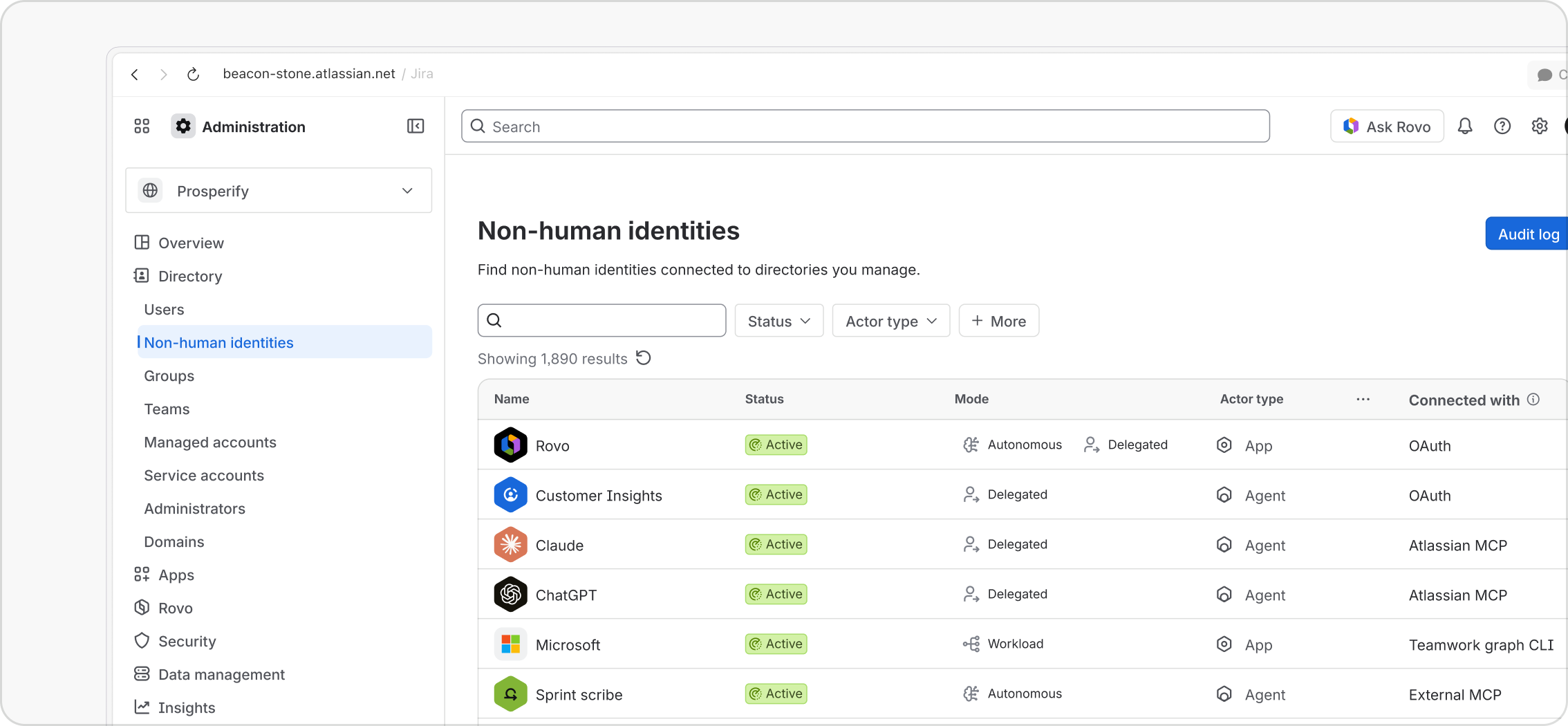
Administrators must be able to quickly lock down inappropriate agent access. In Atlassian Administration, admins can view all Non-Human Identities (an industry-standard term covering agents, simple bots, service accounts and apps) and manage their access. This includes agents connecting via MCP and CLI.
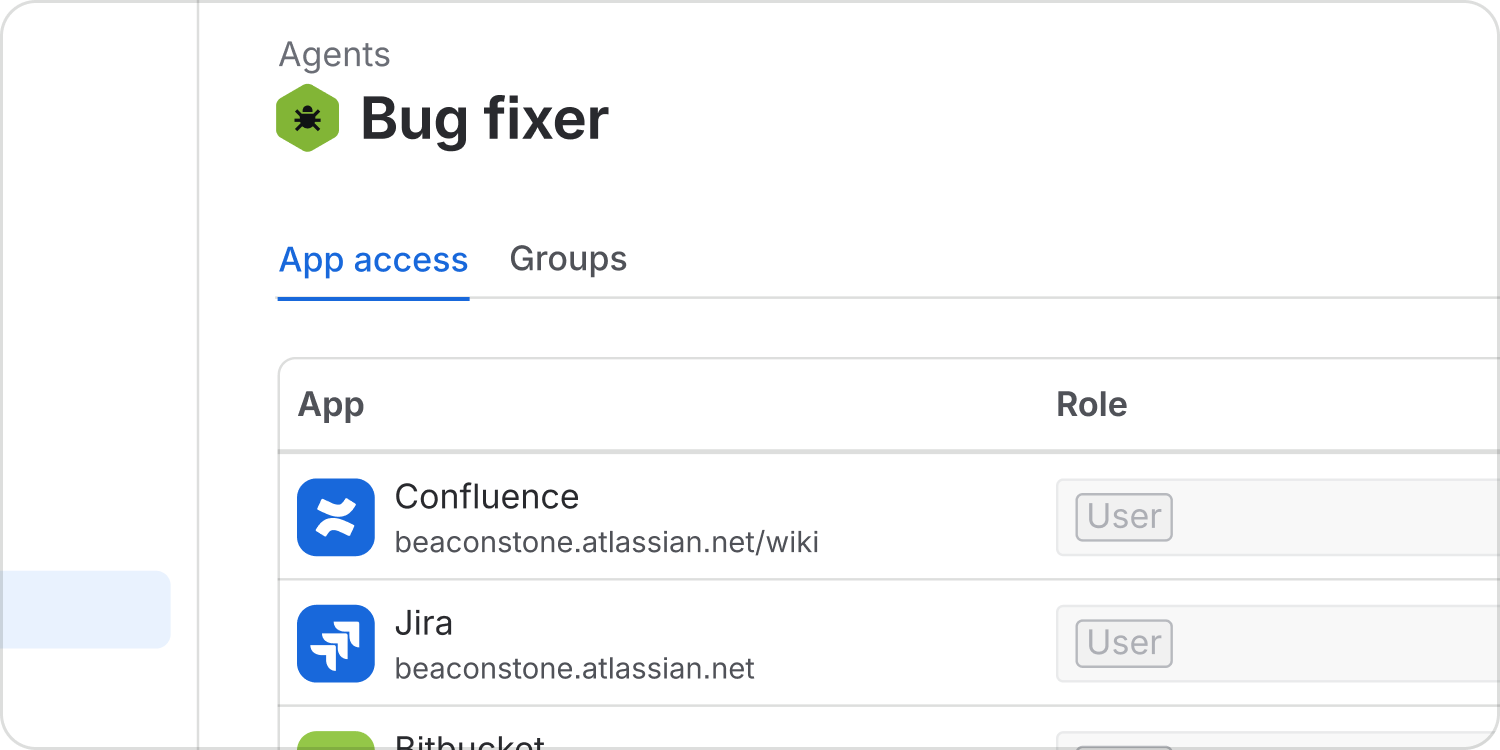
App access
Agents built on the Atlassian platform, including those created with Rovo Studio or Forge, can be granted roles and access to any app across the platform.
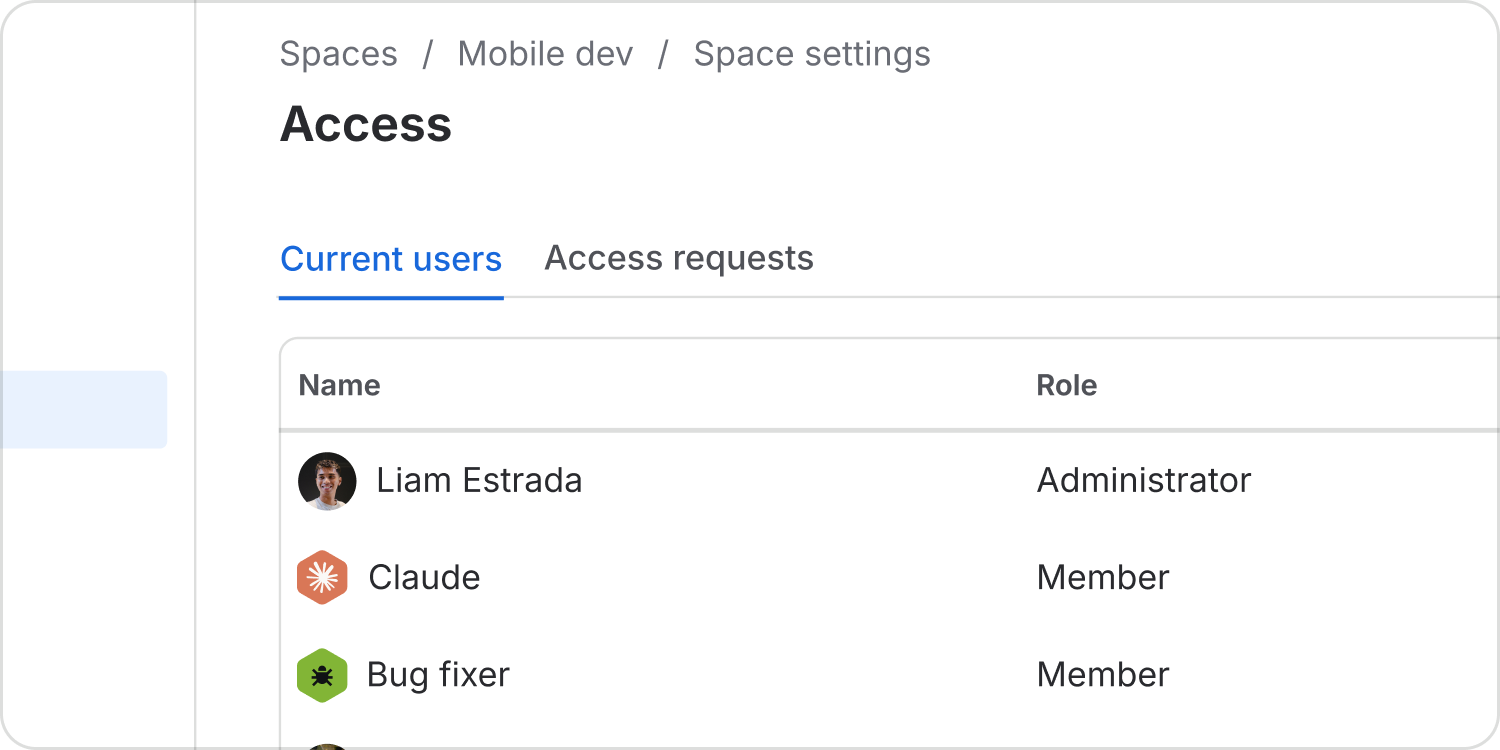
Space access
Provide more granular access controls. Space administrators in Jira and Confluence can also manage agent access to their content, just as they can humans.
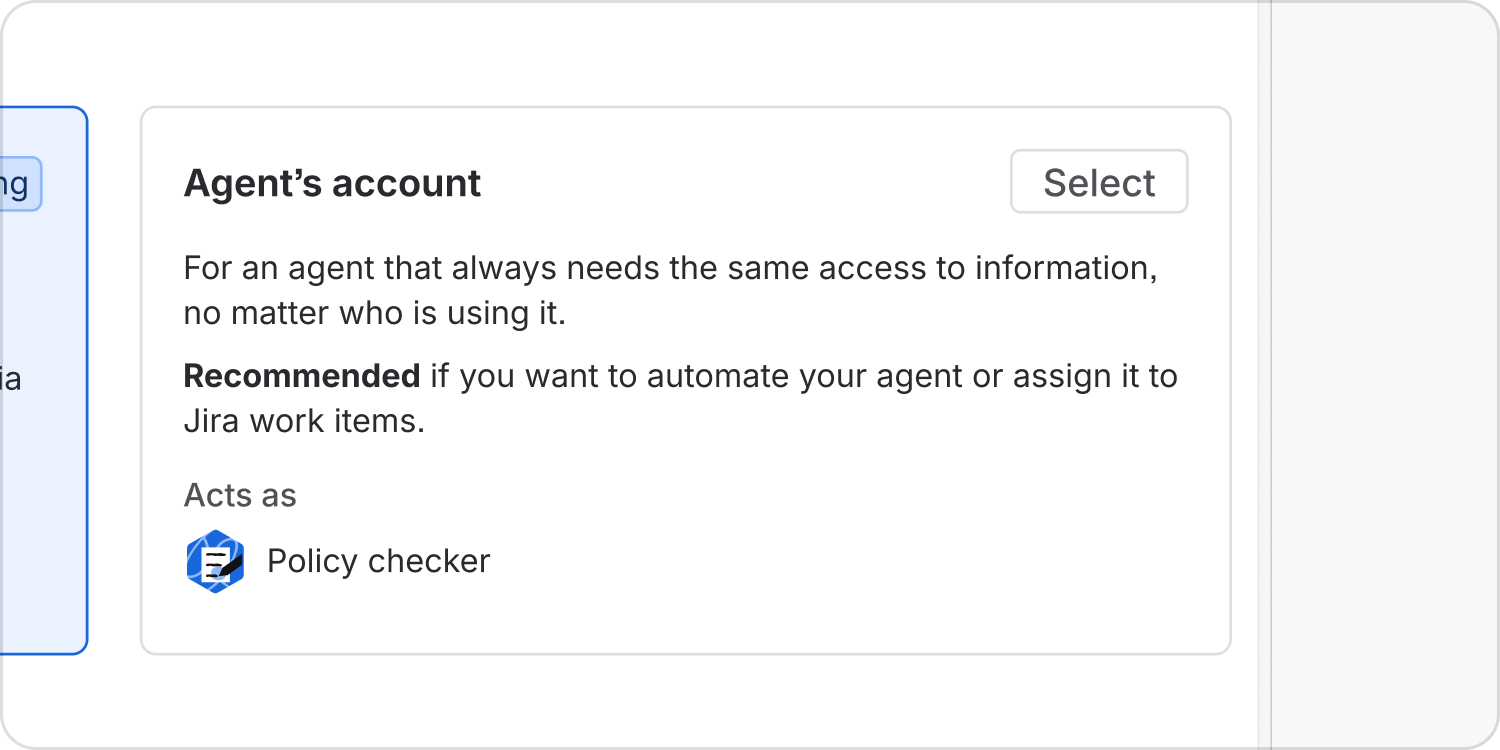
Agent accounts
Support agent autonomy. Custom agents can either act using the permissions and access of their owner or be given their own account and unique permissions with which to take action.
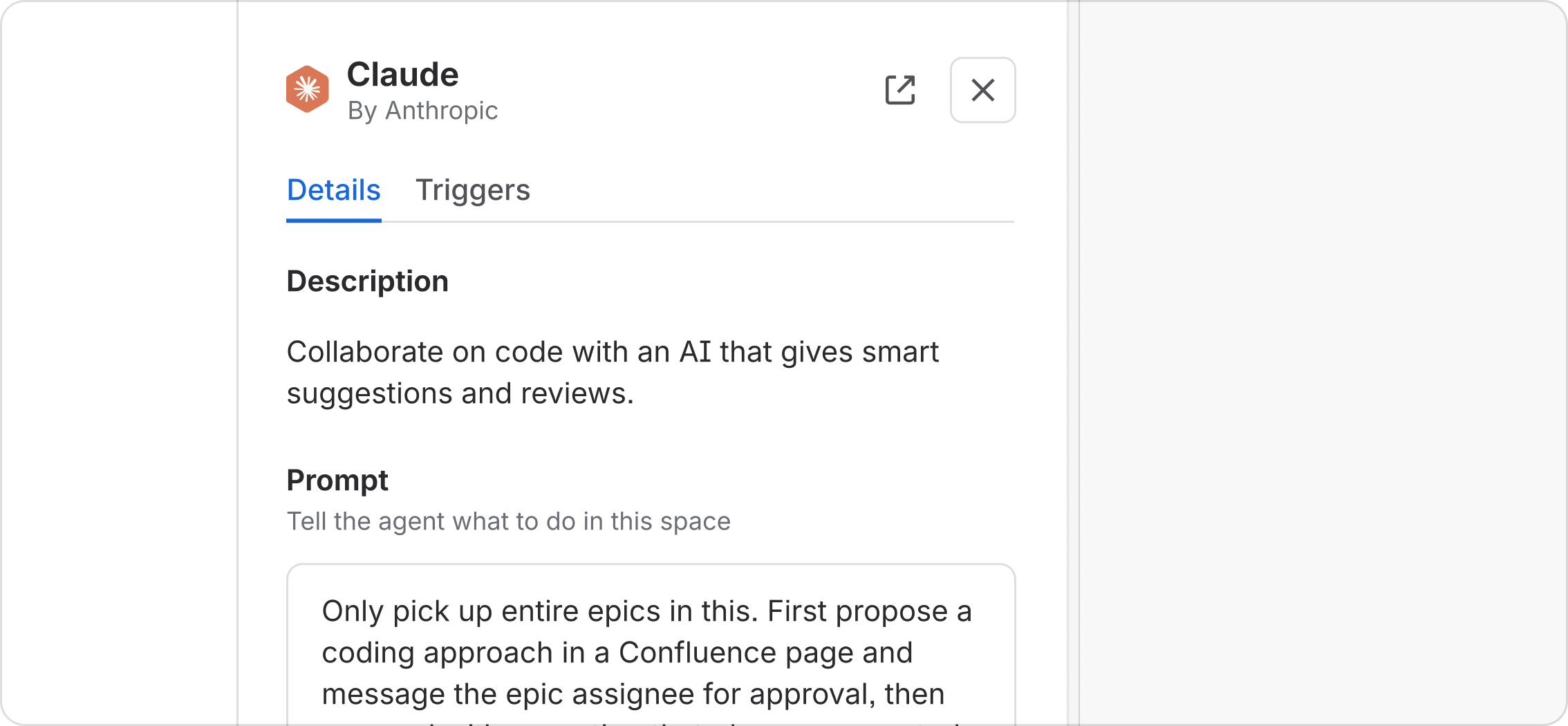
Space instructions
Allow for local customisation of agent behaviour by teams. Teams can further modulate agent behaviour with space-level custom instructions. These provide guidance to the agent on how to collaborate with the team in this space or provide additional context about desired output.
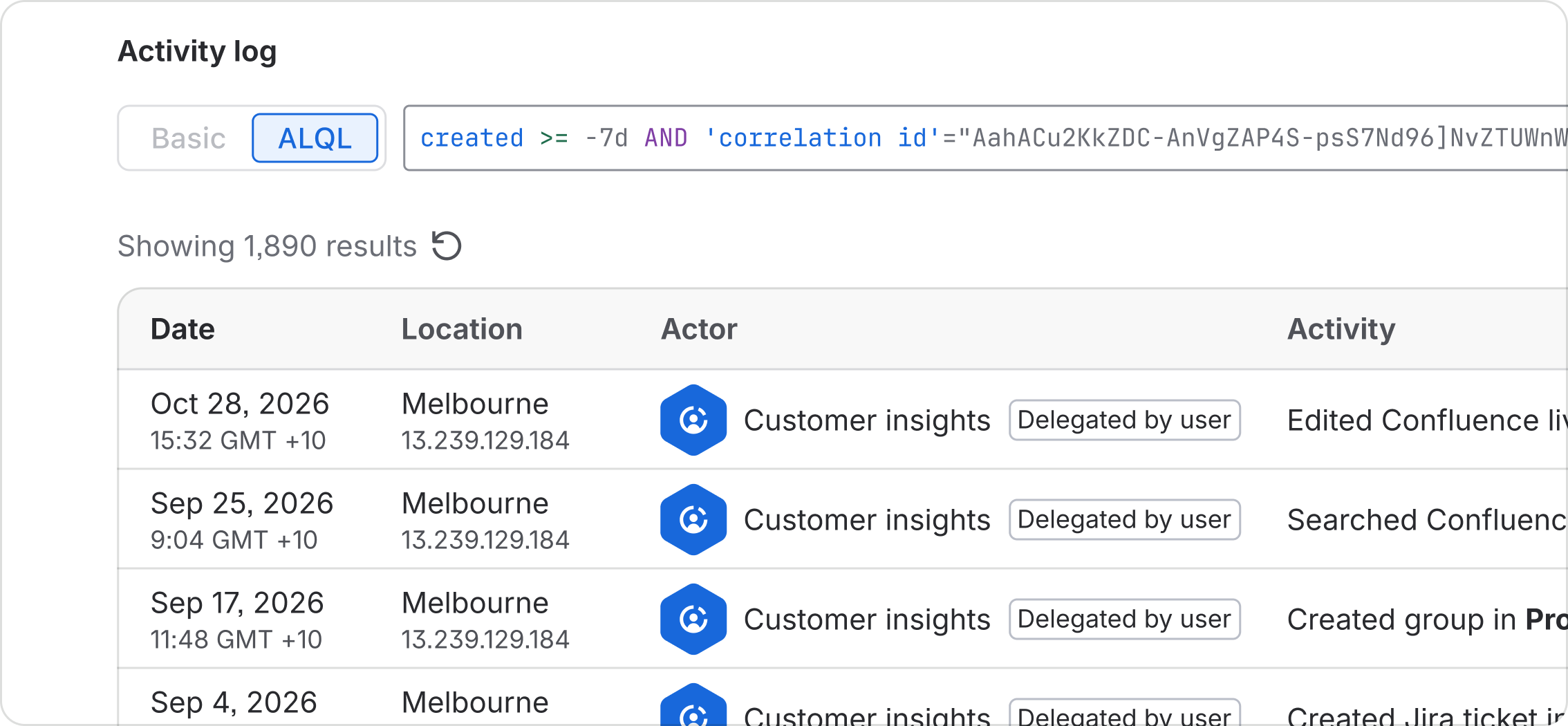
Activity audit
Access is one pillar of effective agent administration. The other is monitoring activity. Ensure admins can manually view a detailed audit log of actions taken by the agent, allowing them to identify any dangerous actions being performed by agents.
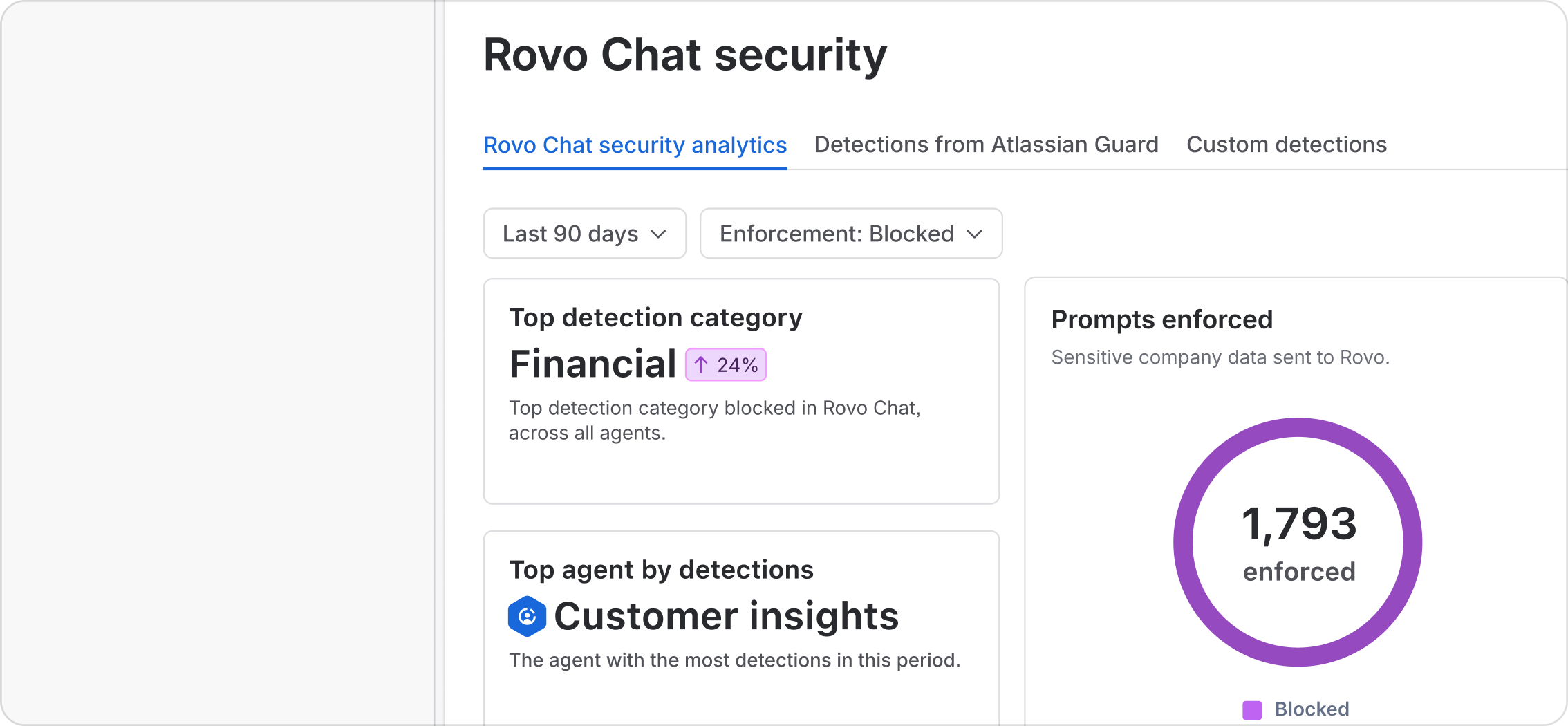
Chat security and policies
Manually monitoring agent activity only gets admins so far. Admins must be able to set and enforce policies for agent behaviour. With Atlassian Guard, strong policies can be set to prevent dangerous behaviour in chat or limit agent actions. Policy dashboards then provide a single pane of glass across agent activity in the platform.
Closing
This is an overview of the key patterns that define AMP on the Atlassian platform. More granular information about components, tools and usage guidelines are contained in the Atlassian Design System (ADS). These also apply to AMP, and ensure coherence across simpler UI interactions and powerful agentic ones. We will continue to update these patterns as new agentic capabilities become available.
Read about our AI interaction guidelines.