Expand side navigation
Design system
News
Search
Search
Theme
Get started
Foundations
Components
Rovo UI
About Rovo UI
AI interaction guidelines
Foundations for Rovo
Color
Elevation
Motion
Voice and tone
Components for Rovo
Button
Generative border
Icon
Illustration
Skills tag
Tools
AMP Patterns
Release phases
Contact us
Rovo UI
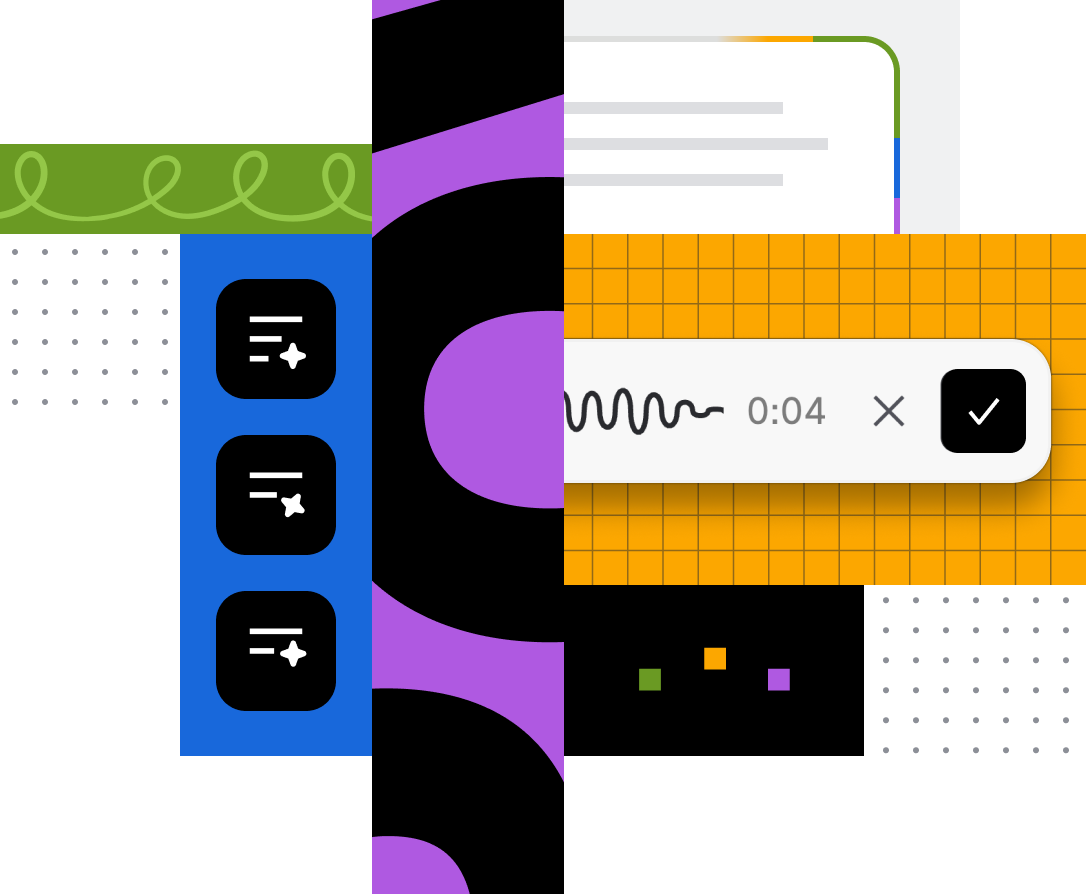
The AI voice of the Atlassian Design Language which defines how Rovo looks, moves, and behaves across Atlassian surfaces.
Overview
About Rovo UI
A layer of the Atlassian Design Language that gives AI‑powered moments their own voice.
AI interaction guidelines
Design direction for how AI should behave, respond, and collaborate alongside humans.
Foundations for Rovo
Color
Atlassian brand colors are combined to create a distinct Rovo look and feel.
Elevation
Elevations are layered surfaces that form the foundation of UI.
Motion
Motion brings clarity and character to Rovo’s AI experiences.
Voice and tone
Rovo’s tone of voice shows sound judgment and builds trust for teams.
Components for Rovo
Button
Rovo button variants for primary actions and contextual triggers.
Generative border
An animated border that indicates AI content is being generated.
Icon
Dedicated Rovo icons help users identify AI-powered actions.
Illustration
Spot illustrations create a signature moment on key Rovo landing screens.
Skills tag
The skills tag is the primary visual identifier for a Rovo skill.