Button
Rovo action buttons and contextual triggers.Rovo buttons should make Rovo feel discoverable, trustworthy, and contextual without interrupting the user’s workflow.
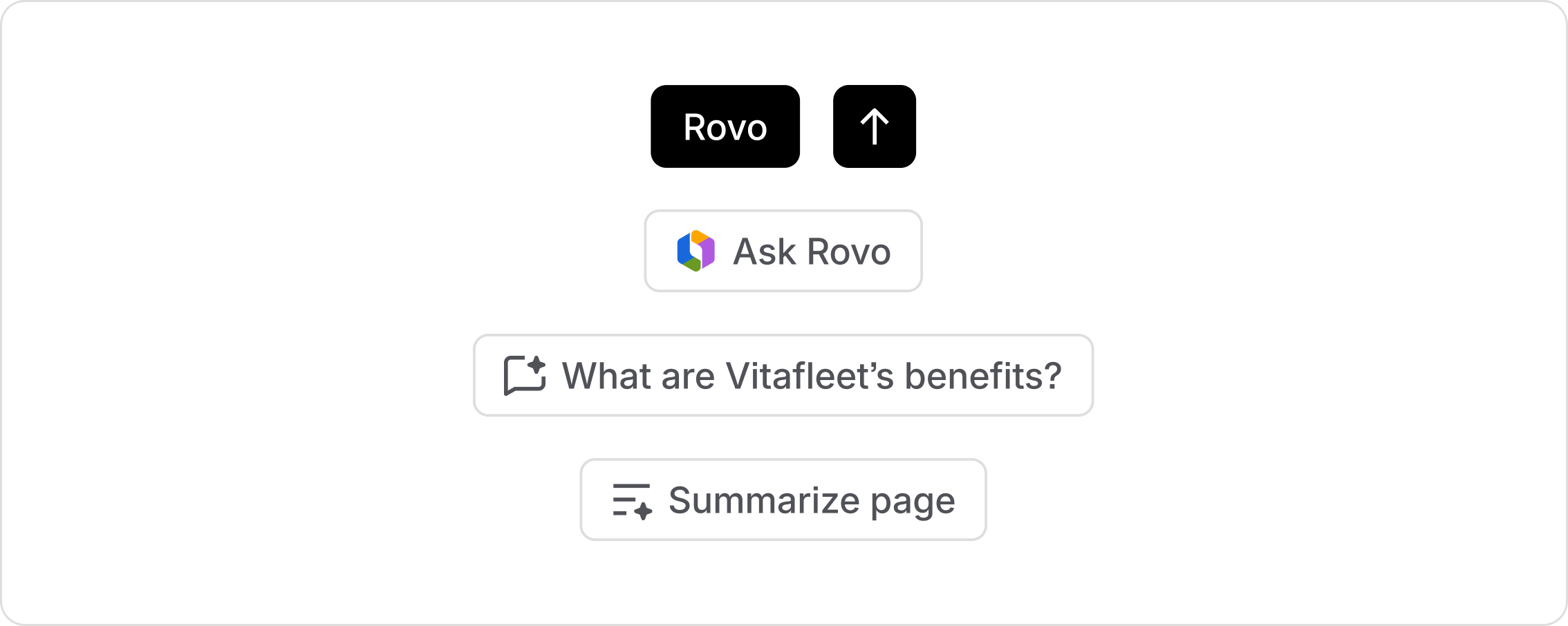
The Rovo button appearance is used to draw attention to the most important Rovo action in an experience. The most common example is the icon button used in Prompt boxes. Avoid applying the Rovo appearance to more than one button in the same region.
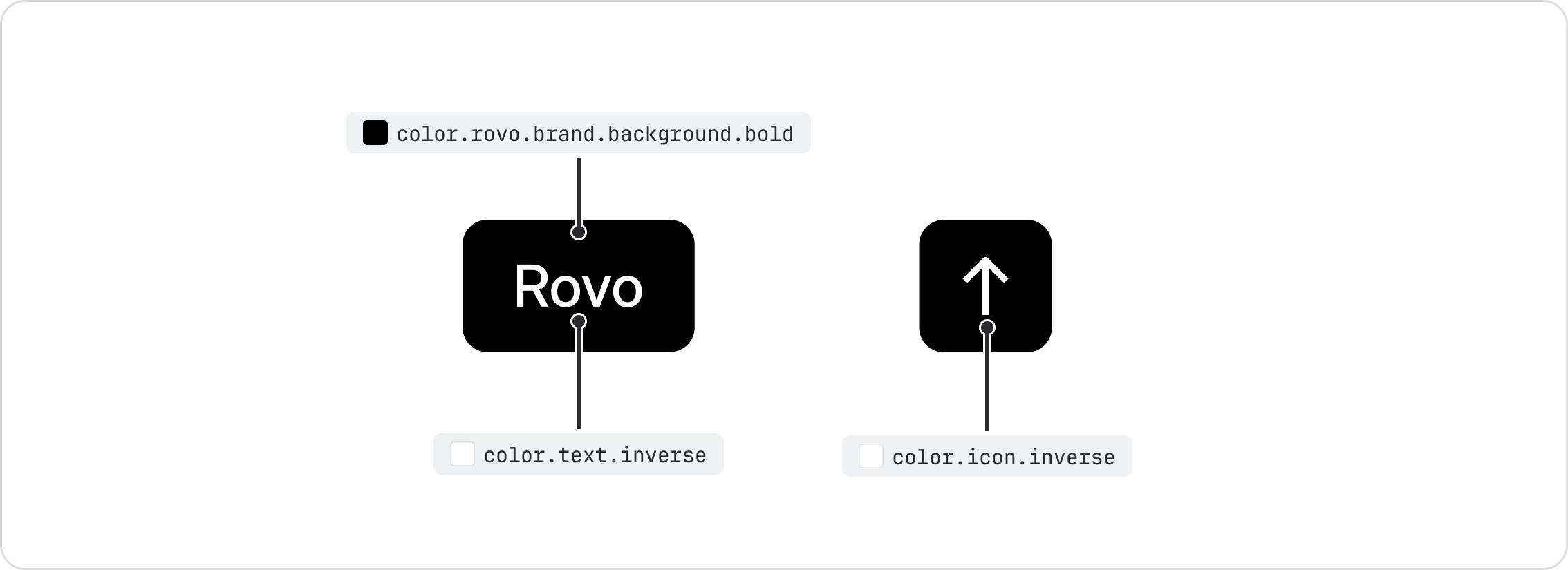

Do
Apply the Rovo button appearance to primary actions in Rovo experiences.

Don’t
Don’t apply the Rovo button appearance to non-Rovo actions.

Do
Use the Rovo button appearance as provided.
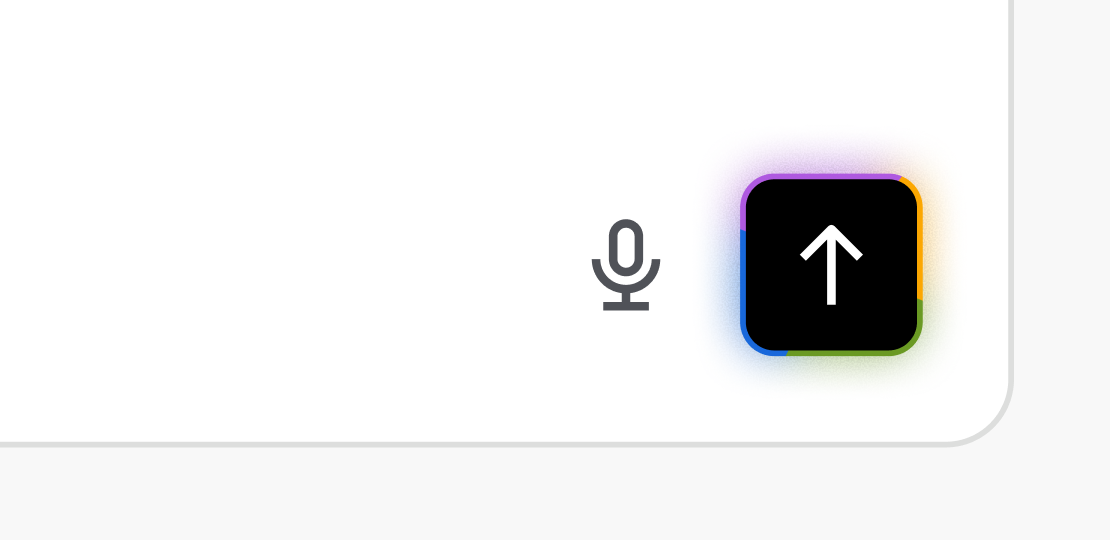
Don’t
Don’t customize the Rovo button appearance.
The floating action button creates a persistent or proactive entry point to Rovo. Alongside the button, nudges can appear, which are contextual suggestions or prompts that surface at the right moment to help users complete tasks more efficiently.

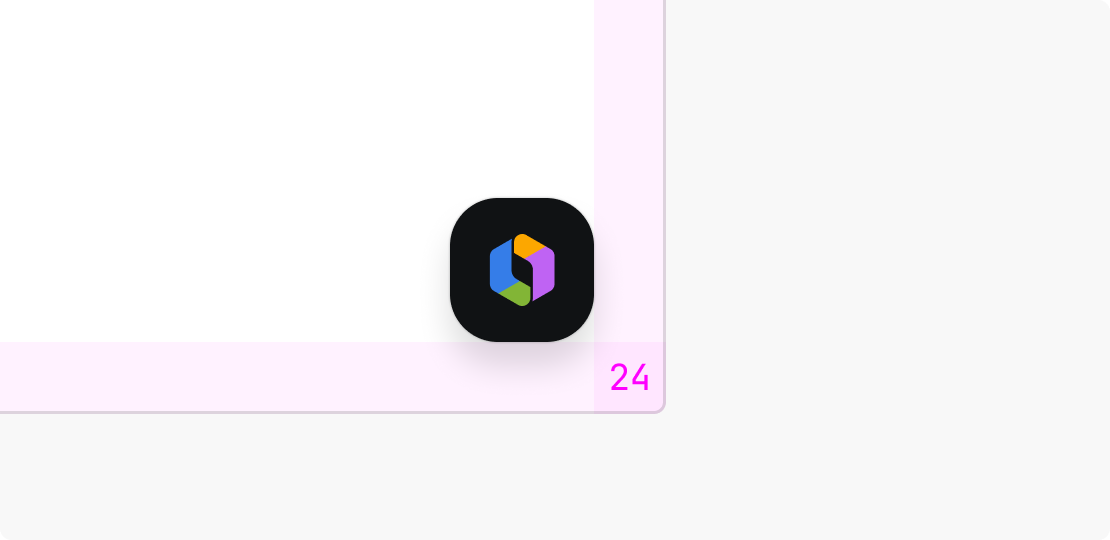
Do
Keep a consistent placement of the Rovo floating action button.
Don’t
Don’t reposition the Rovo floating button within your app.
Rovo cues and prompt starters
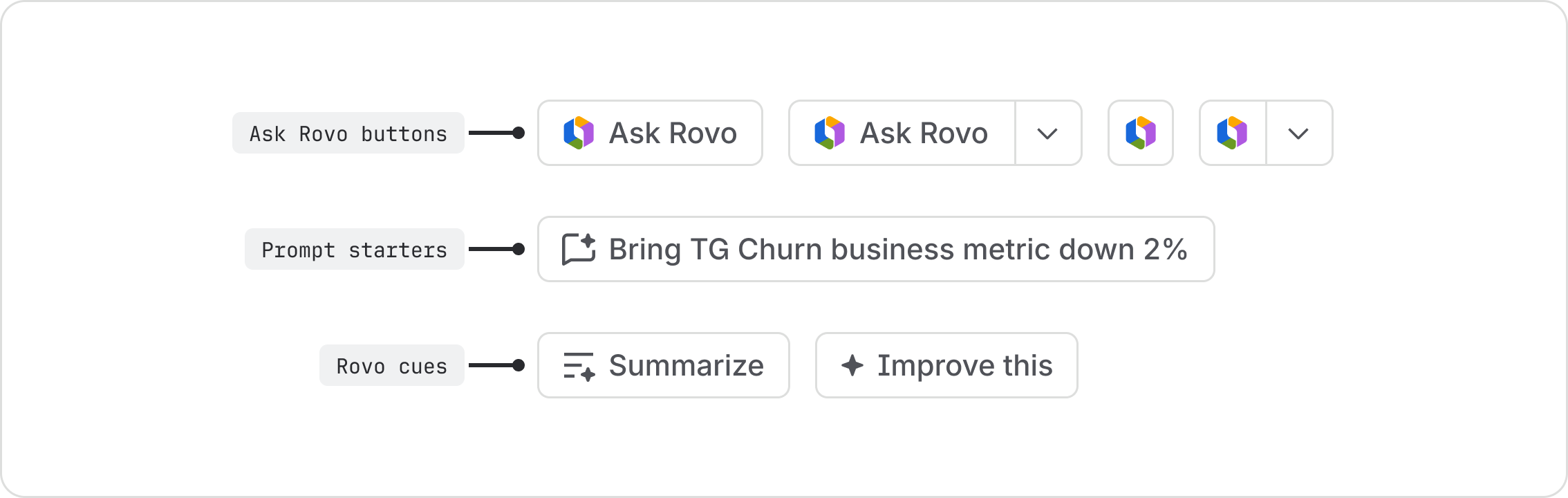
Use the ask Rovo button (Atlassian only) to invoke Rovo. To suggest a helpful next step that opens a chat, add a prompt starter with the AI chat icon. For quick AI actions that happen outside of chat, use Rovo cues.
- Learn how to use the button component.
- Learn how to use the icon button component.