Elevation
Elevation creates clearer visual hierarchy and guides focus to the most important Rovo surface.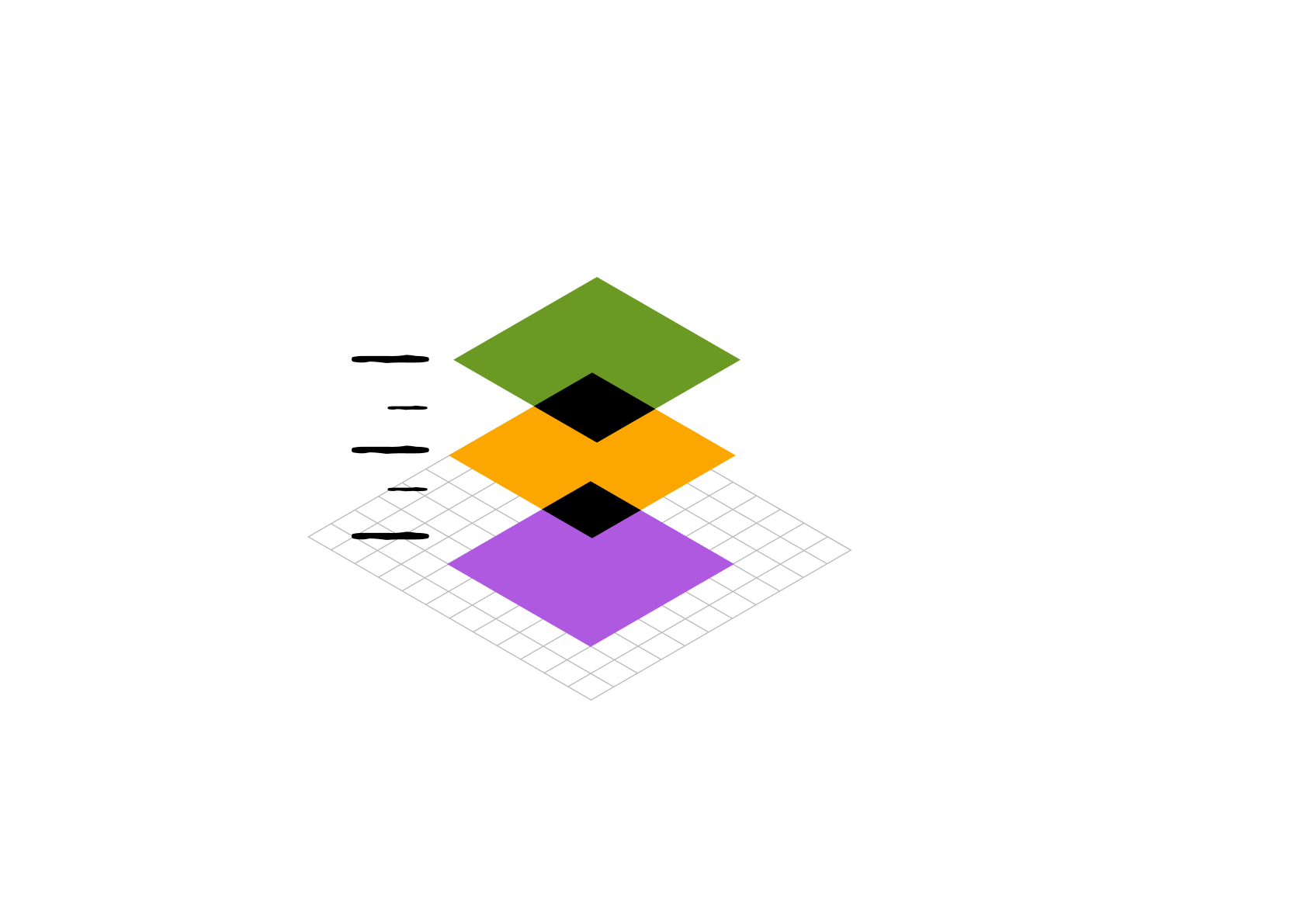
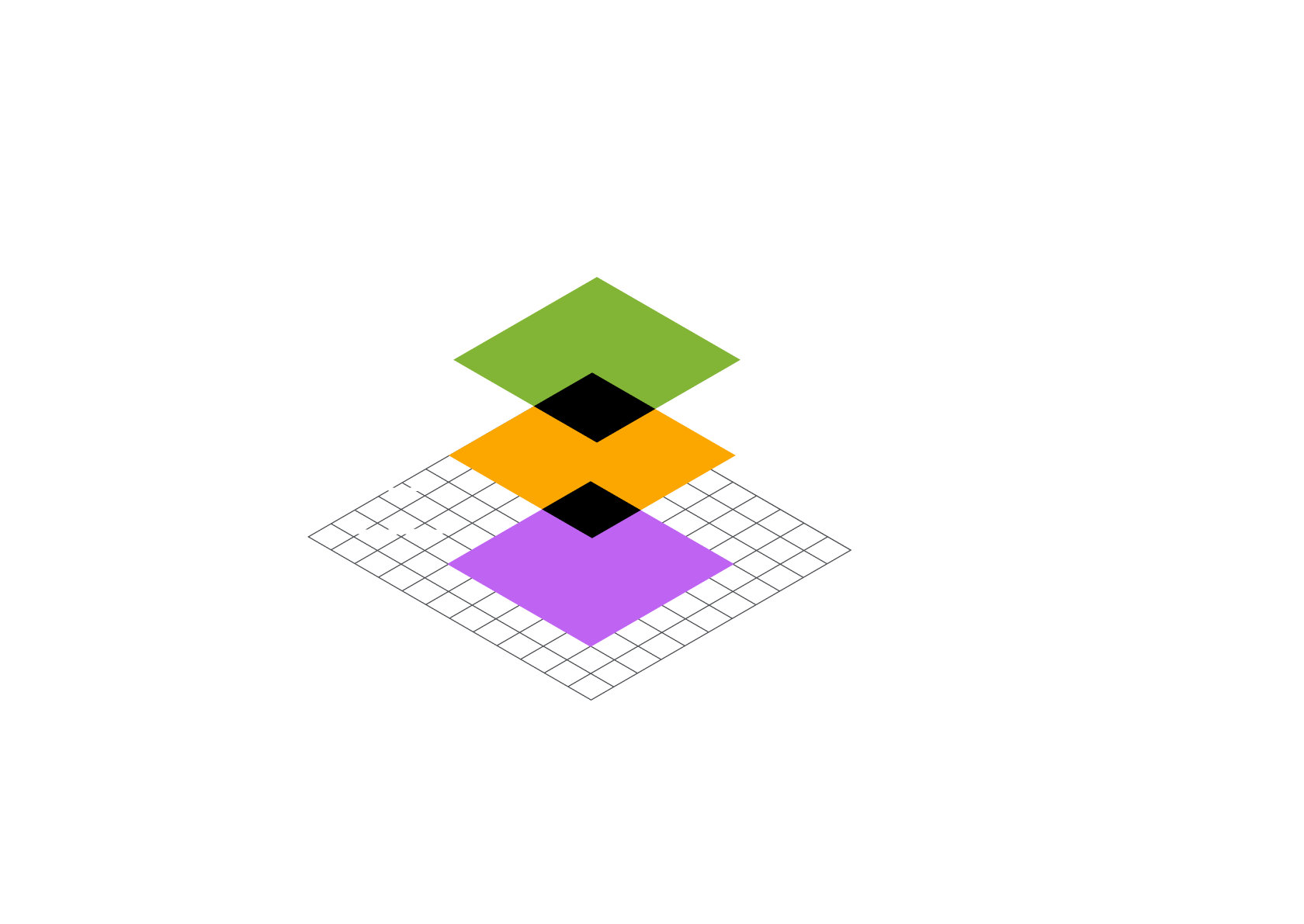
Elevation to help distinguish Rovo
Rovo uses the Atlassian Design System elevation model, with one addition: the
elevation.rovo.surface.overlay token.
Use this token when Rovo appears as an overlay
inside another app, as it creates visual distinction. When Rovo runs as a standalone app, use
Atlassian Design System core elevations.
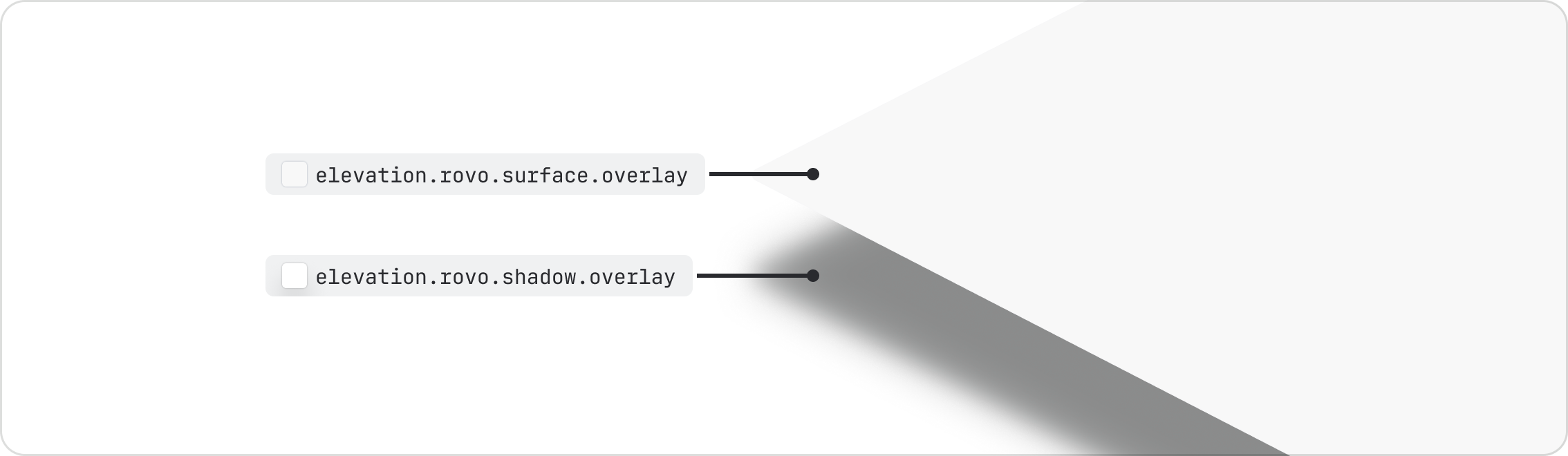
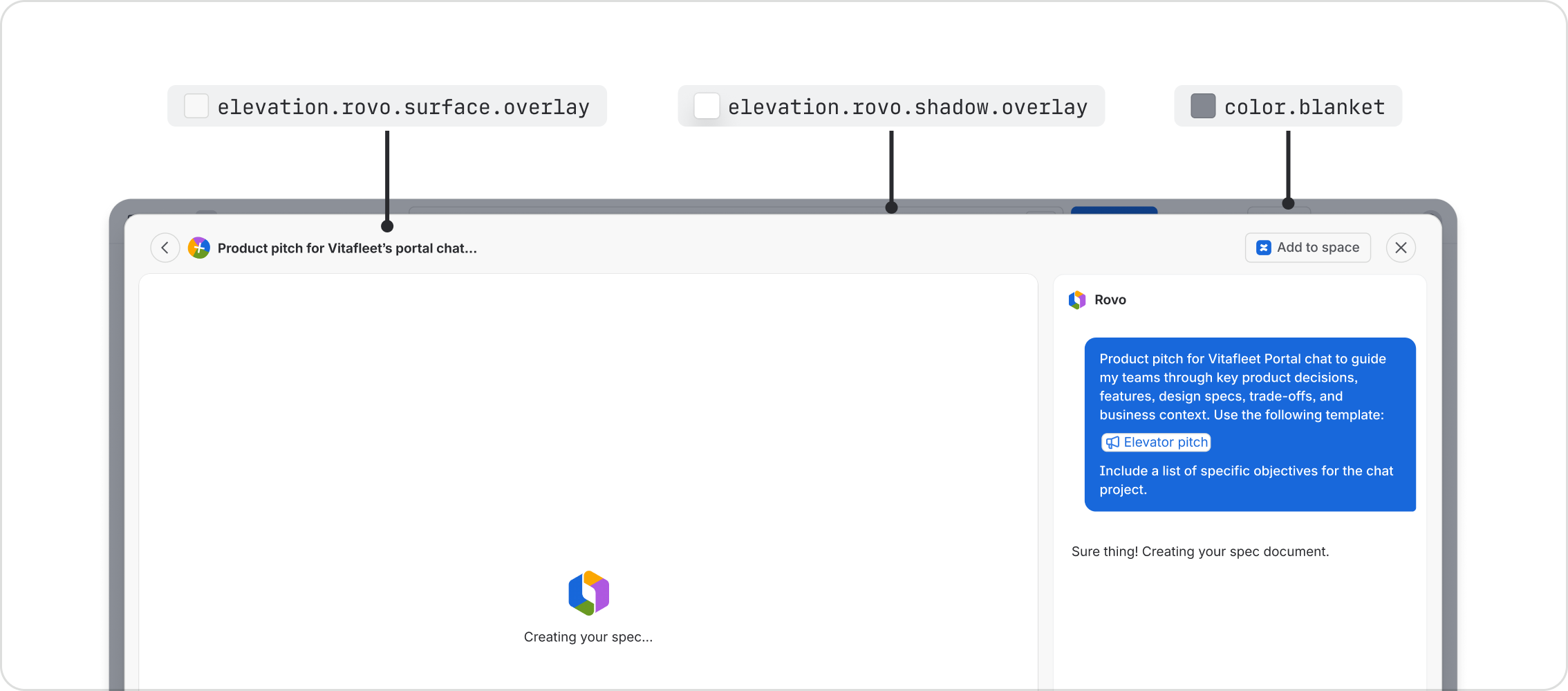
Rovo overlay
When Rovo appears as an overlay or modal inside an app, use elevation.rovo.surface.overlay. For
example, AI create, remix or omnibar experiences.
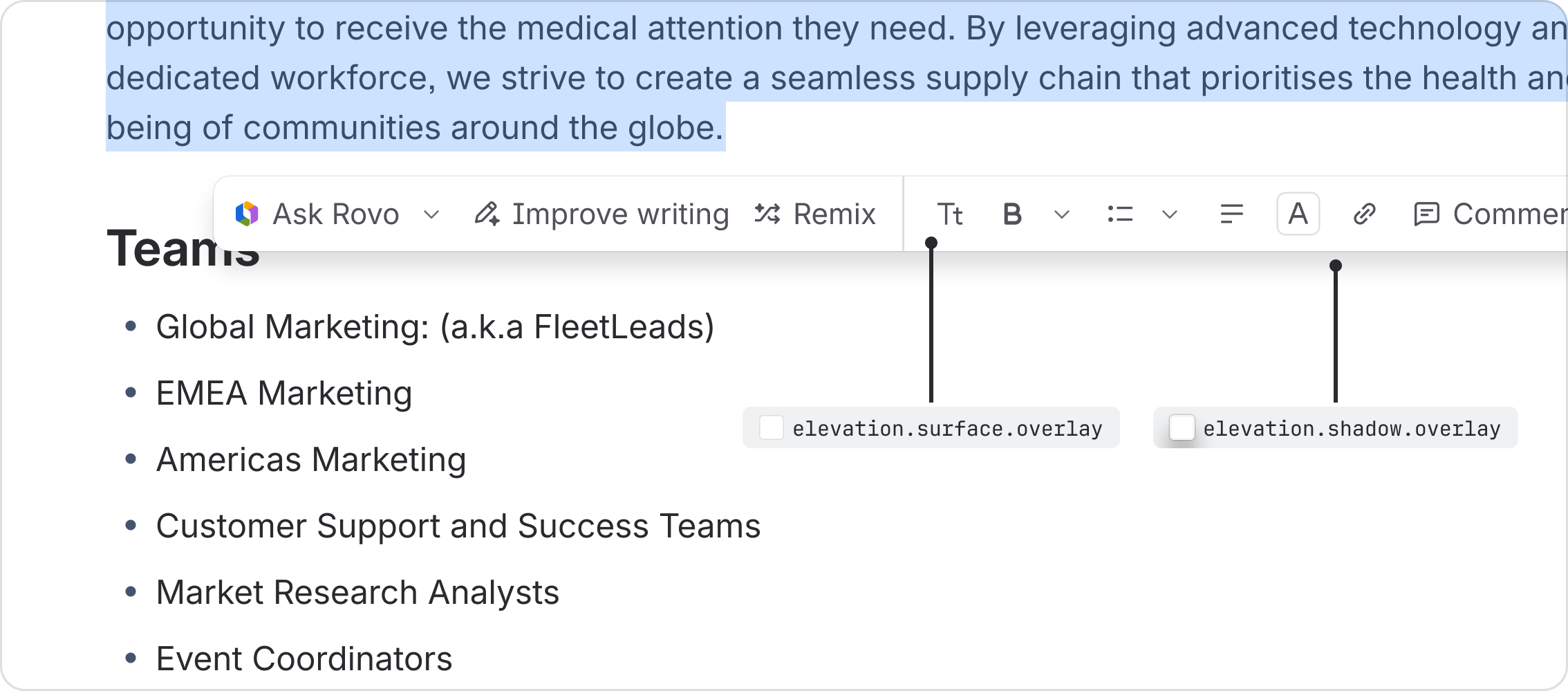
Rovo actions among other actions
When Rovo actions appear among other non-Rovo actions in a toolbar or menu, the surface defaults to Atlassian Design System core elevations. Rovo actions use a Rovo icon or logo and text to make it clear when it’s AI-powered.
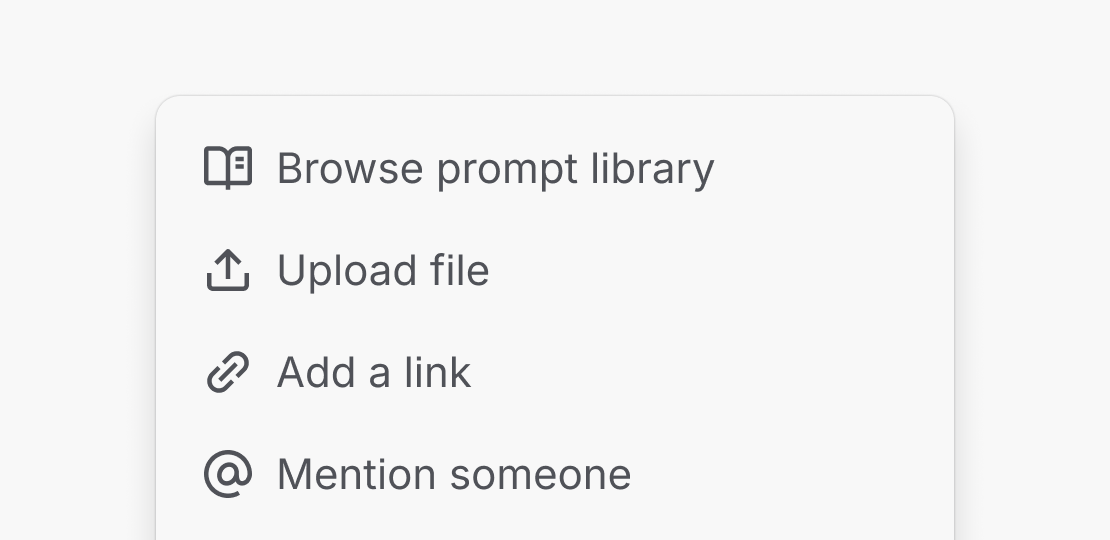
All Rovo menus use surfaces and shadows from Atlassian Design System core elevations.
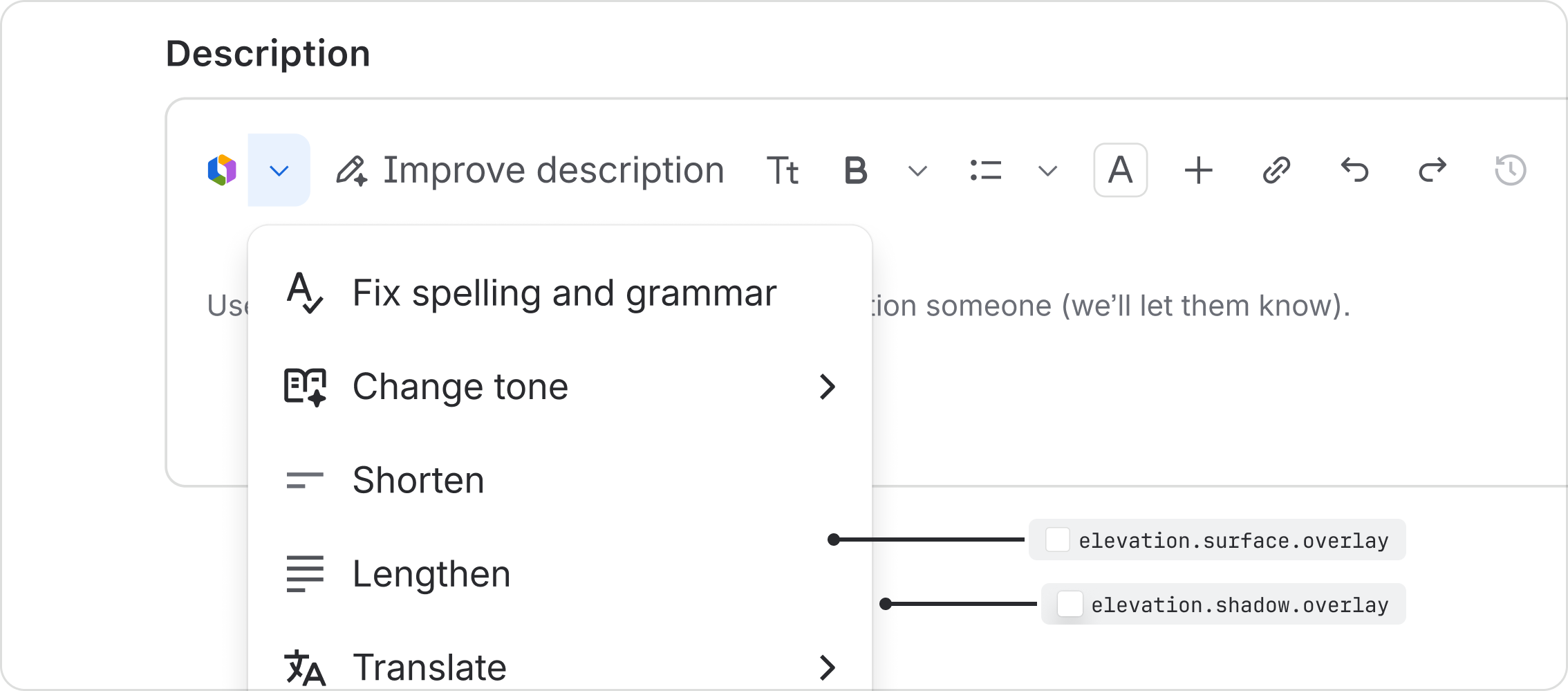
Do
Use Atlassian Design System core surfaces and shadows for all Rovo dropdowns and menus.
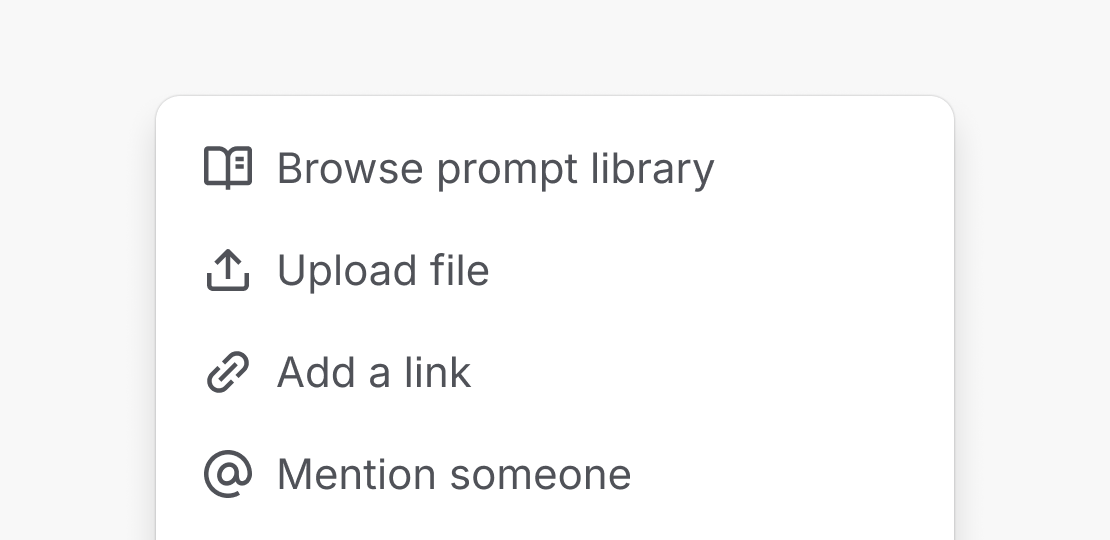
Don’t
Don’t use elevation.rovo.surface.overlay for Rovo dropdowns and menus.
- Explore the Rovo elevation tokens.
- Read about our elevation foundation.