Tag
A tag is a subtle, compact label used to categorize and organize content.Usage
Use tags to categorize and organize information. Tags work best for lower priority metadata such as categories, attributes, or topics that support scanning and filtering. They can be rendered as non-interactive, or as interactive elements to support linking and removal with a close button. If you need to represent an important attribute such as workflow status, system state, priority, permissions or promotional labels, use a lozenge instead.
Tags are designed to be displayed within a tag group. Use a tag group to control the layout and alignment for a collection of tags.
Parts

- Label: Text that describes the categorized information.
- Leading swatch (optional): Tags that use color as a wayfinding method (such as Jira epic or
parent labels) can leverage the
swatchBeforeproperty to increase prominence of that color. - Leading element (optional): Additional meaning can be added with an icon or another element
by using the
elemBeforeproperty. - Close button (optional): Enable the
isRemovableproperty to allow customers to remove a tag by clicking the trailing close button. - Badge (optional): Use the
trailingMetricprop to add a metric to the tag.
Best practices
Tags are reserved for object related content. For people, team, project or space avatars, use avatar tag.
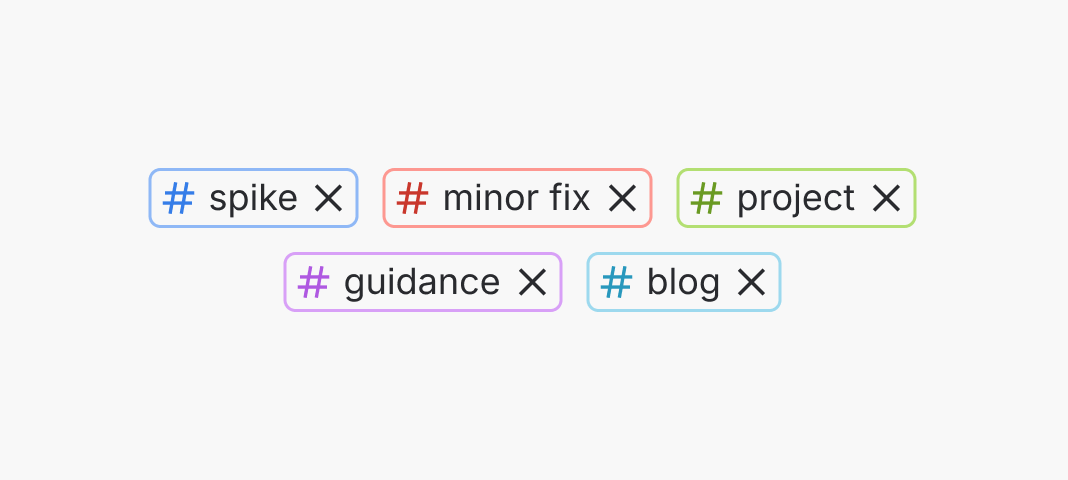
Do
Use tags for object-oriented elements.
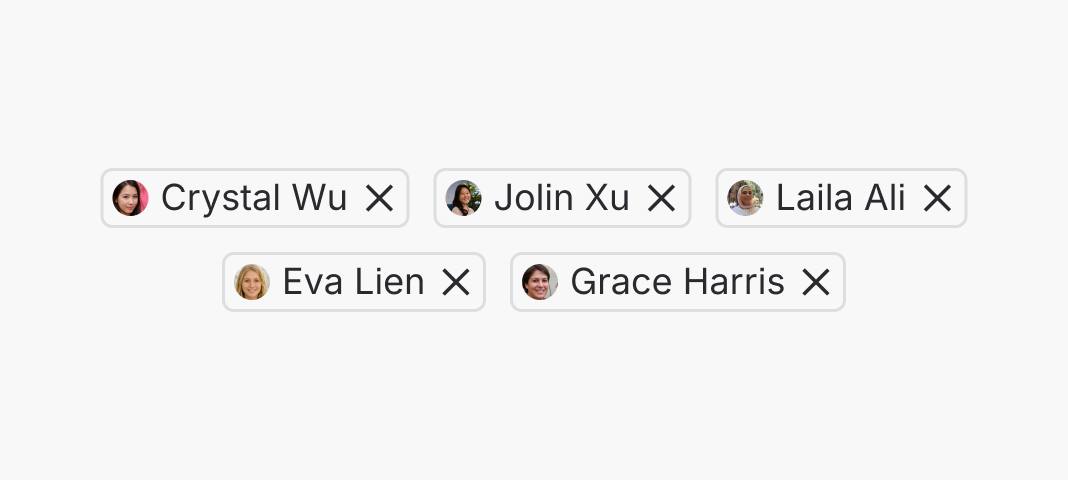
Don’t
Don't use tags for people.
Tags should only be used to categorize or organize information. Tags provide less visual prominence than lozenges to create visual hierarchy. To communicate high importance attributes such as workflow status, system state, permissions and promotional labels that affect prioritization, interpretation or product understanding, use lozenge.
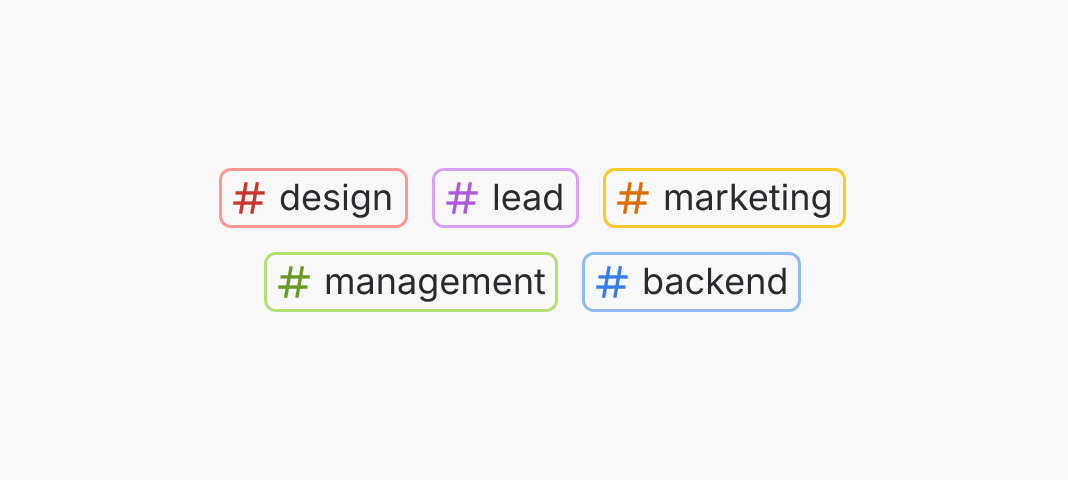
Do
Use tags to categorize, highlight and organize information.
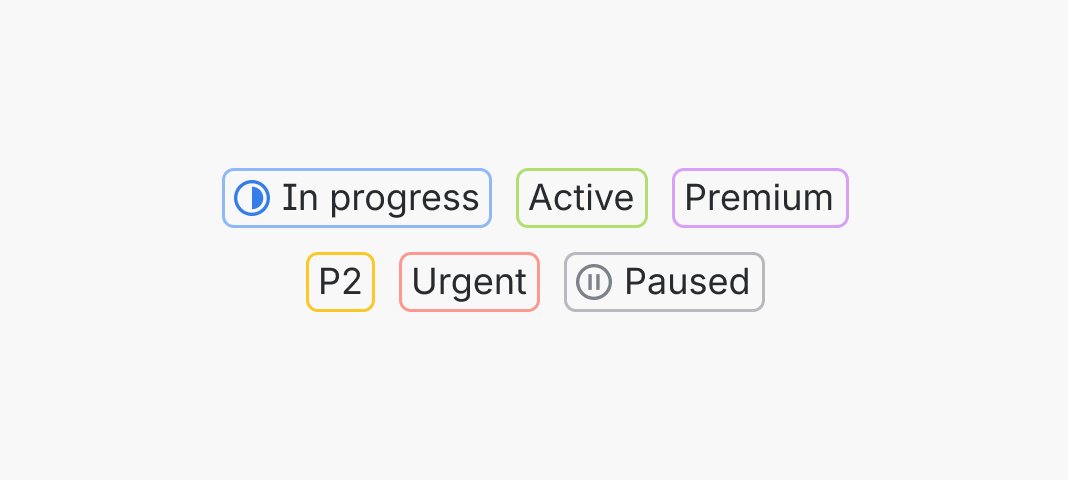
Don’t
Don’t use tags to communicate important attributes such as workflow status.
When using the tag component to represent a tagging or labelling feature, use the term 'Tags' to represent this concept and the hashtag icon for consistency across apps. This aids recognition and speeds up user comprehension by providing familiar visual cues.
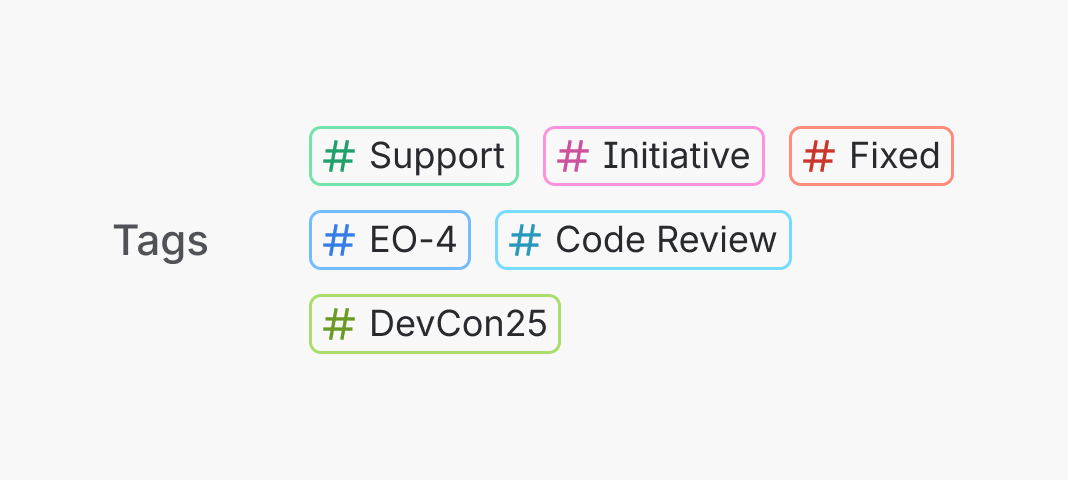
Do
Use the term ‘Tags’ and the hashtag icon.
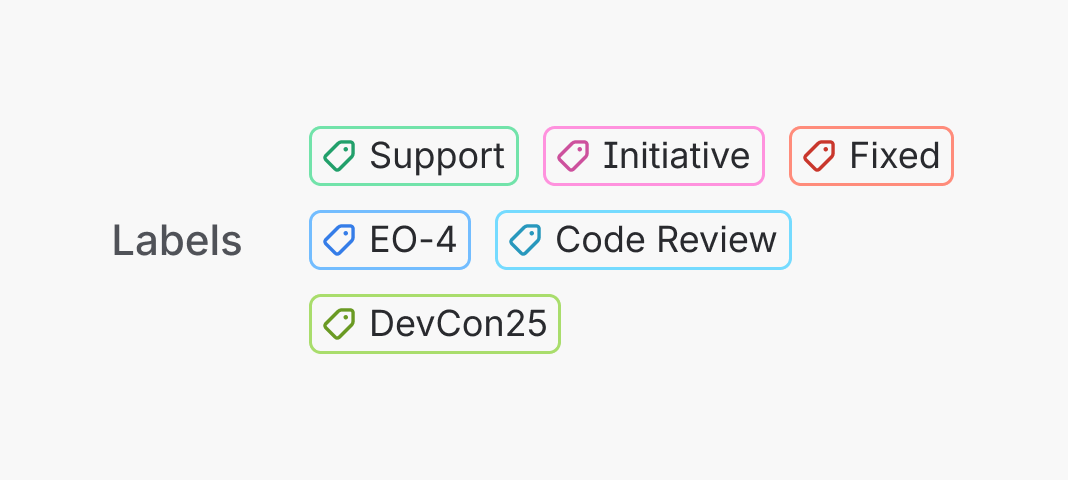
Don’t
Don't use different terminology or iconography for the same concept.
Tags are designed for organization and categorization, not for use inline with long form text like paragraphs or editor content.
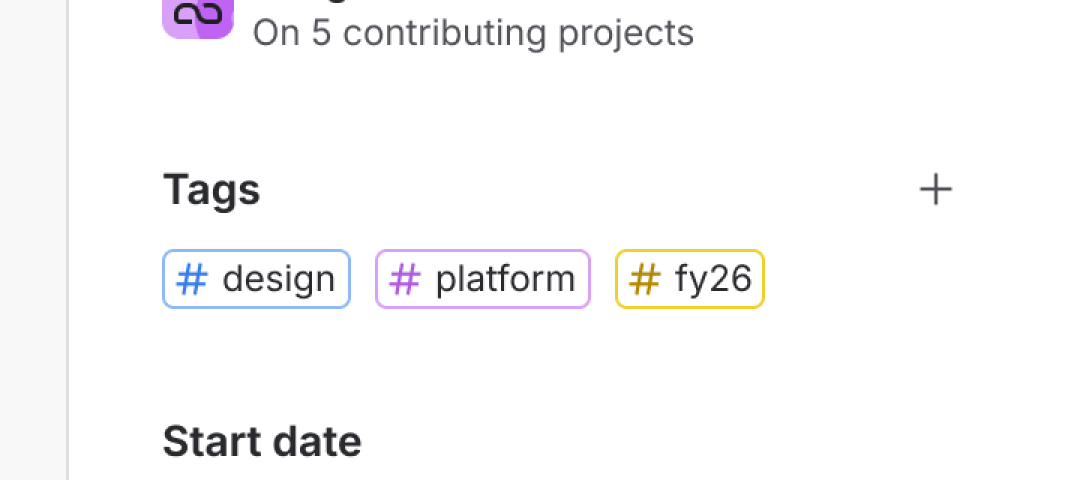
Do
Use tag to organize and categorize items.
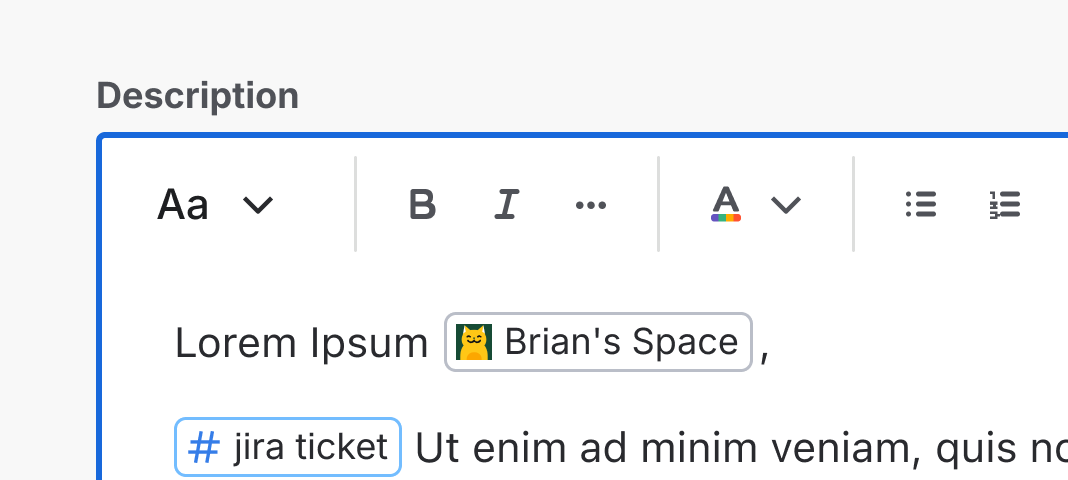
Don’t
Don’t use tags in line with user generated text.
Don’t use the swatchBefore property to increase prominence
The swatchBefore property is only used when the tag uses color as a wayfinding method.
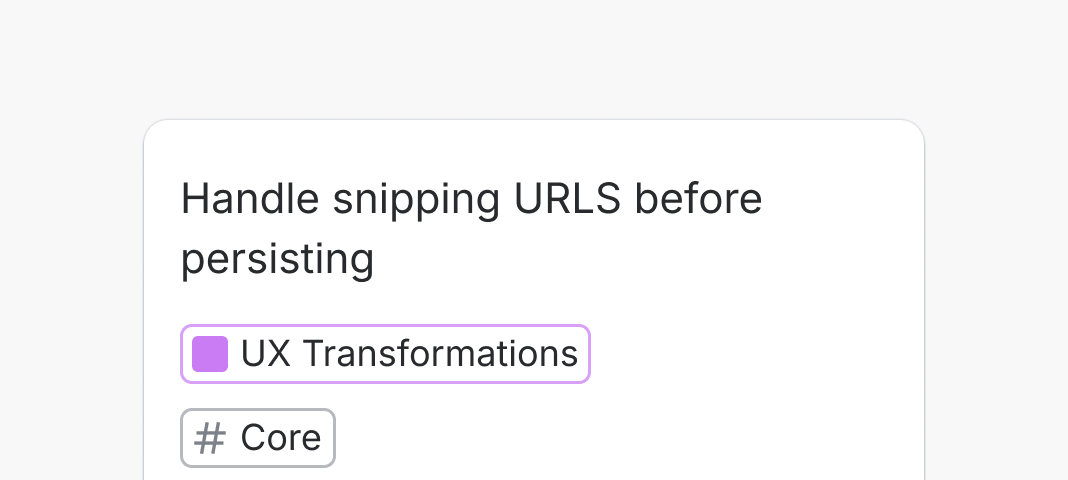
Do
Use swatchBefore when the color has meaning and is used for wayfinding such as for Jira epics or parents.
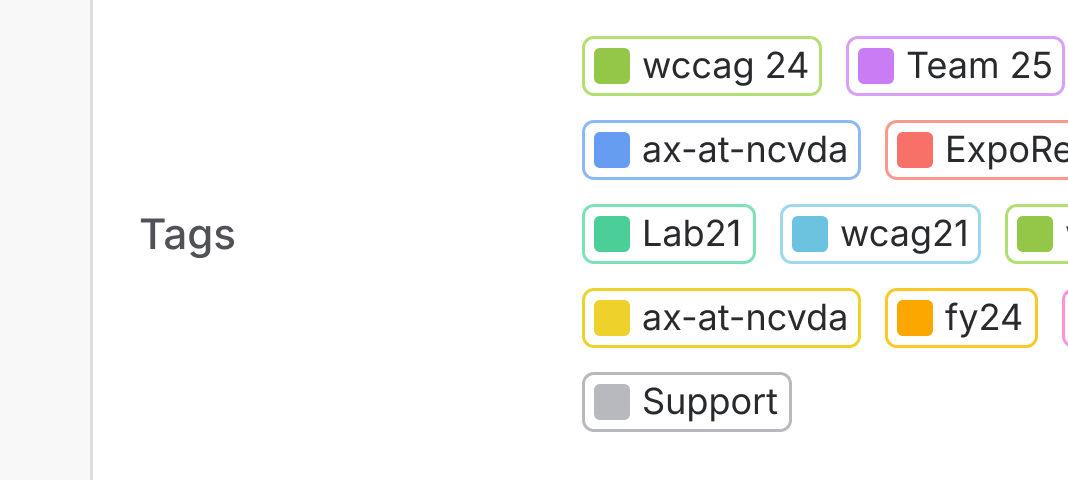
Don’t
Don’t use swatchBefore to increase prominence unless the color has meaning.
Content guidelines
- When writing tags, avoid line wrapping.
- Tag has a maxWidth of 200 pixels (or a custom maxWidth value) causing labels to truncate. If the tag isn't user generated, keep labels short to avoid truncation.
Data Center products
For all new features, we recommend using Atlassian Design System and other Atlaskit components, (opens new window). For existing code, you can continue to use Atlassian User Interface (AUI), (opens new window).
- For status and other high importance attributes, use a lozenge.
- For tallies or scores, use a badge.
- For tagging people, team, space, or projects, use an avatar tag.