Avatar tag
An avatar tag represents individuals, teams, or AI agents for tagging, quick recognition and navigation.Usage
Use an avatar tag to label a person, agent, team, project or space for quick recognition and navigation. For other UI objects, use a tag. Avatar tags can be rendered as flat, as links, or with a close button.
Avatar tags support three types of avatars:
- User (
type = 'user'): Represent individual users. - Agent (
type = 'agent'): Represent agents like Rovo. - Other (
type = 'other'): Represent teams, projects or spaces. UseisVerifiedto represent verified teams.
Avatar tags are designed so they can be displayed within a tag group. Use a tag group to control the layout and alignment for a collection of avatar tags.
Parts
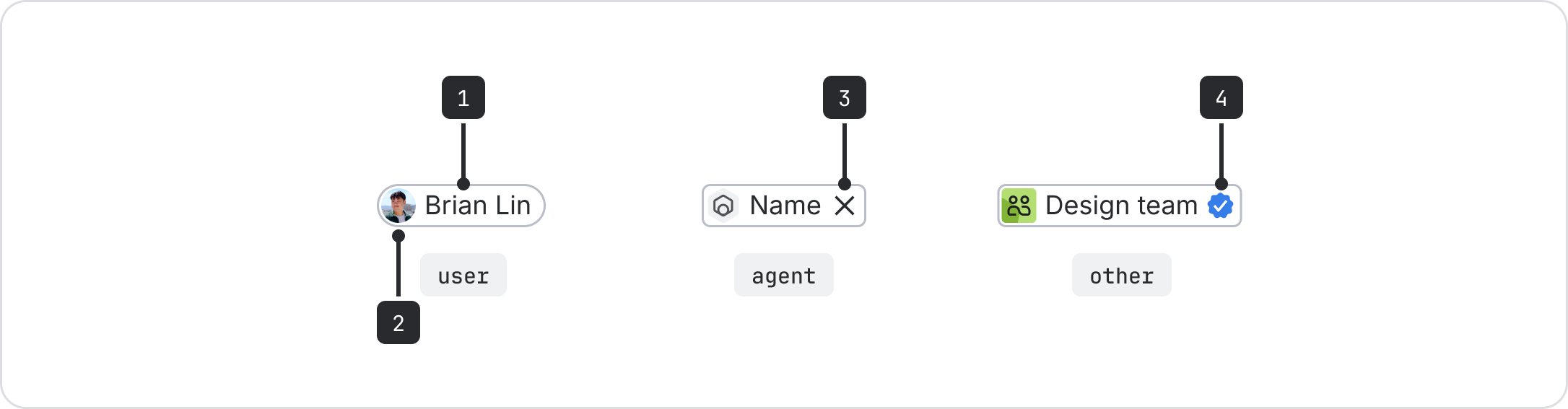
- Name: Displays the name of the person, agent, team, space or project.
- Avatar: An image representing the entity. The shape varies by type: round for people, hexagonal for agents and square for teams, projects and spaces.
- Close button (optional): Included if the tag has an
isRemovableproperty. The button enables the tag to be dismissed by the user. - Verified badge (optional): Included if the tag has an
isVerifiedproperty. Used to represent verified teams. Do not use for other avatar tags.
Best practices
Use the correct type for your content
Avatar tags are reserved for individuals, agents, teams, projects, and spaces. Human representations are differentiated from non-human representations by shape, so user avatar tags have a rounded appearance. Do not use avatar tags to represent any other type of content, and always apply them correctly to ensure the intended visual treatment.
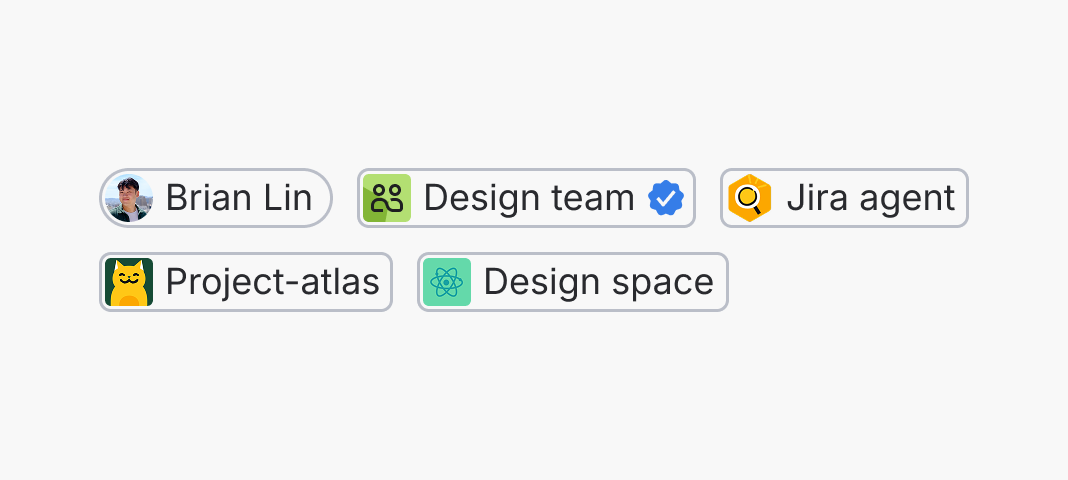
Do
Use avatar tags exclusively for people, agents, project, space or team avatars.

Don’t
Don't use avatar tags for other general elements like document categories.
Avatar tags increase the amount of cognitive noise, particularly when combined with other labeling elements, so use them in moderation.
Avatar tags are reserved for labelling and should not be used in place of content in user-generated long-form text or prompts, such as in editor.
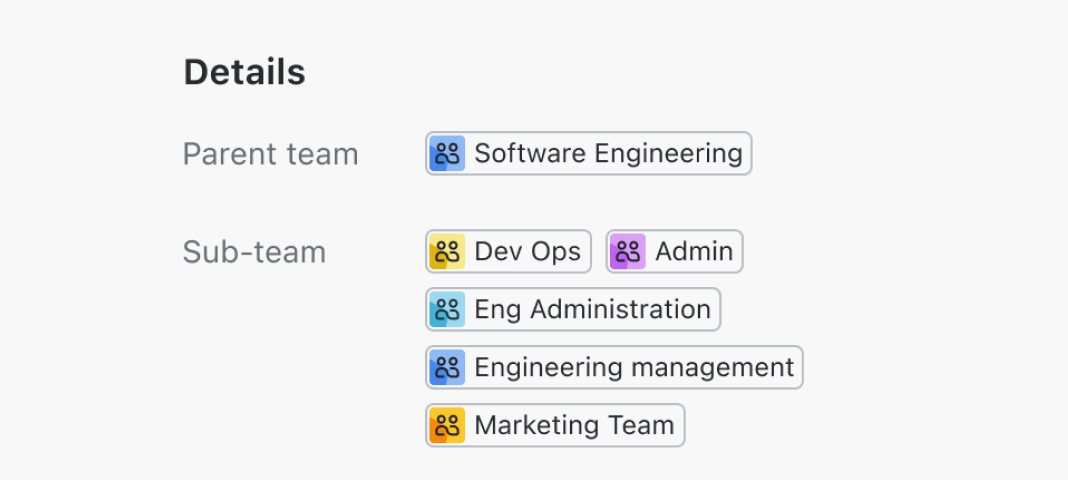
Do
Use avatar tag to label and categorise items.
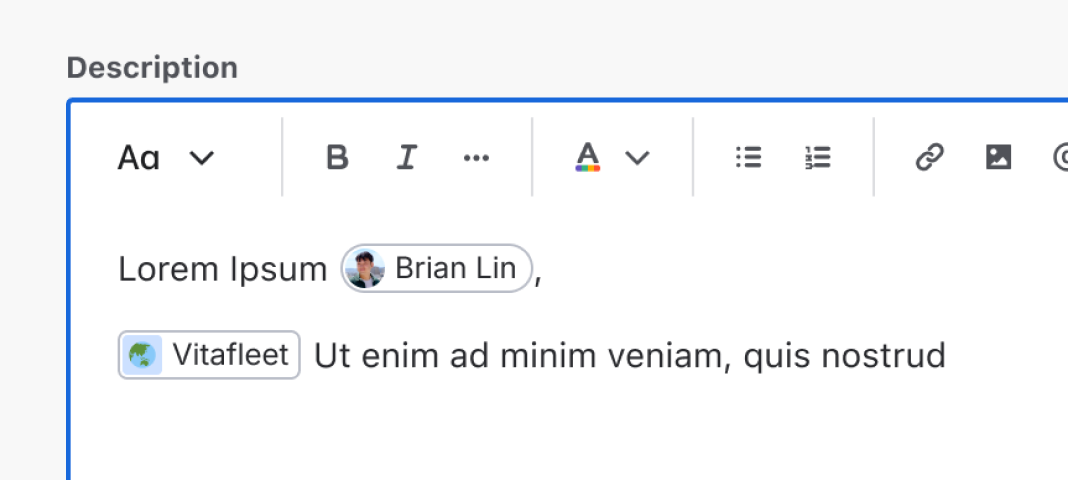
Don’t
Don't use avatar tags in line with user generated text.
Content guidelines
Truncate names with an ellipsis if they exceed the component's maximum width and ensure the full text is revealed with a tooltip on hover.