Object
An object is an icon that represents an Atlassian-specific content type.Usage
An object is a representation of an Atlassian content type. They can be concepts such as a page in Confluence, a work item in Jira or a pull request in Bitbucket.
Unlike the standard Icon component, an object is an icon that has an assigned color to help people identify the content type faster. This reduces cognitive load for people across apps and platforms.
Size
There are 2 size options for object, representing the width and height in pixels: 12px and 16px. For larger sizes and increased legibility and visual prominence, use Object tile.

Accessibility
Use objects in combination with a title and meta-information, such as author, creation date, or sub-heading.
Best practices
Larger than 16px - use an Object tile
Do not scale objects. For use cases that require a larger object, use Object tile.
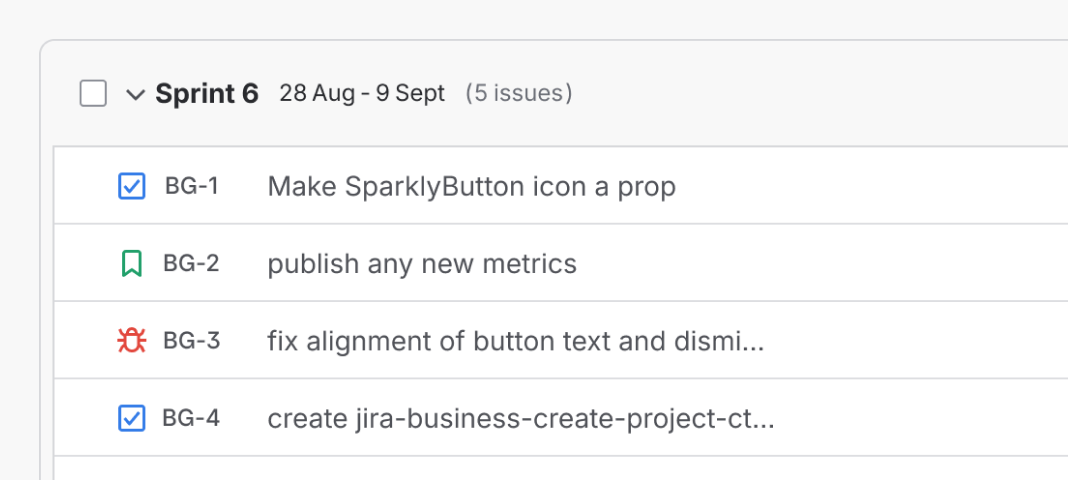
Do
Use an object at either 12px or 16px.
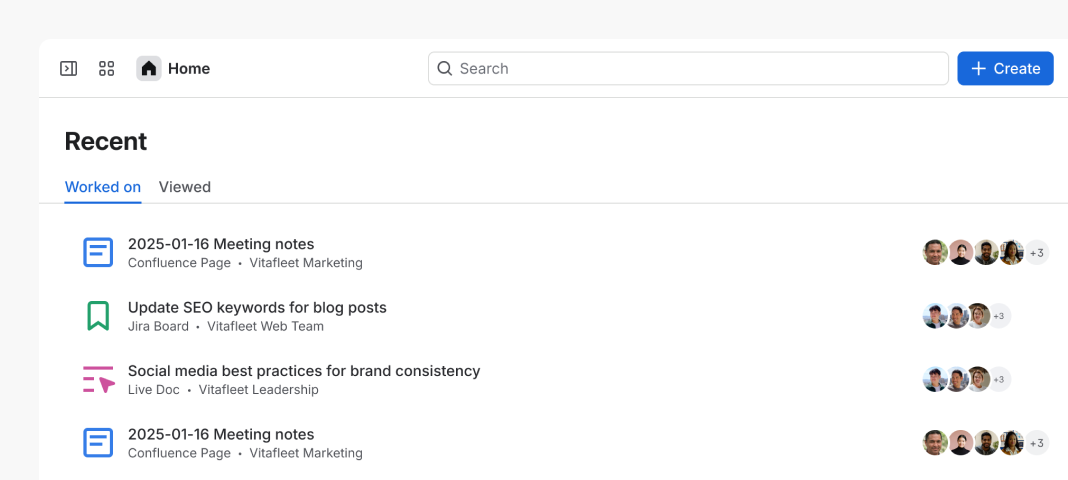
Don’t
Scale objects beyond 16px.
Don’t change object colors
Objects are assigned specific colors. For consistency across our apps, don’t change the color of the object.

Do
Maintain the assigned color.

Don’t
Switch color tokens or use custom fills.
Contributing and adding new objects
Atlassian teams may request a new object for their apps. Please follow the request process, (opens new window) (Atlassian employees only).
- For objects larger than 16px, use Object tile
- Icon
- Icon tile