Inline editable text field
An inline editable text field displays a text field that switches between reading and editing on the same page.Usage
Most inline edit use cases use a standard text field. Use an inline editable text field to let users switch between reading and editing text in a simple text field out of the box.
Use an inline edit if you require more customisation and need to pass in your own custom input components. Remember to pass in custom read view and edit view components to match the input components' size.
Parts
Read view

Label: Labels are concise, sentence case text describing what to enter in the field.
Text field: When in read view, the field is hidden and aligned with the label. When in an empty state, you can customise what placeholder text is shown here.
Edit view

Label: Labels are concise, sentence case text describing what to enter in the field.
Text field: When in edit view, the field snaps to the width of the column and the text remains aligned with the label.
Controls: Options to save or cancel the current data entry appear at the end of the field.
Best practices
Use an inline editable text field for when there is existing content in a text field that may need to be tweaked.
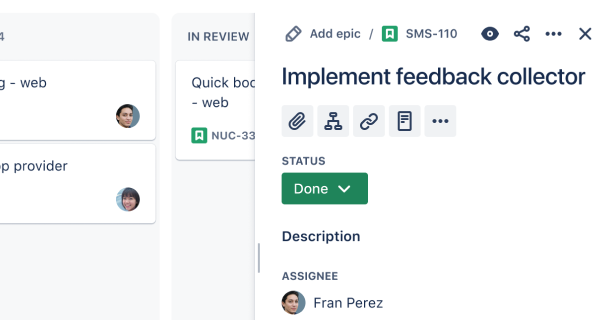
Do
Use an inline editable text field for where there are multiple items on a page that can be edited at once.
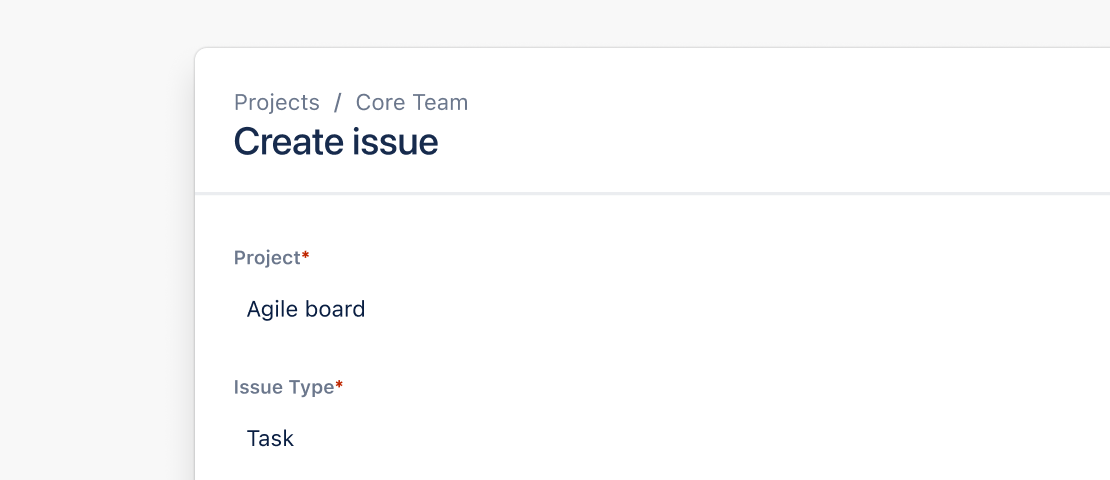
Don’t
Do not use an inline editable text field if the main function of the screen is editing. Try using a text area instead.
Behavior
The inline editable text field has the same features as inline edit. This includes the action buttons and validation features.