Icon tile
An icon with background, color and size determined by the Tile component.Usage
Icon tile inherits properties from the Tile component, like sizing and radii. Use an icon tile to prominently highlight icons in a layout, such as next to a group of text.
For icon tiles representing Atlassian-specific content such as pages, live docs, or bugs use Object tile.
Parts
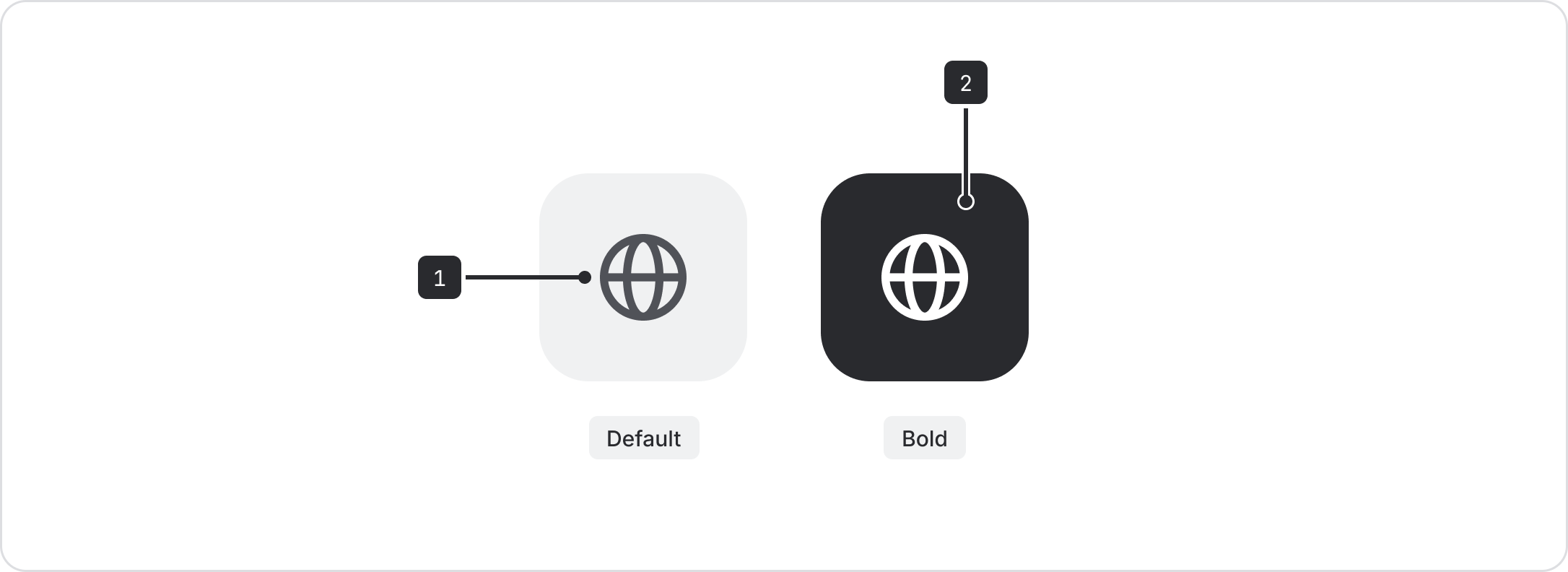
- Foreground element: Can be switched out with any icon from our iconography library.
- Tile background: The default variant has a neutral background set to
color.background.neutral. Bold tile backgrounds can be picked from a range of preset background accent tokens.
Size
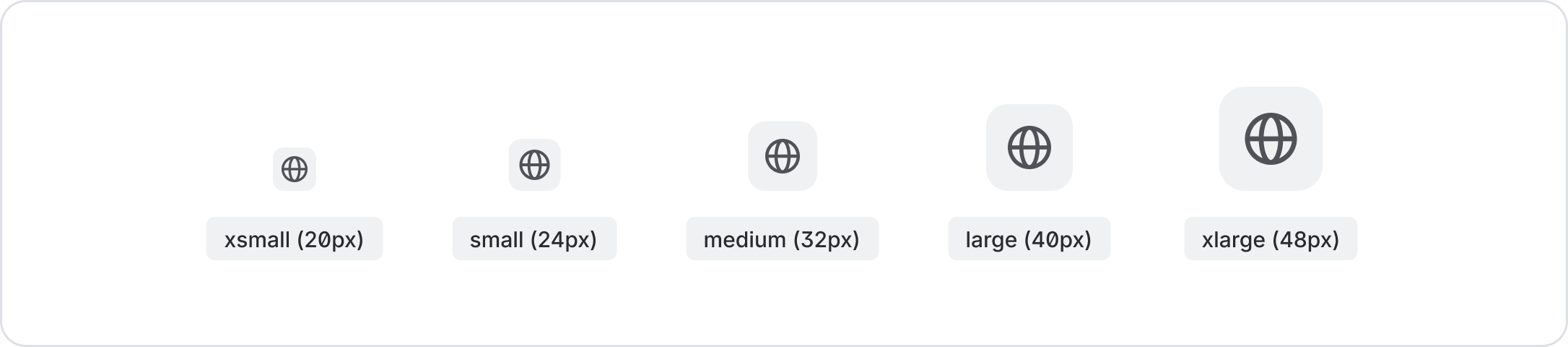
Unlike the Icon component, Icon tile provides flexibility for icons to be scaled up for use in different layouts. There are currently 5 size options: xsmall (20px), small (24px), medium (32px), large (40px), xlarge (48px).
Color
Icon tiles come with readily set color variants in default and
bold. For consistency across our apps, don't change the color of the icon tile to a custom color.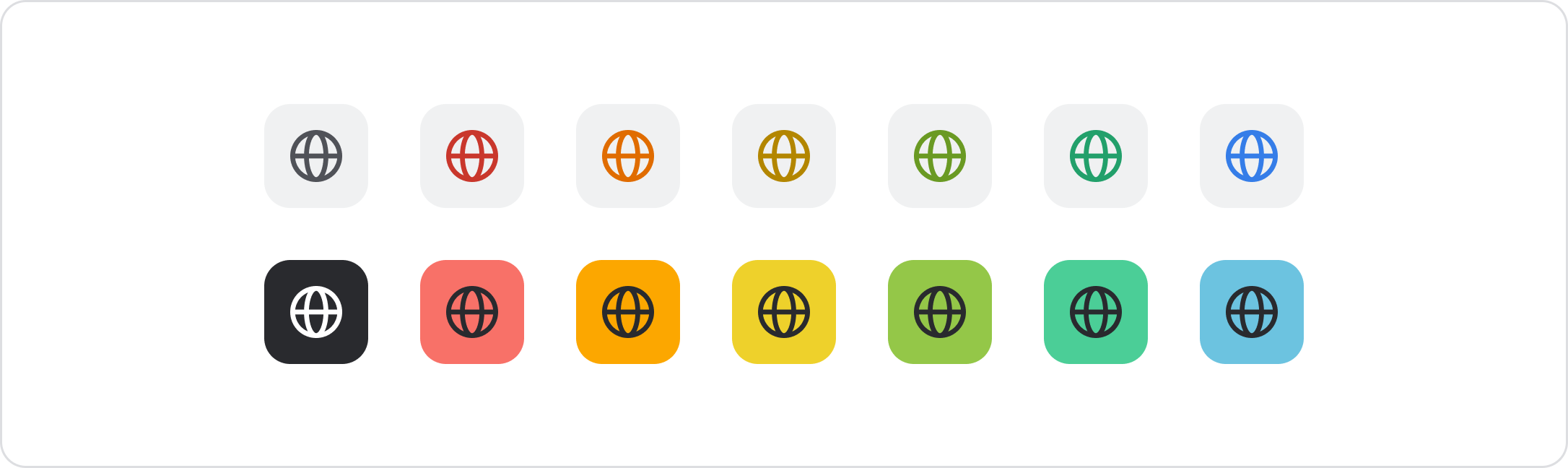
Best practices
Use bold variants with care
Be cautious when using bold tiles. Use them only when highlighting stand-alone elements.

Do
Use sparingly, and only as stand-alone elements.
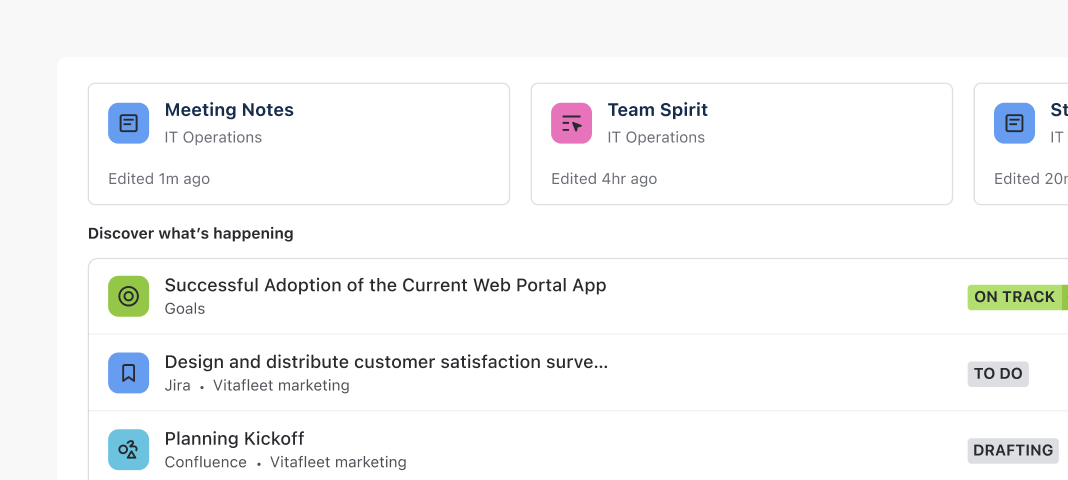
Don’t
Don't use bold tiles on compact elements like lists or tables.
Reference height of adjacent content for size
Icon tile supports a range of sizes from 20px to 48px. As a general rule when selecting size, reference the size of the icon tile to the height of its adjacent content for visual balance.

Do
Align icon tile sizing to closely match the height of its adjacent content.

Don’t
Avoid selecting icon tile sizes smaller than the height of its adjacent content.
Avoid pairing icon tile with compact elements
Icon tile can act as strong visual anchors for primary content. Reserve them for grounding major content blocks. When pairing an icon with compact elements like a single line body copy, use a standard icon instead.
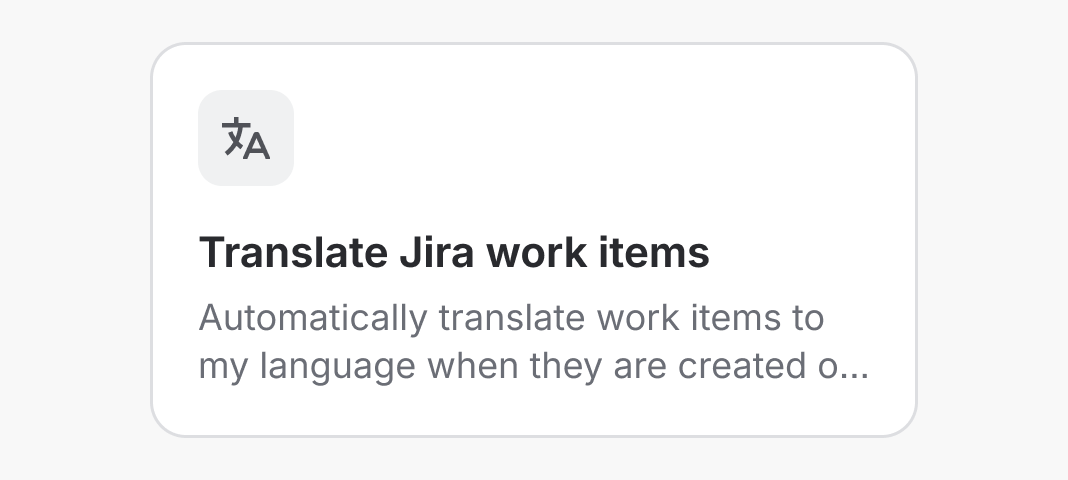
Do
Use icon tile to highlight content at a glance.
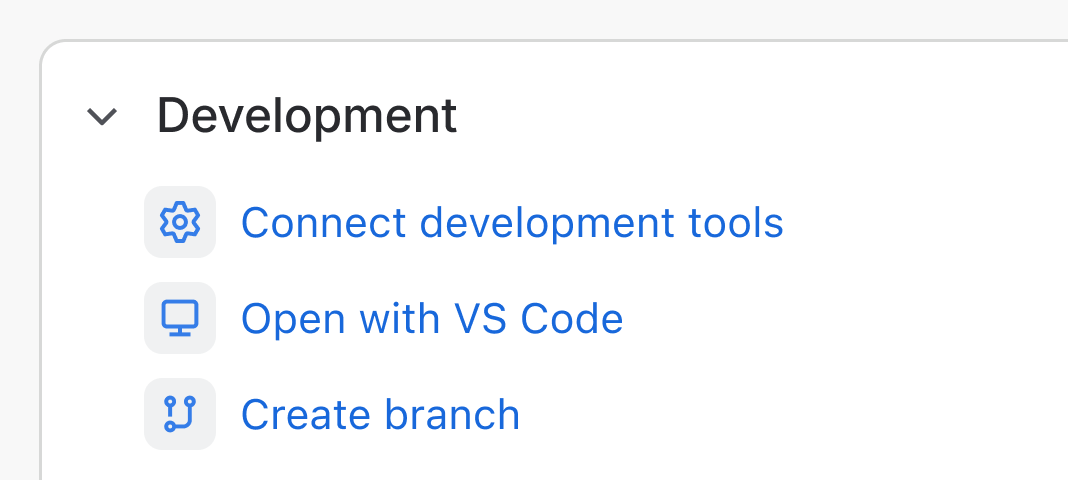
Don’t
Avoid pairing icon tile next to compact elements such as single line body text. Use Icon instead.
- To slot in elements other than an icon, use Tile
- Object
- Object tile
- Icon